Running a small business on paper
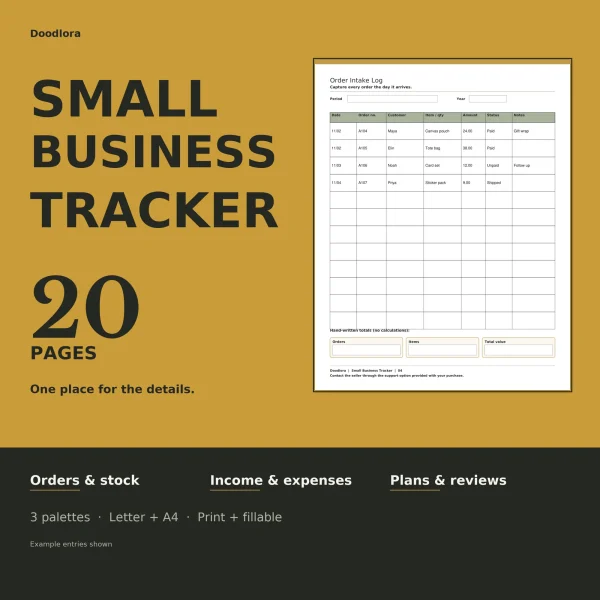
For a maker, a market stall or a side business, the Small Business Planner is the broad one: twenty different record pages that follow an order from intake through shipping and payment, with a small box of totals at the foot of each money and stock page. If you only need one part of that, pick the narrower set.
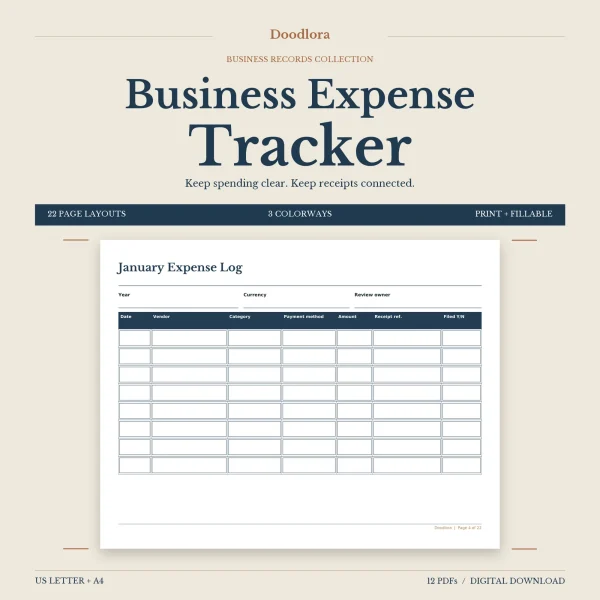
- Money going out. The Business Expense Tracker gives each month, January to December, a landscape page with a receipt reference column, and adds mileage, receipt and vendor pages. The currency is yours to write in.
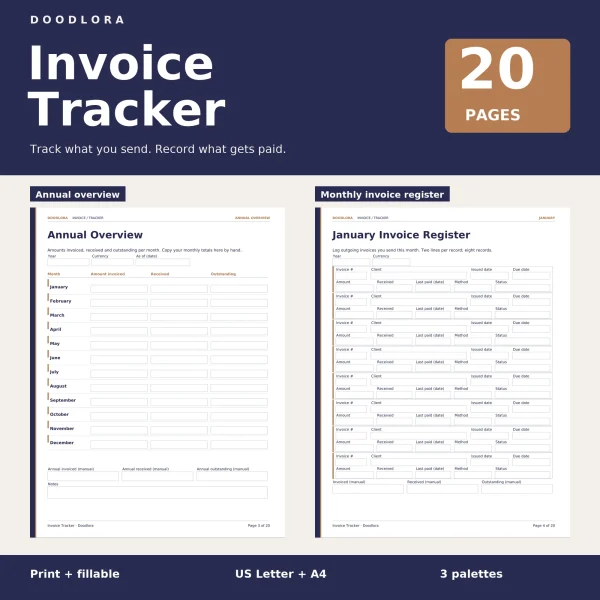
- Money coming in. The Invoice Tracker keeps invoices you have already sent, one register a month, with room for part payments and a separate follow-up page for overdue ones. In the fillable files the status is a dropdown of five labels.
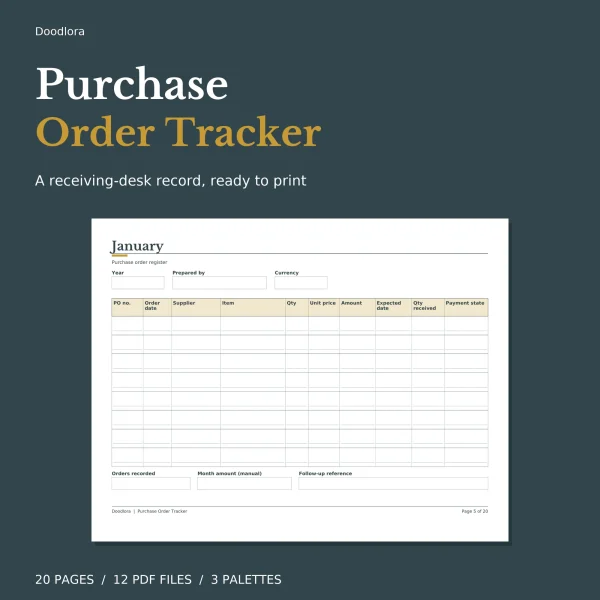
- Orders you placed. The Purchase Order Log takes one item per line, so the quantity received sits next to the quantity ordered and a short delivery stands out. A returns page sits at the back.
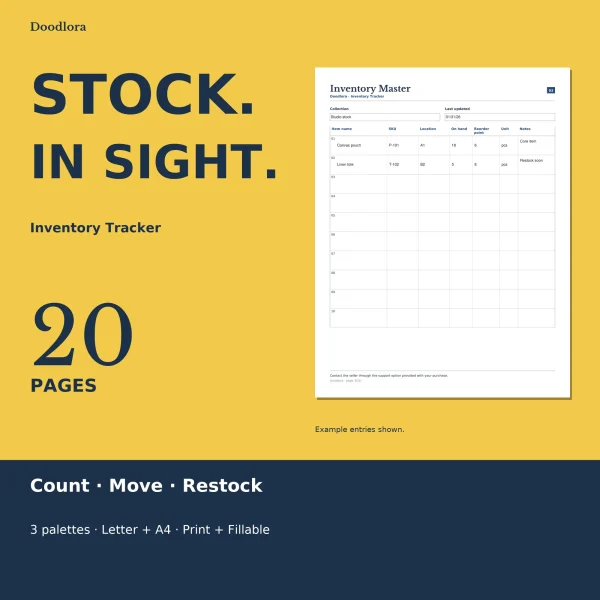
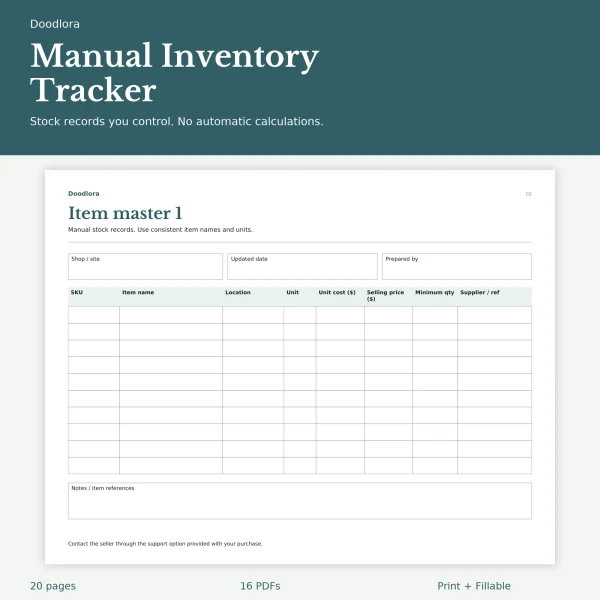
- Stock. Two sets work differently. The Inventory Log Book is a one-year book built on twelve monthly count sheets that set the recorded quantity against what you counted. The Printable Inventory Sheets give arrivals, sales or transfers and stocktakes their own sheets, linked by SKU and reference numbers.
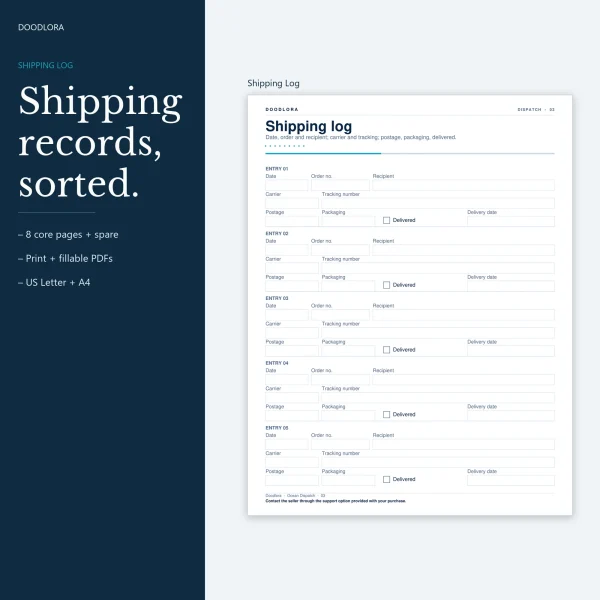
- Parcels. The Shipping Log has a tracking column wide enough for a long code, plus a monthly postage summary, a returns page and a count of packaging stock.
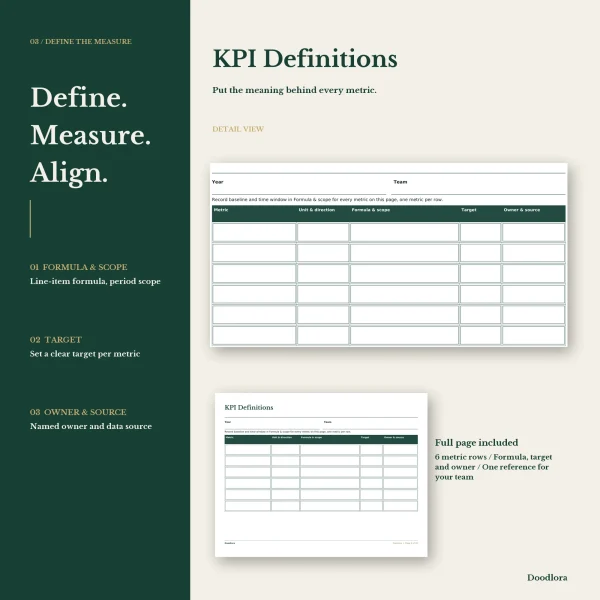
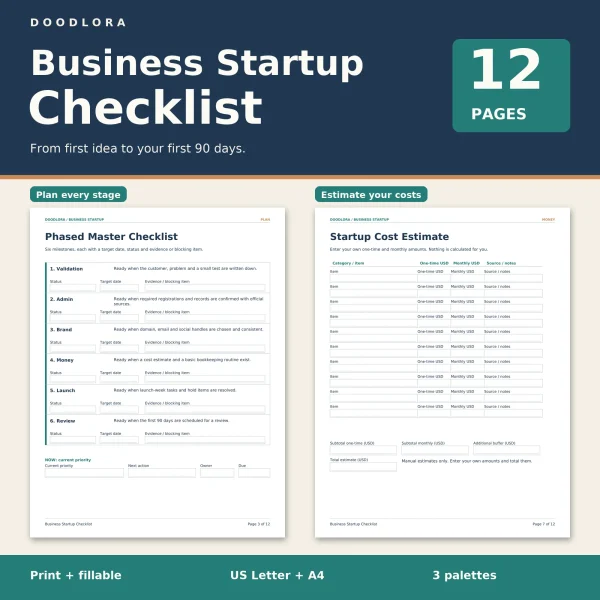
Two sets look further ahead. The Starting a Business Checklist runs twelve pages from testing the idea to reviewing the first three months, and its registration page leaves the checking of state and local requirements to you and the official sources. The KPI Tracker suits a small team: up to six measures defined once, checked against target each month and reviewed every quarter.
Clients, callers and the front desk
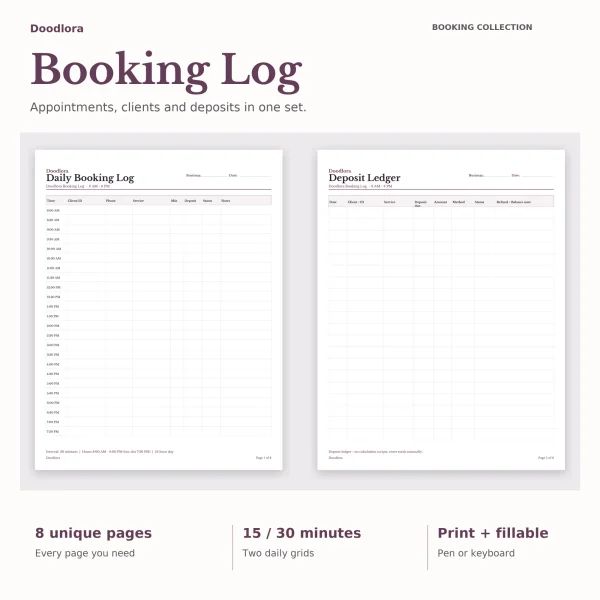
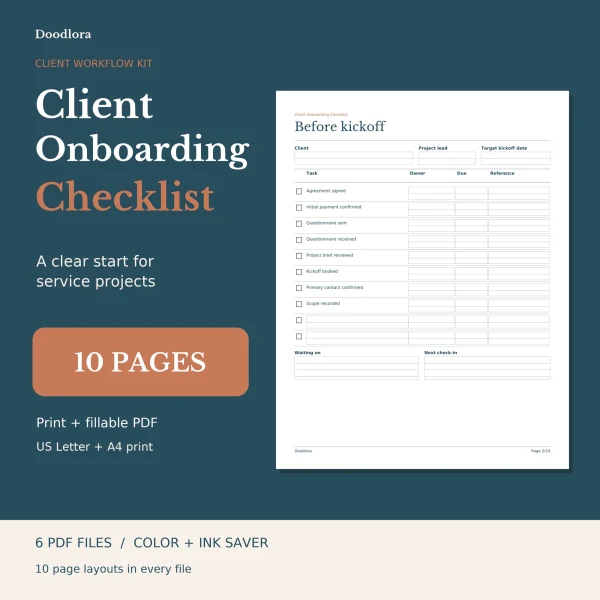
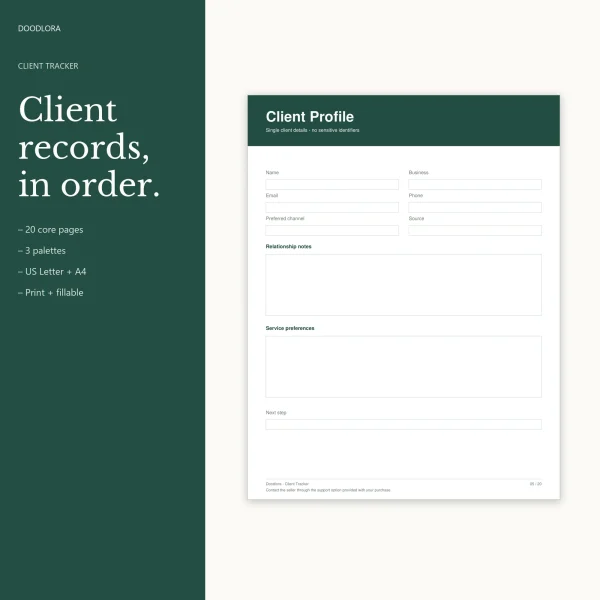
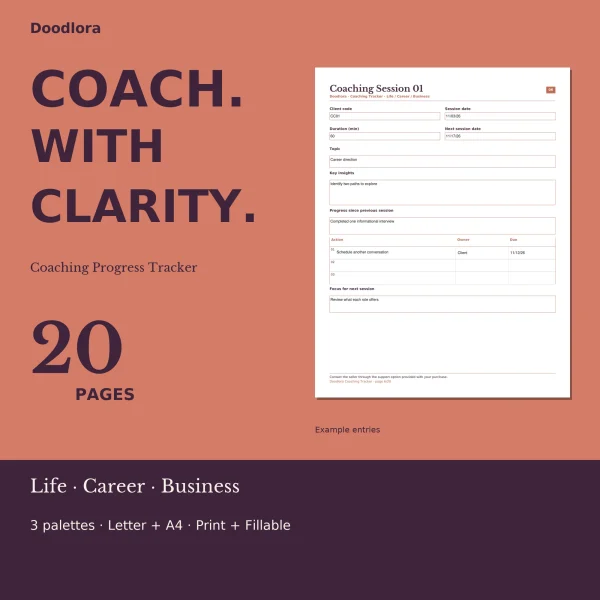
Service businesses that book people in have three sets to compare. The Appointment Log is the daily booking sheet, in 15- or 30-minute slots from 8 AM to 8 PM, with pages for deposits, no-shows and a waitlist. The Client Tracker is the long-term record, from a client directory to payments, birthdays and a year-end summary. The Client Onboarding Checklist covers the gap between a signed agreement and the first milestone, and shows one page filled in for an invented project. Coaches get their own book in the Coaching Log, which uses client codes in place of full names and has eight numbered session records.
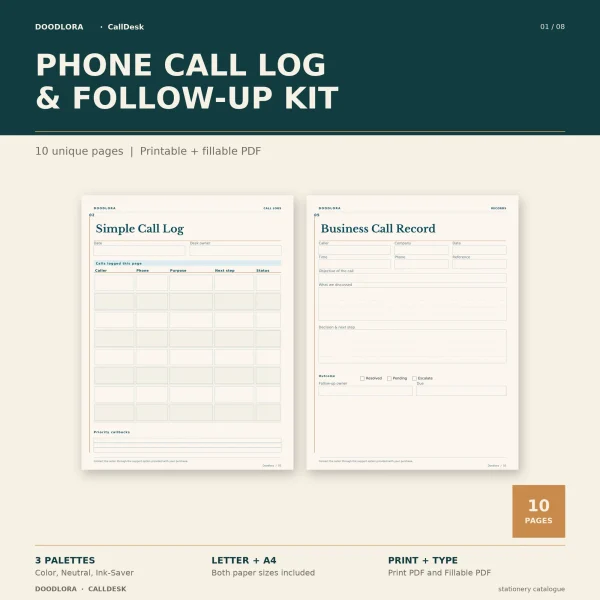
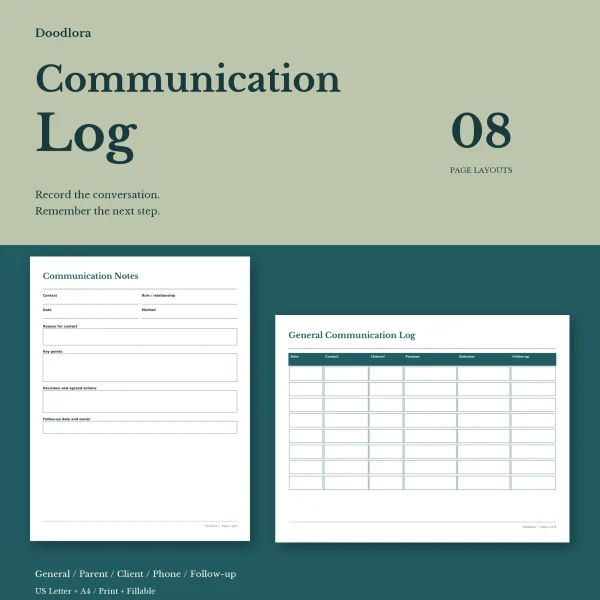
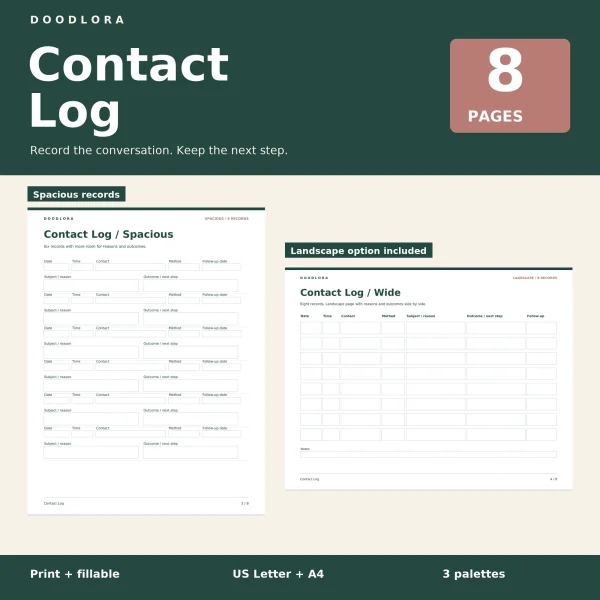
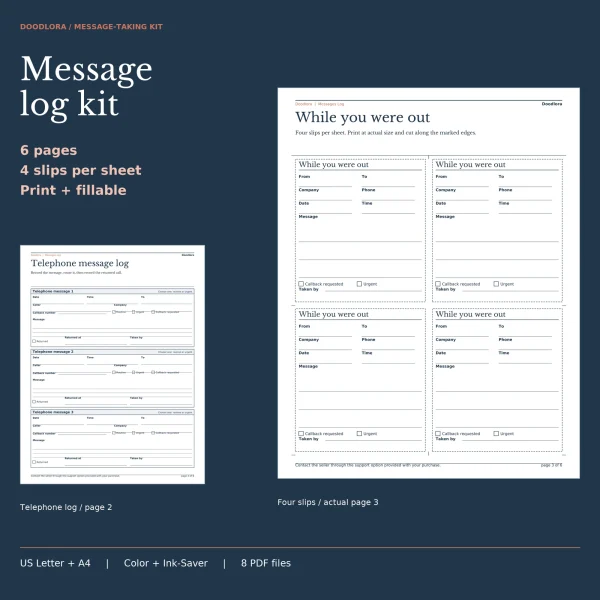
For conversations, the Contact Log prints the same record in three row sizes, and the Communication Log splits by who you spoke with. Its parent log and parent meeting notes are the pages a teacher would reach for. On a busy phone, the Call Log keeps each call and the follow-up it needs, while the Phone Message Log is for messages taken for somebody else, with a To line and a Taken by line on every form. Both include tear-off While You Were Out slips.
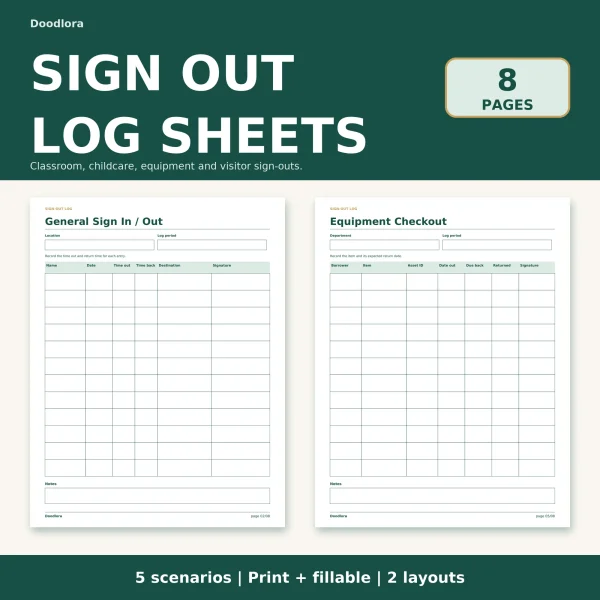
At the door, the Sign Out Sheet holds five separate logs: general, classroom, childcare pickup, equipment checkout and visitors. The pickup page has a column to tick once the adult collecting a child has been checked against your own list.
Hours, projects and focused work
Which hours log fits depends on what you bill or measure.
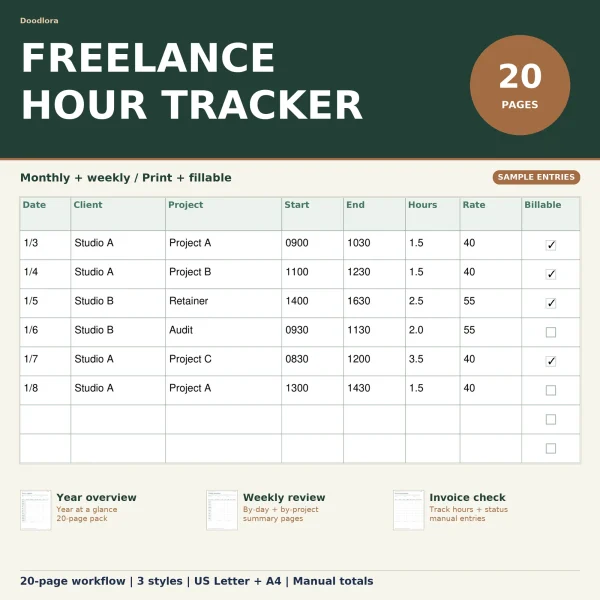
- Freelance Hours Tracker: sixteen timed entries a month with a rate and a billable tick, then pages that turn hours into invoice lines.
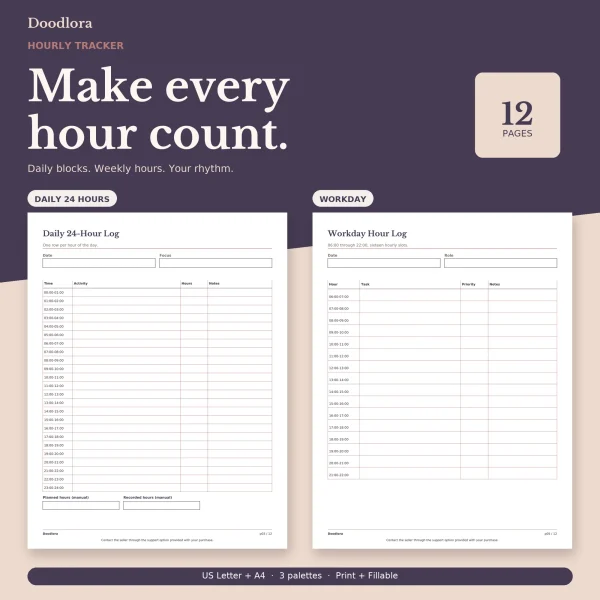
- Hourly Log: follows the clock, with a 24-row day, a 16-row workday and a landscape week grid.
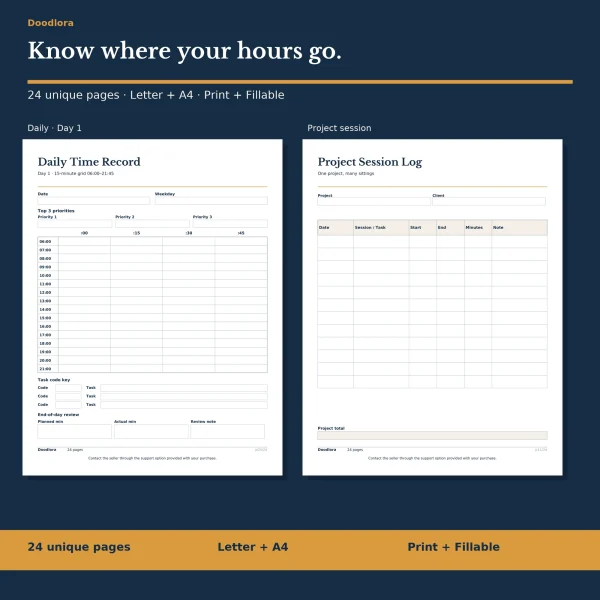
- Time Log: a 15-minute grid with short task codes, split by project and by billable time.
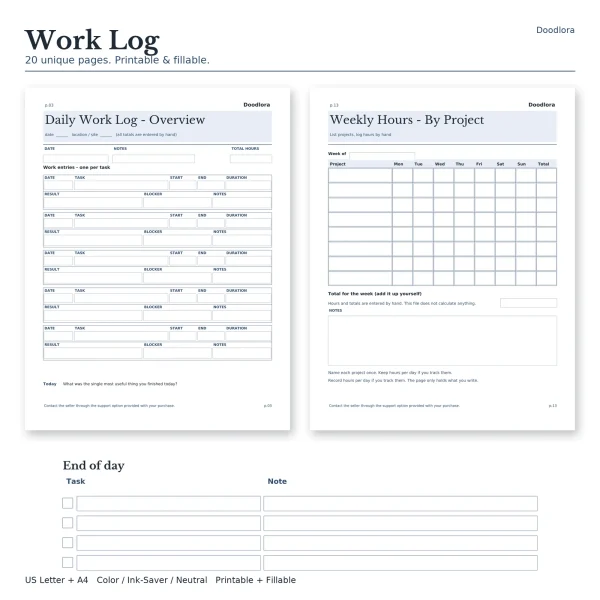
- Work Log: what you did and what came of it, with ten versions of the day page.
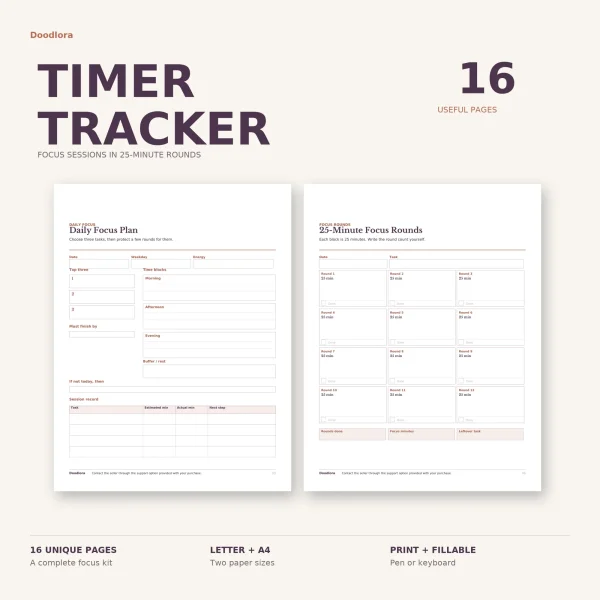
- Focus Session Log: 25-minute rounds timed on any clock or phone, with a page for parking interruptions.
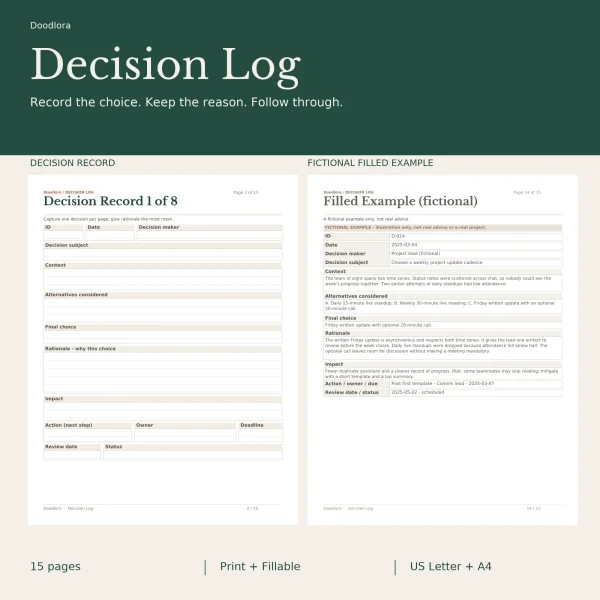
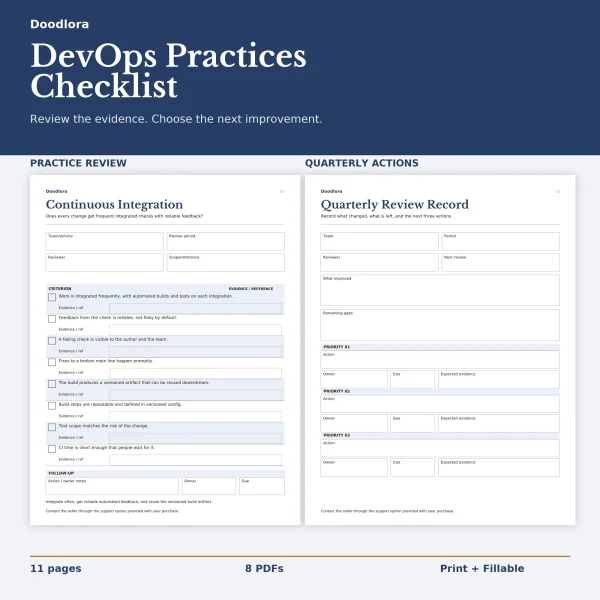
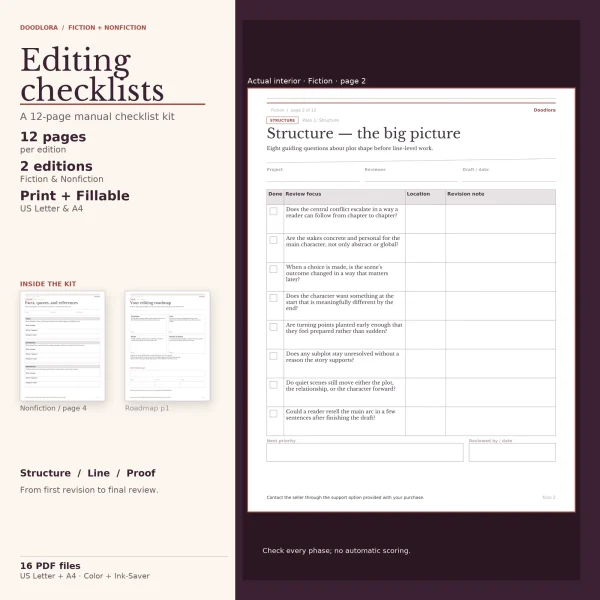
Three sets are for review rather than timekeeping. The DevOps Checklist takes a team through eight practice areas each quarter and asks for evidence beside every ticked box. The Editing Checklist comes in a fiction and a nonfiction edition, each running a manuscript through structure, line and proof passes. The Decision Log gives one decision a page and adds a retrospective for checking how it turned out.
Your own days and goals
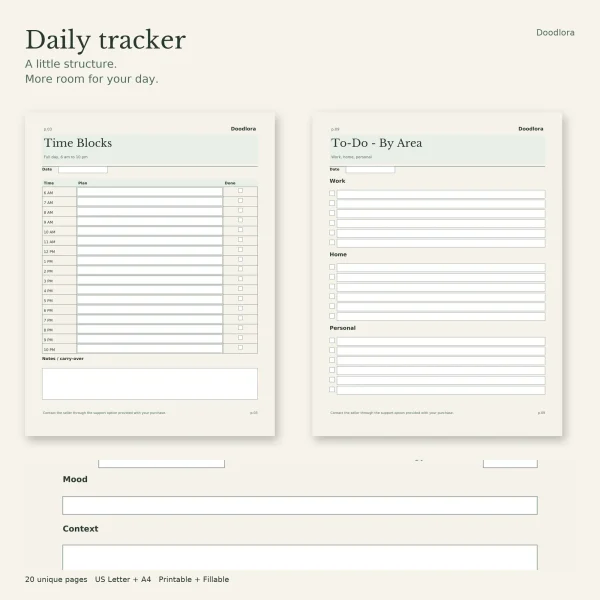
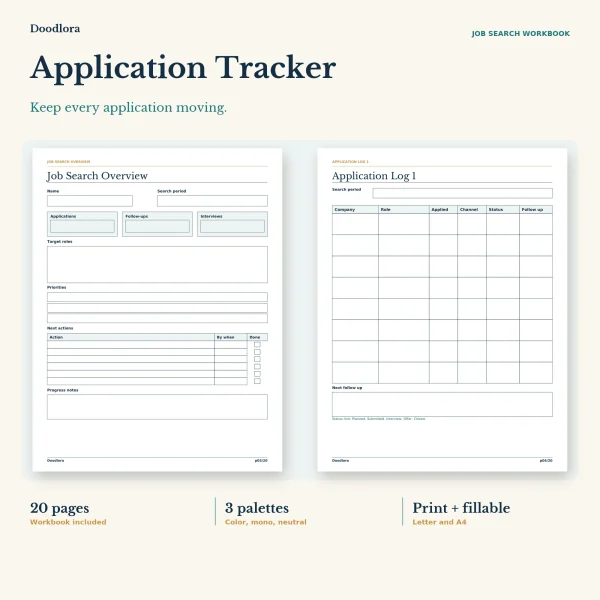
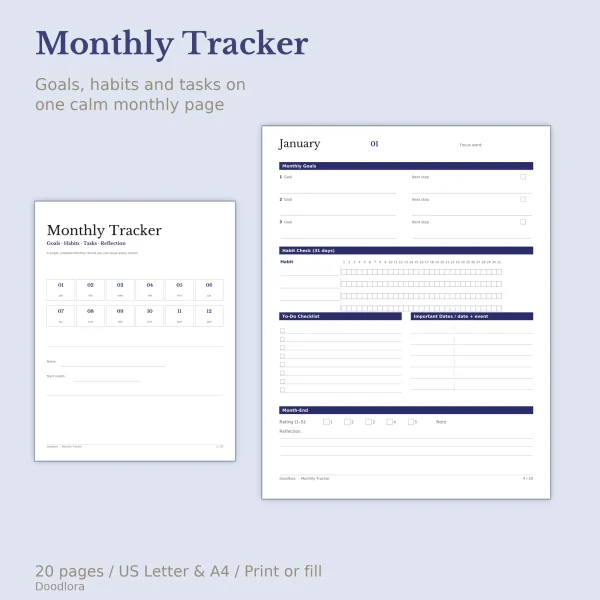
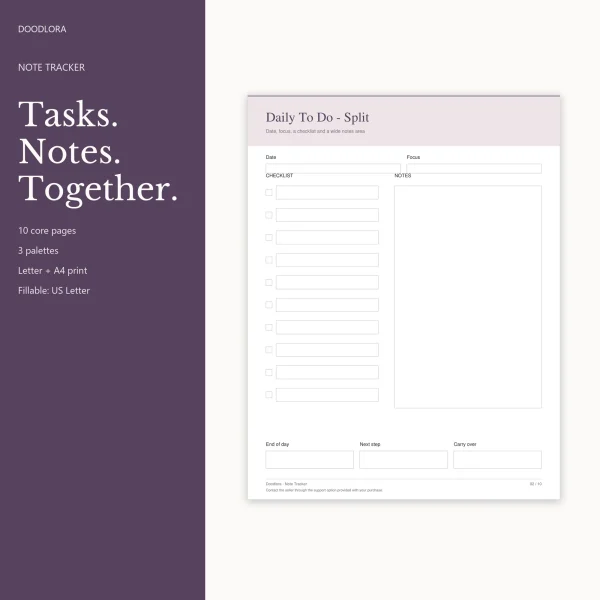
The Daily Tracker is twenty single-purpose pages, from a 6 AM to 10 PM time grid to a 30-day habit grid, so you print only what a day needs. The To Do List with Notes pairs every list with room for the details. The Monthly Goal Tracker puts three goals, four habits and a to-do list on one undated sheet a month, and adds a recurring bills checklist. If the goal right now is a new job, the Job Application Tracker logs 64 applications and ends with a page for comparing up to three offers.
Vehicles and the road
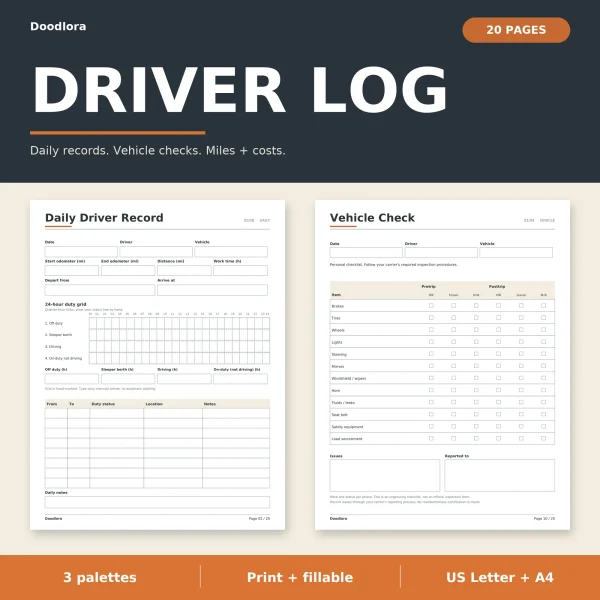
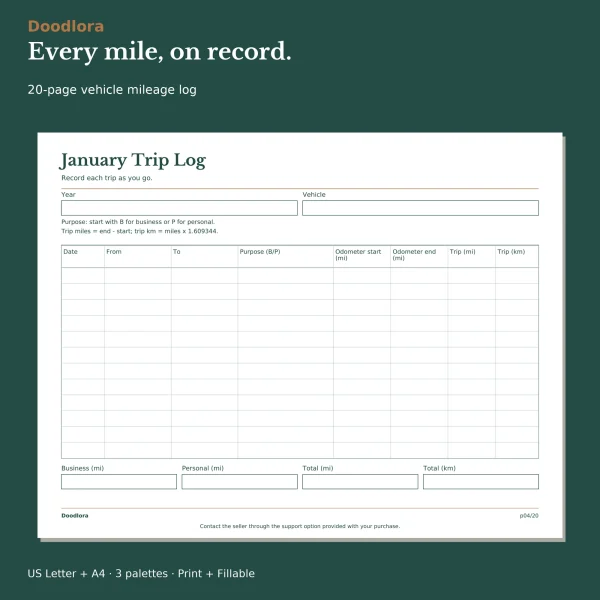
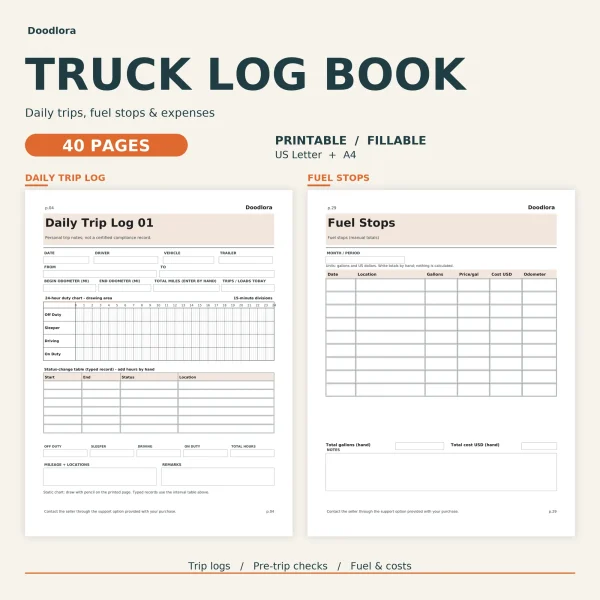
The Mileage Log covers one vehicle for a year. Each trip is marked B or P, so business and personal miles are totaled apart at the end of the month, and a printed formula turns miles into kilometers. Drivers who also keep a daily record of their hours have two books. The Driver Log Book runs to 20 pages with a 24-hour status grid you draw by hand, vehicle check pages, and fuel and mileage logs. The Truck Log Book doubles that to 40 pages, with pre-trip pages that include the fifth wheel and coupling, fuel pages for working out MPG by hand and four pages for picking up and handing off a load. Both present their checklists as a record of your own checks, to sit alongside whatever process your employer or carrier already has.
The house, the kitchen and the building
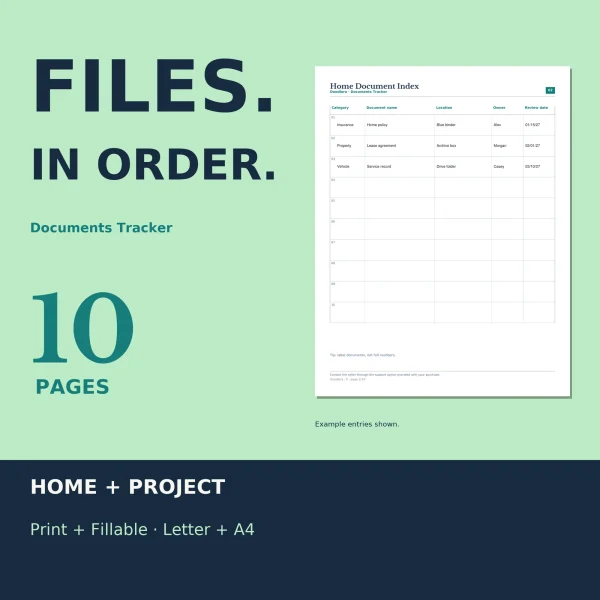
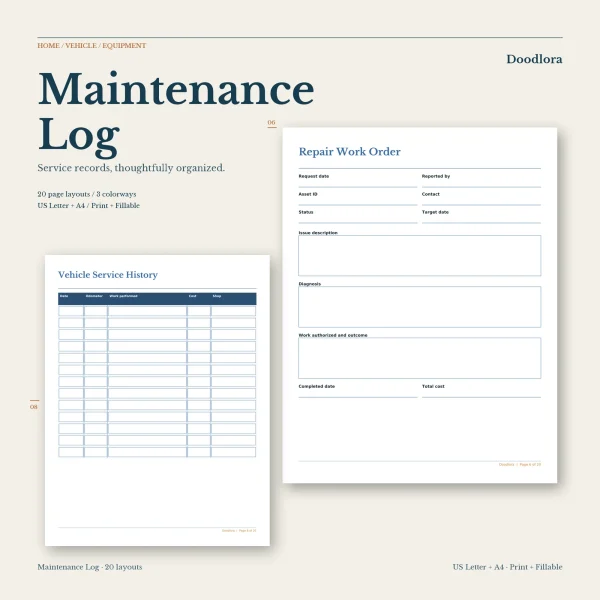
The Maintenance Log Book keeps service records for equipment, a vehicle and the main home systems in one binder. It prints no service intervals, so the dates come from your own manufacturer guides. The Document Tracker records where paperwork is kept and when it renews, never what it says, and has a second half for project files.
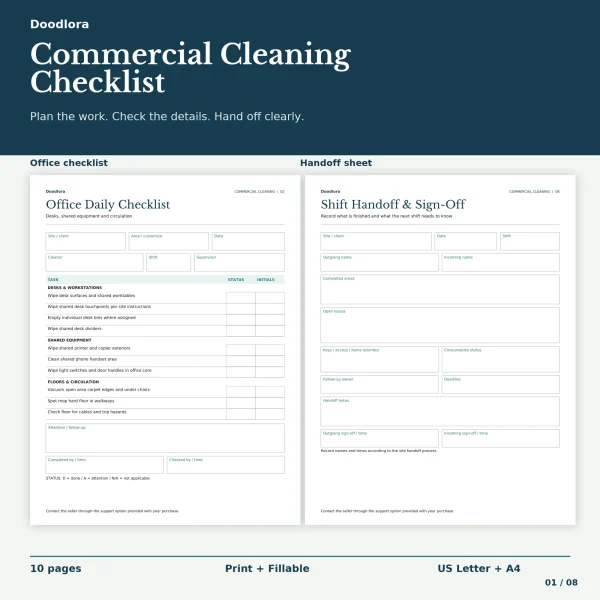
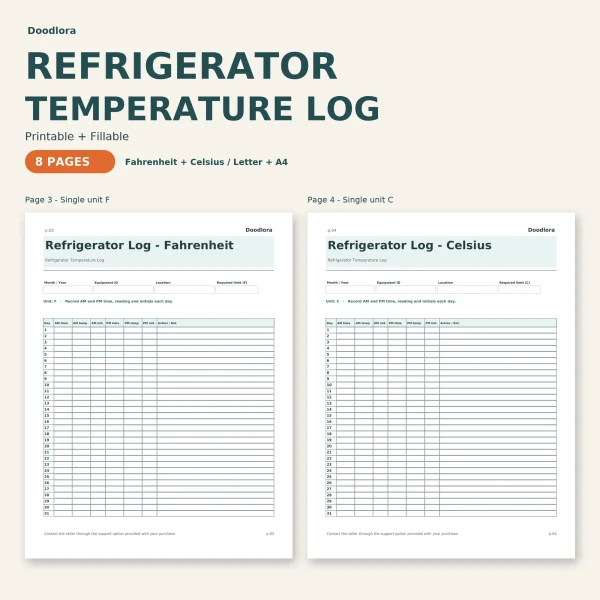
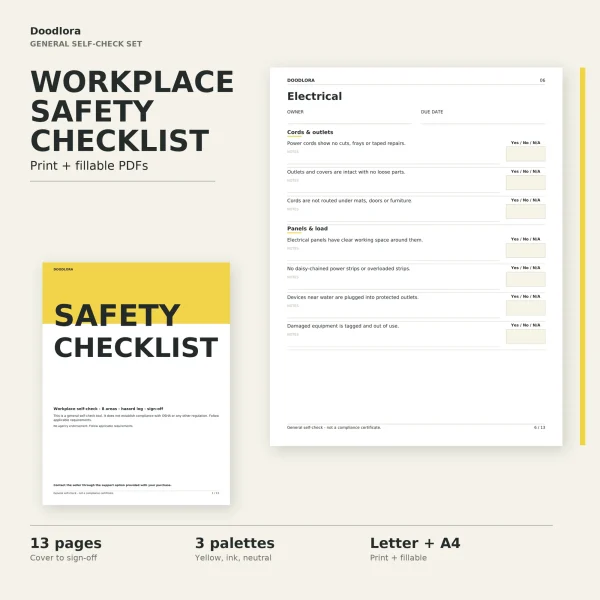
The Refrigerator Temperature Log has separate Fahrenheit and Celsius sheets for morning and evening readings, a two-appliance version and an incident record. No target temperature is printed; you enter the limit your local health department or your own procedure sets. For shared spaces, the Office Cleaning Checklist gives each zone a daily list with status and initials, and the Safety Inspection Checklist walks eight areas with Yes, No or N/A answers and moves every No to a hazard log with an owner and a due date.
Printing and typing
Most sets come in three palettes, usually a color one, an ink saver or black and white one, and a neutral one; a few have two, and the document tracker has one. Wide logs are often a separate landscape file. Every set has a fillable version in US Letter, and all but the onboarding checklist and the to-do list have a fillable A4 file as well.