 1 / 8
Work Log Printable: 10 Daily Work Log Layouts, Weekly and Monthly Hours, Workday Checklists and To-Do
A daily record of what you worked on and what came of it, with ten versions of the day page so a meeting-heavy day, a client day and a heads-down day each get their own extra column. Weekly and monthly hour pages, workday checklists and a to-do page finish the set.
$3.99
Buy any 3 or more printables and save 20% at checkout.
- Download right after payment — link works for 30 days, up to 5 downloads
- Files arrive as a ZIP with your license PDF inside
- Secure checkout by Stripe · Refund policy
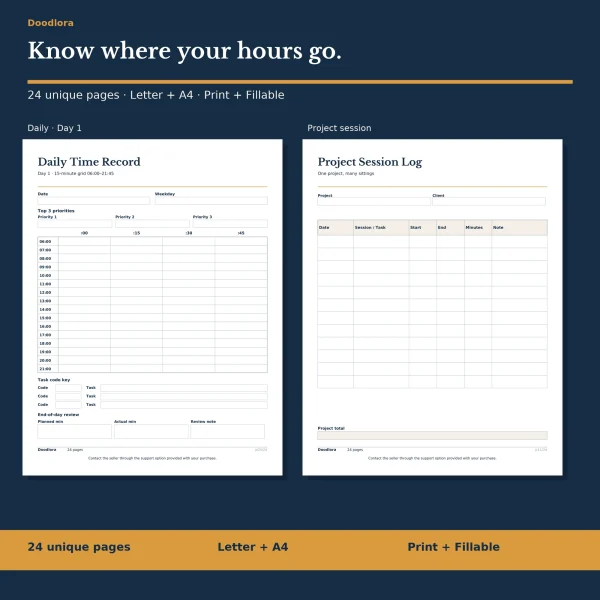
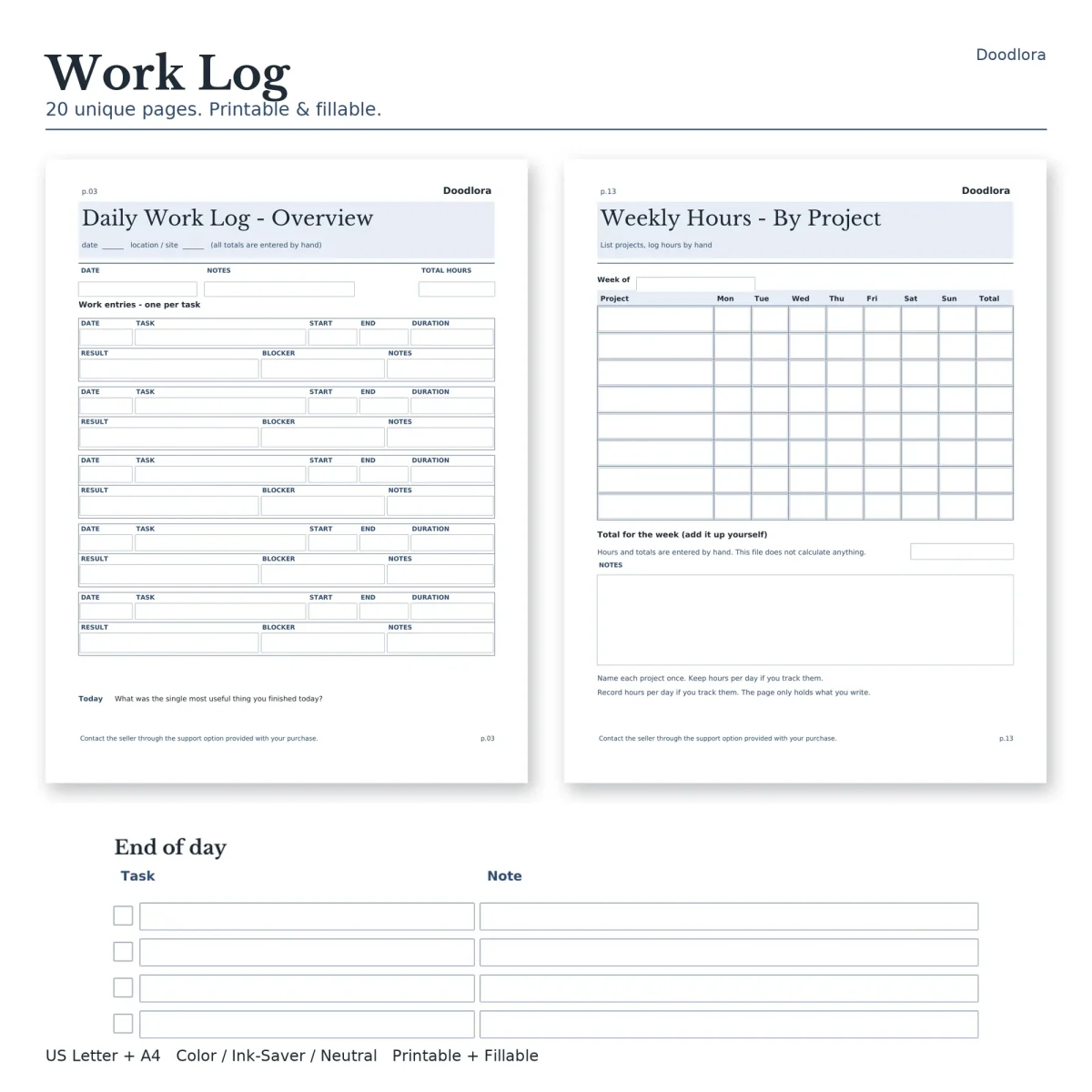
Each entry in this work log asks the same seven things about a piece of work: date, task, start, end, duration, result and blocker. The result and blocker boxes are what set it apart from a plain timesheet. At the end of the day you can see not only how long a task took but whether it got finished and, if not, what stood in the way. Every day page holds five entries plus a total hours box.
Ten versions of the day page
The ten daily layouts keep those seven fields and add one more column that fits the kind of work, along with a closing question at the foot of the page.
| Daily layout | Extra field per entry | Question at the bottom |
|---|---|---|
| Overview | Notes | What was the single most useful thing you finished today? |
| Project focus | Project step | Which project moved forward, and what is the next step? |
| Client work | Client / contact | Any client expectation to confirm in writing? |
| Deep work | Focus block goal | What protected your focus, and what interrupted it? |
| Meetings | Attendees / owner | Which meeting left a follow-up you still owe? |
| Admin tasks | Batch / category | What could be batched or dropped next time? |
| Creative work | Revision note | Which draft or idea is worth keeping? |
| Operations | Process / area | Any process step that slowed the day down? |
| Service work | Ticket / request | Which request is still open, and who is waiting? |
| Flexible | Plan change | What changed in the plan today, and why? |
The how-to page suggests picking the layout that matches your day. Every day page also has a date and a location or site line at the top.
Hours across the week and month
The four weekly pages look at the same week from different angles. By Project is a grid of projects against Monday to Sunday with a total column. By Day gives each day a date, start, end, break, hours and activity. Outcomes lists what was finished, with the related task, owner, hours and a done box, plus a space for what carried over. Allocation splits the week’s hours across project work, meetings, admin, deep work, client or service, travel, breaks and other. The monthly summary has a line for each of 31 days with hours and the project or task. Every total on these pages is added up by you; nothing in the files calculates.
Opening and closing the day
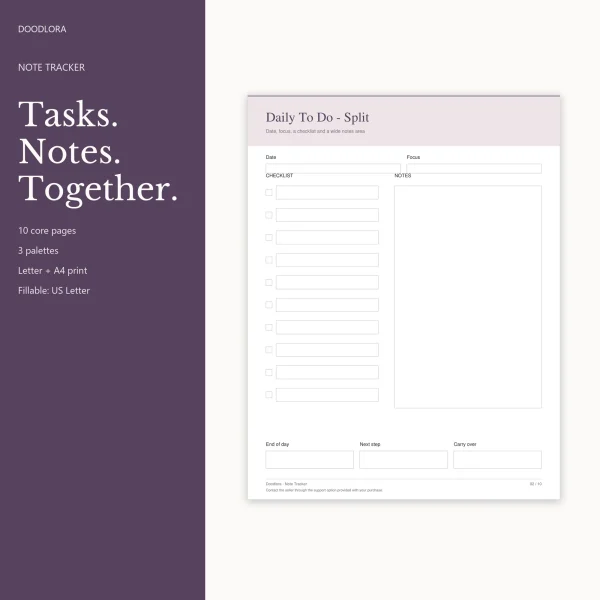
The start and end of day checklist has blank tick rows for your own routine, so you write in the steps that matter to your job. The handoff checklist covers passing work on, with an item and who it goes to, then a short review section. The work to-do page lists task, priority, status, next action and due date, with a parked or someday box at the bottom.
The color files use navy headings on pale blue title bands, the neutral files use warm beige bands, and the ink saver files keep only gray lines. Turn off fit-to-page scaling when you print so the entry boxes stay full size.