 1 / 8
Communication Log – Parent, Client and Phone Contact Records
One set of pages for keeping track of conversations, split by who they were with - parents, clients, callers or anyone else - and ending with a checklist of what you still owe people.
$2.99
Buy any 3 or more printables and save 20% at checkout.
- Download right after payment — link works for 30 days, up to 5 downloads
- Files arrive as a ZIP with your license PDF inside
- Secure checkout by Stripe · Refund policy
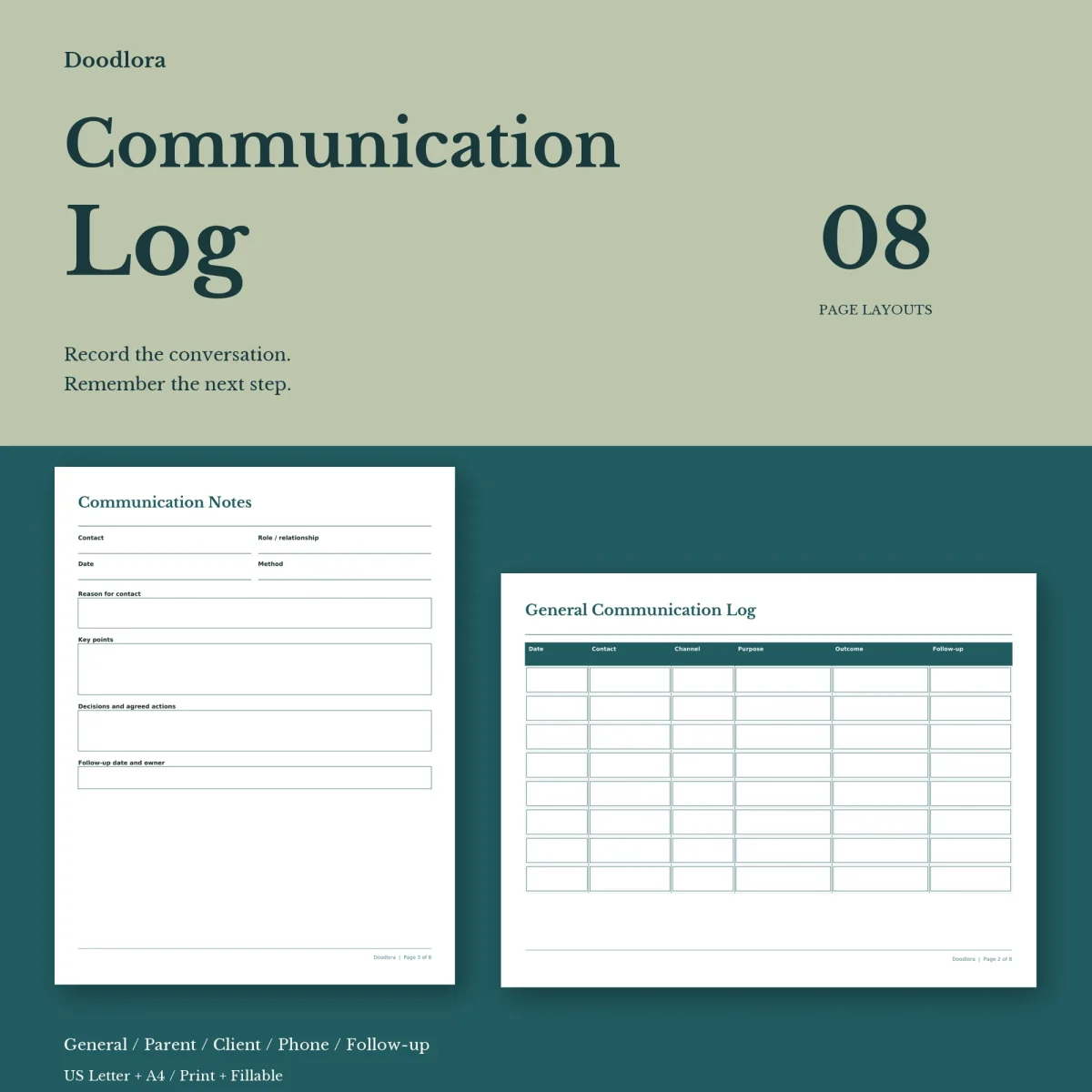
This communication log sorts conversations by who they were with. There is a general log for anyone, two pages for parents and guardians, a client contact log and a phone log, and they all feed one follow-up checklist at the end. The guide on page 1 lists each page with its rows and columns, and suggests one row per short exchange or one sheet per longer conversation.
For teachers keeping a parent record
The parent communication log has seven landscape rows for the student, the parent or guardian, the date, the method, what was discussed and the next step. When a conversation needs more room, the parent meeting notes page takes over: student, parent or guardian, a contact, the teacher, date and method, then boxes for the reason for the meeting, key points, agreed actions, and a follow-up date and owner. Filed together, the two pages give you a dated history of each contact with a family.
For clients, callers and everyone else
- General communication log. Eight rows for date, contact, channel, purpose, outcome and follow-up.
- Client contact log. Eight rows with separate columns for the client and the person you dealt with, plus topic and outcome.
- Phone log. Eight rows that note whether each call was incoming or outgoing, the reason, any message, when a callback is due and its status.
- Communication notes. A portrait sheet for one conversation, with role or relationship, method, reason, key points, decisions and agreed actions.
The follow-up checklist gathers the loose ends from all of them in ten rows: the contact, the date of the conversation it came from, the next action, owner, due date and status.
Printing and privacy
The logs are landscape and the notes pages are portrait, so print at 100% and let each page take its own orientation. The teal files have solid teal header bars, the neutral files a brown-gray, and the black and white files keep the lines dark on white. The fillable PDFs have typing boxes on every page after the guide, with no calculations, and are meant to be filled in a desktop PDF reader and saved as a copy. The guide reminds you that a template can’t decide how records should be stored, so keep completed pages the way your school or organization asks.