 1 / 8
Time Log Printable: 24 Pages of Quarter-Hour Daily Records, Project Sessions, a Billable Week Sheet and Monthly Rollups
Twenty-four different pages for following time from the quarter hour up to the month, built around short task codes you write in the grid. Hours can be split by project and by billable versus non-billable work.
$3.99
Buy any 3 or more printables and save 20% at checkout.
- Download right after payment — link works for 30 days, up to 5 downloads
- Files arrive as a ZIP with your license PDF inside
- Secure checkout by Stripe · Refund policy
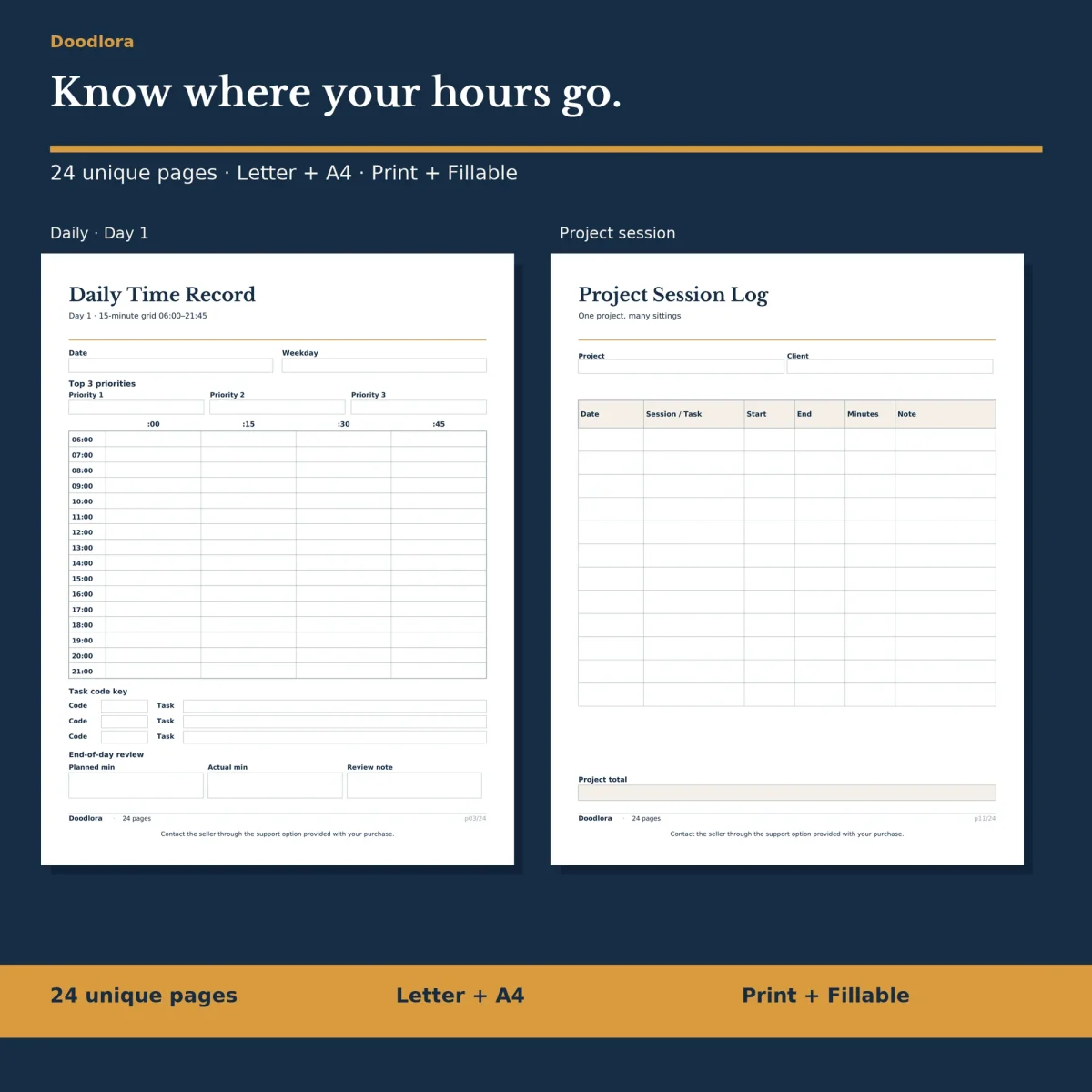
The core of this time log printable is a quarter-hour grid: sixteen rows from 06:00 to 21:00, each split into :00, :15, :30 and :45 cells. The cells are small on purpose. You write a short task code in each one, then spell out what the codes mean in the task key under the grid, so a full day fits on one page and still reads clearly a month later.
Four ways to run the day
All four daily records share that grid and change what sits around it.
- Day 1 opens with three top priorities and ends with a review of planned minutes against actual minutes.
- Day 2 adds an allocation box at the bottom for minutes spent on billable, internal, admin and other work.
- Day 3 puts a plan above the grid (code, planned minutes, actual minutes, variance) and leaves room for variance notes.
- Day 4 tracks interruptions: the time, what pulled you away, minutes lost and a recovery plan.
Pick one and print a stack of it, or rotate between them depending on the kind of day you expect.
Projects, clients and billable hours
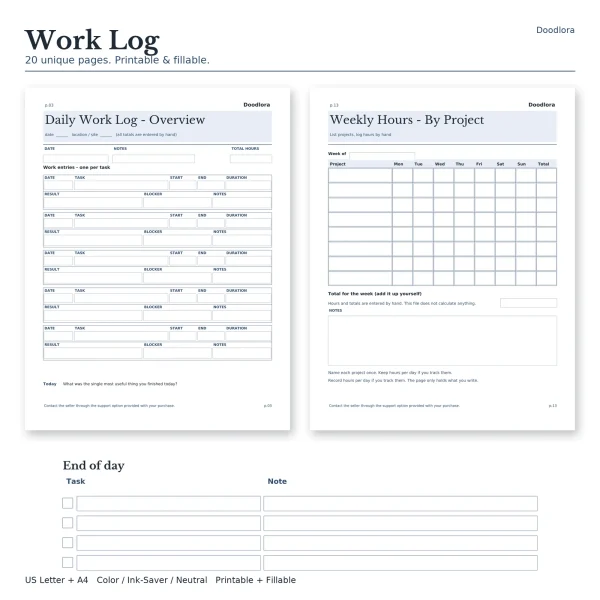
Where the day pages are about the clock, the project pages follow one job across many sittings. The project session log has the client and project at the top, then a row per session with start, end and minutes, and a project total. Milestone effort sets an estimate in hours beside the actual figure for each milestone, with an owner, the variance and a done column. The project review closes it out with the scope at the start, what took longer than planned and what to budget next time.
For the week, the time ledger records project, start, end, break and total per entry, and the billable / non-billable page labels each item by type and ends with both totals and a billable share percentage. A task allocation page and a weekly review round out the week.
The month in three views
The monthly day ledger gives one line to each of 31 days with project or focus, hours and billable hours. The project rollup splits the month’s hours by project code with a share column, and the week rollup sums up to six weeks. A reflection page asks for the biggest time wins and drains. Every total is added by hand; nothing in the files calculates.
Four pages near the back deal with focused work: a task priorities and session plan, a timer rounds log and a distraction log, each with a row of eight 25-minute boxes to cross off, and a focus review. Ruled, dot and grid note pages finish the set.
Printing
Set scaling to 100% or Actual size and turn off fit to page so the quarter-hour cells keep their size. The color files have navy headings with a thin gold rule, the ink saver files are black and gray, and the neutral files use warm brown. In the fillable versions, save and reopen once to check your entries before printing.