 1 / 8
Document Tracker Printable – Home Document Index and Project Document Register
Ten pages that record where documents are, not what is in them. Five cover home paperwork such as insurance, property and tax records, and four track project files by ID, revision and review, with a cover that ties the two together.
$2.99
Buy any 3 or more printables and save 20% at checkout.
- Download right after payment — link works for 30 days, up to 5 downloads
- Files arrive as a ZIP with your license PDF inside
- Secure checkout by Stripe · Refund policy
Where is the vehicle record kept, when is the insurance policy due for renewal, and who has the original lease right now? This document tracker printable answers those questions on paper without holding anything sensitive. The home pages ask for a document label, a location and an owner rather than the details, and the cover is blunt about it: never write passwords or full ID numbers. A note under several tables repeats the point.
The ten pages split into a home half and a project half, both reached from the page index on the cover.
Home paperwork
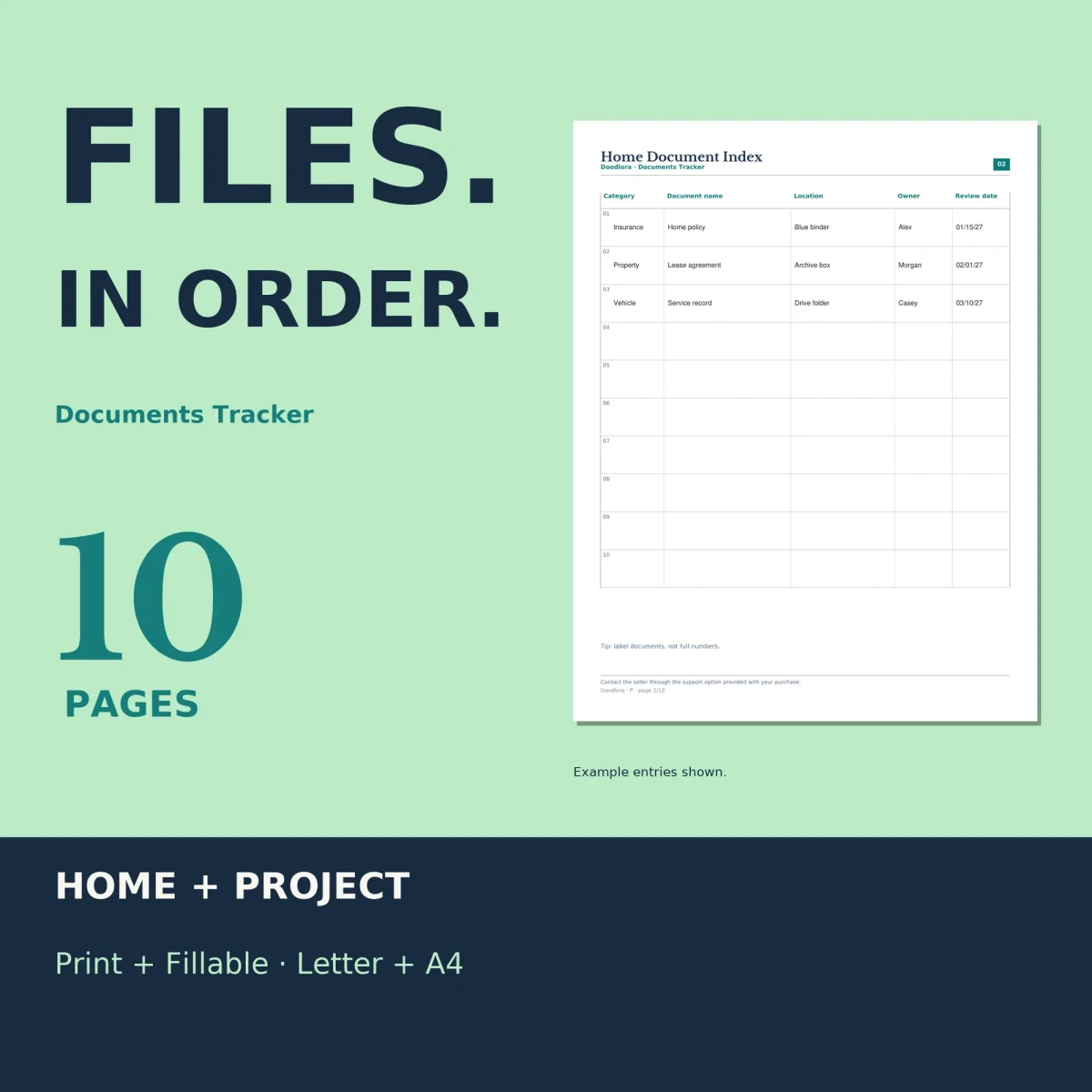
- Home Document Index. Ten rows for category, document name, where it is kept, whose it is and when to look at it again.
- Household Category Checklist. Fixed sections for identity, insurance, property, vehicle, medical and tax records, plus two custom categories, each with a label, location and owner line.
- Renewal and Expiry Planner. Ten rows for the document, the due or expiry date, the action, the owner and a done mark, with a next-review line at the bottom.
- Loan and Return Log. For originals that leave the house: who borrowed it, the out date, the return due date, whether it came back, and where it went afterward.
Project files
The project half works as a small document register for files that go through drafts and sign-off. The Project Document Register lists up to ten files with a document ID, title, revision label, author, reviewer, status and issue date. The Version and Revision History takes one line per revision, with a change summary and a “current” column, and the Review and Issue Log follows each document through its reviewer, due date, review status, recipient and next step. All three also come as landscape pages with wider columns, in a separate file.
Once a year
The Annual Document Review page has six rows for an item group, the location you checked, the current version and the action due, then three next-action lines. The last page records the physical storage spot, the digital folder, the backup location and your naming conventions. The cover suggests checking due dates monthly and the whole set once a year.
There is one color scheme, navy and teal headings on white with no shaded panels behind the tables. The fillable PDFs have a typing box in every table cell. Set the print dialog to 100% so the cells keep their size.