How to Print Coloring Pages at Home
To print coloring pages at home, open the PDF, set the print quality to Standard or High rather than Draft, turn off two-sided printing, print at 100%, and pick the paper for whatever will do the coloring.
Everyday printer paper is enough for crayons and colored pencils. Markers and paint need heavier paper.
Before you print a whole book, print one page and look at the lines.
A single sheet shows gray outlines, gaps, a clipped border or the wrong paper while the mistake still costs you one page.
Printer settings for coloring pages
A coloring page is black outlines on white paper, and five settings in the print dialog are worth checking before the first sheet goes through.
Print from a computer if you can. As our download guide notes, you get more control over the settings there than on a phone.
Print quality. Choose Standard or High. Canon’s printer manuals describe Draft as the setting for test printing, and High as the one that puts print quality ahead of speed.
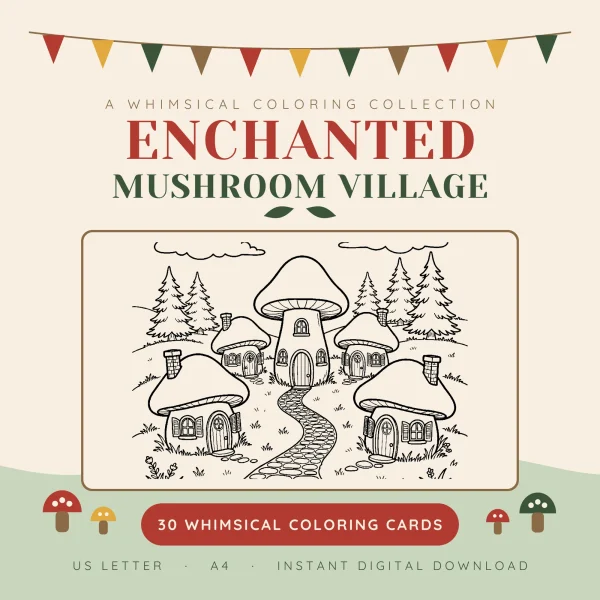
The printing guide that comes with our Mushroom Village book asks for the highest quality your printer offers. Line art, it says, shows the difference more than photos do. It also says black-and-white or grayscale printing often gives the crispest line.
Paper or media type. Match it to what’s in the tray: plain paper for copy paper, a cardstock or heavy paper setting for card. Canon’s printer manuals give the same instruction, and Epson lists a mismatched paper type as one cause of faint prints.
Two-sided printing. Turn it off. Marker ink can soak through a sheet, and on a two-sided print it lands on the back of the next picture. The printing notes in our Woodland Animals book say to print single-sided for exactly that reason.
Scale and paper size. Print at 100% or Actual size, on the paper size the file was made for. How to print at actual size shows where that setting lives, and US Letter or A4 explains which file matches your paper.
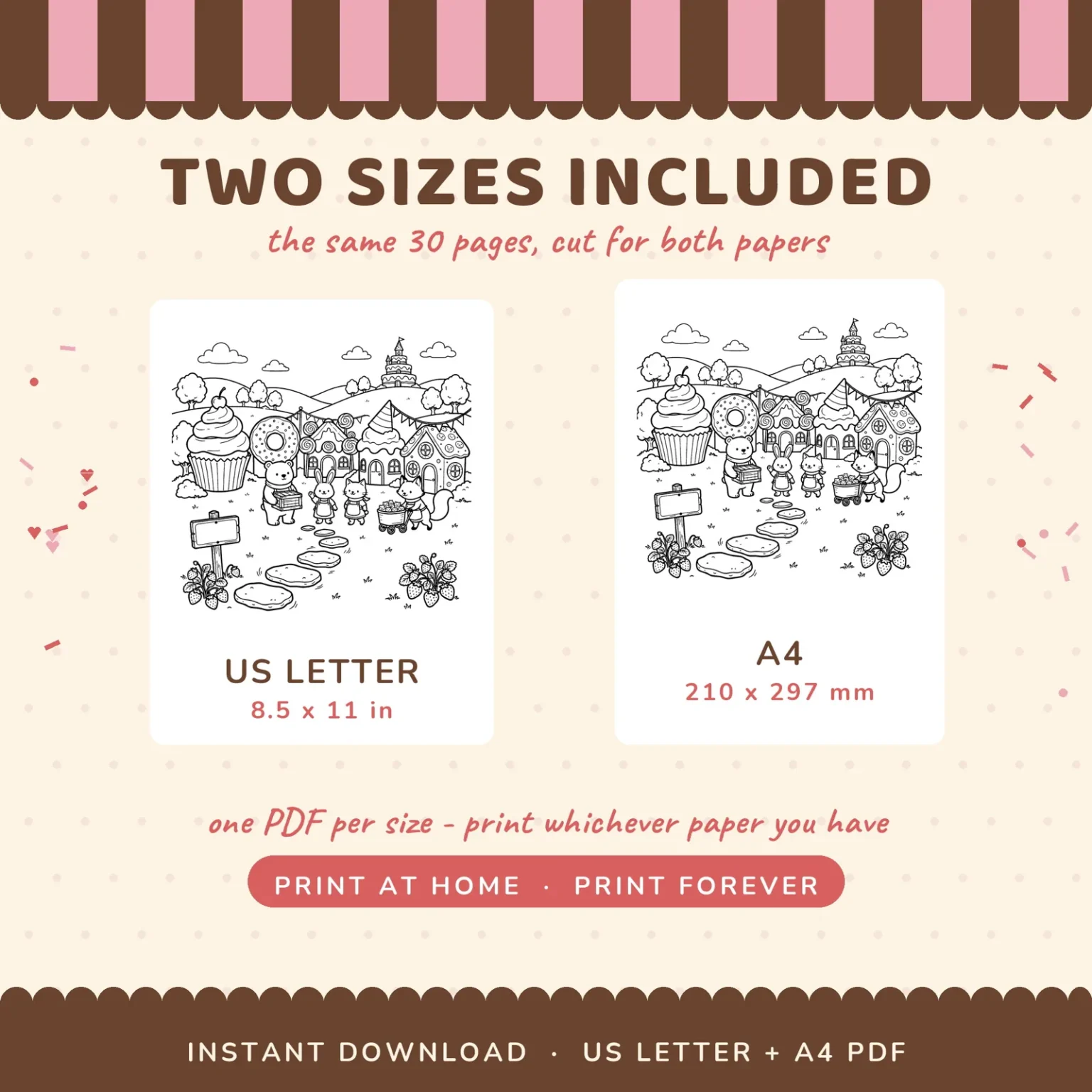
On most coloring pages, choosing Fit by mistake only shrinks the picture a few percent. The Mushroom Village guide is stricter: Fit trims the white margin and pushes the drawing toward the edge of the paper, which matters if you plan to frame the page.
Page range. Many coloring PDFs open with a cover, instructions or terms before the first picture. Kawaii Animals starts its animals on page 5, and Mushroom Village keeps its printing notes on page 32. Type the range you want, so the good paper goes on pictures, not on a terms page.
Once those five are set, print a single page and look at it before you print the rest. The Cozy Witch Shop printing guide says the same: one test page first, to check your paper and margins.
Why coloring pages print gray or with broken lines
If that test page has gray outlines, check the print quality, any toner-saving mode and the ink level.
If the outlines have gaps in them, run a nozzle check and clean the print head.
Both lists come from the printer manufacturers’ own troubleshooting pages.
Gray or faint outlines. Work through these in order:
- Draft or fast mode. Switch print quality to Standard or High.
- Toner Save on a laser printer. Brother’s help pages say that with Toner Save Mode on, the print comes out lighter. Turn it off in the printer preferences for coloring pages.
- Low ink or toner. Epson puts ink levels second on its troubleshooting list for faint printouts.
- Wrong paper type. A cardstock setting with plain paper in the tray, or the reverse, is another item on Epson’s list.
Broken or patchy outlines. On an inkjet, a line that breaks up where it should be solid can mean some of the print head’s nozzles are clogged.
Epson’s first recommendation for printouts with gaps is a nozzle check, which you can run from the printer’s control panel or its software, followed by a head cleaning if the check shows a problem. Print head alignment is also on the list.
Paper that won’t feed straight. Epson also names paper that’s damp, curled, old or loaded incorrectly. Put a fresh stack in square and slide the side guides up against it.
Once the lines print dark and whole, the next choices depend on who’s doing the coloring.
Printing coloring pages for kids vs adults
Kids and adults need the same printer settings.
What changes is the page you pick, the paper under it and how many copies you print.
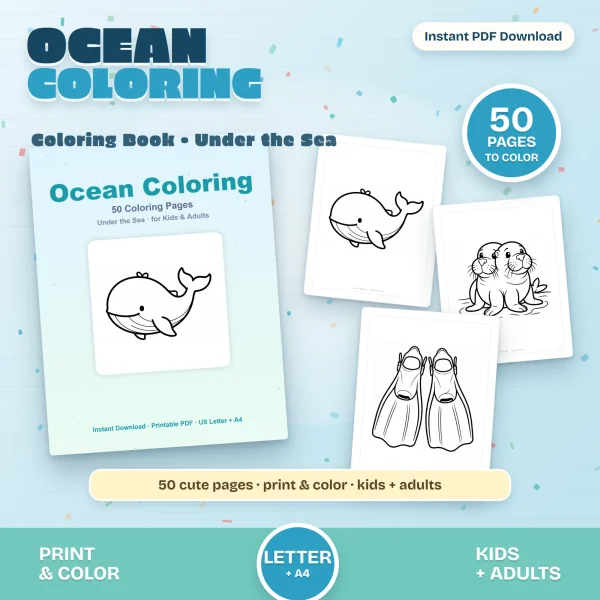
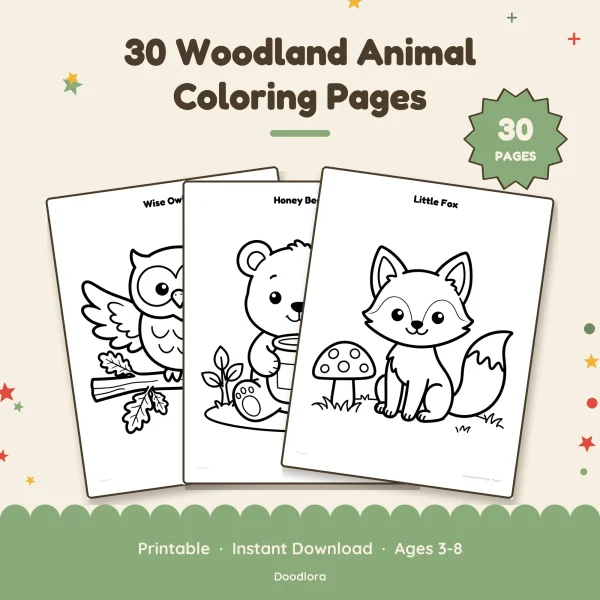
For young kids, pick pages with thick outlines and open space. Four of our books are drawn that way: Ocean Coloring Book, Kawaii Animals, Kawaii Ocean Babies and Woodland Animals, and the last two carry ages 3 to 8 on their covers.
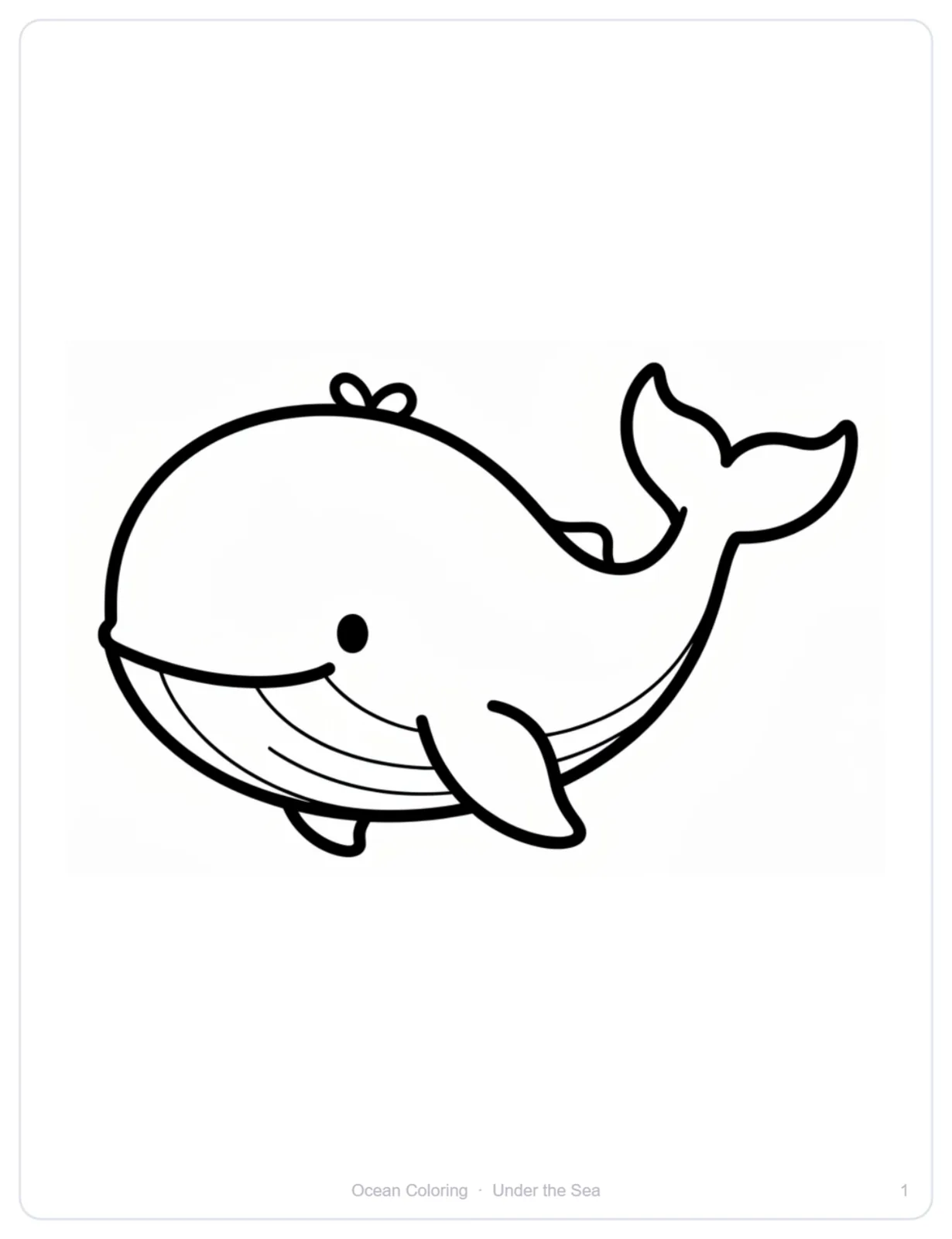
Crayons work on all four, so plain printer paper is enough.
And when three kids all want the octopus, you can print the octopus three times. It’s a file, not a book with one octopus page.
If you’d rather build a page yourself from clipart, our guide on how to use clipart covers placing a white-filled outline on a Letter page and working out how big it prints.
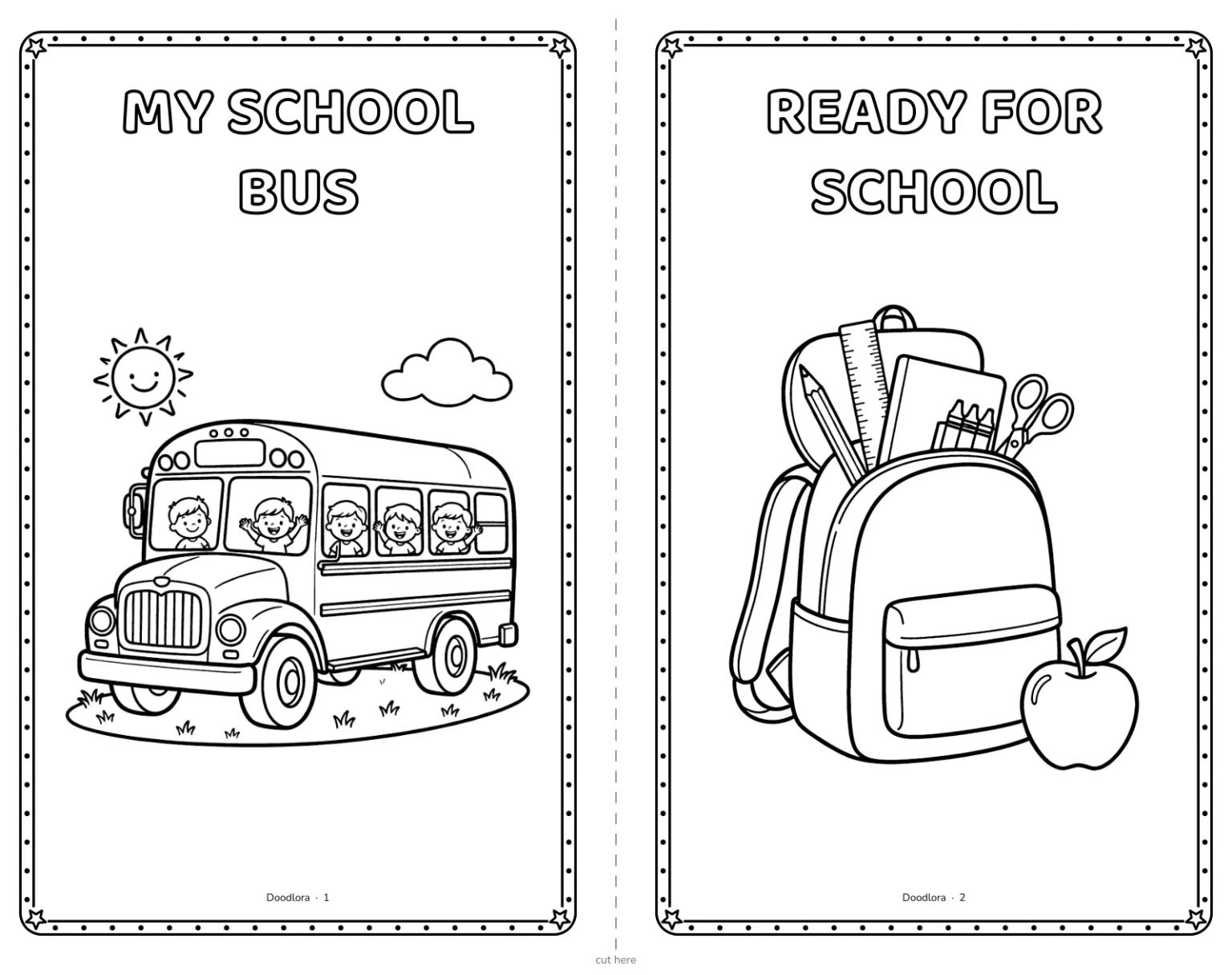
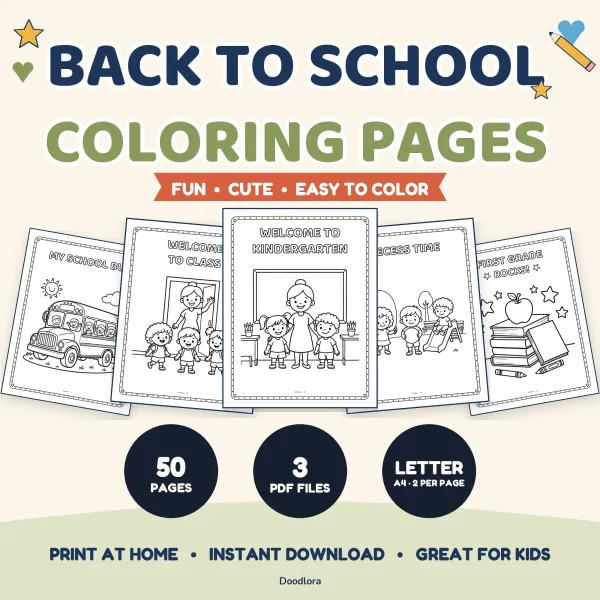
For a whole classroom, Back to School comes with a 2-per-page file: two designs side by side on a landscape US Letter sheet with a dashed cutting line, so a class set takes half the paper. The pages are black line art with no gray fill, which keeps them light on toner.
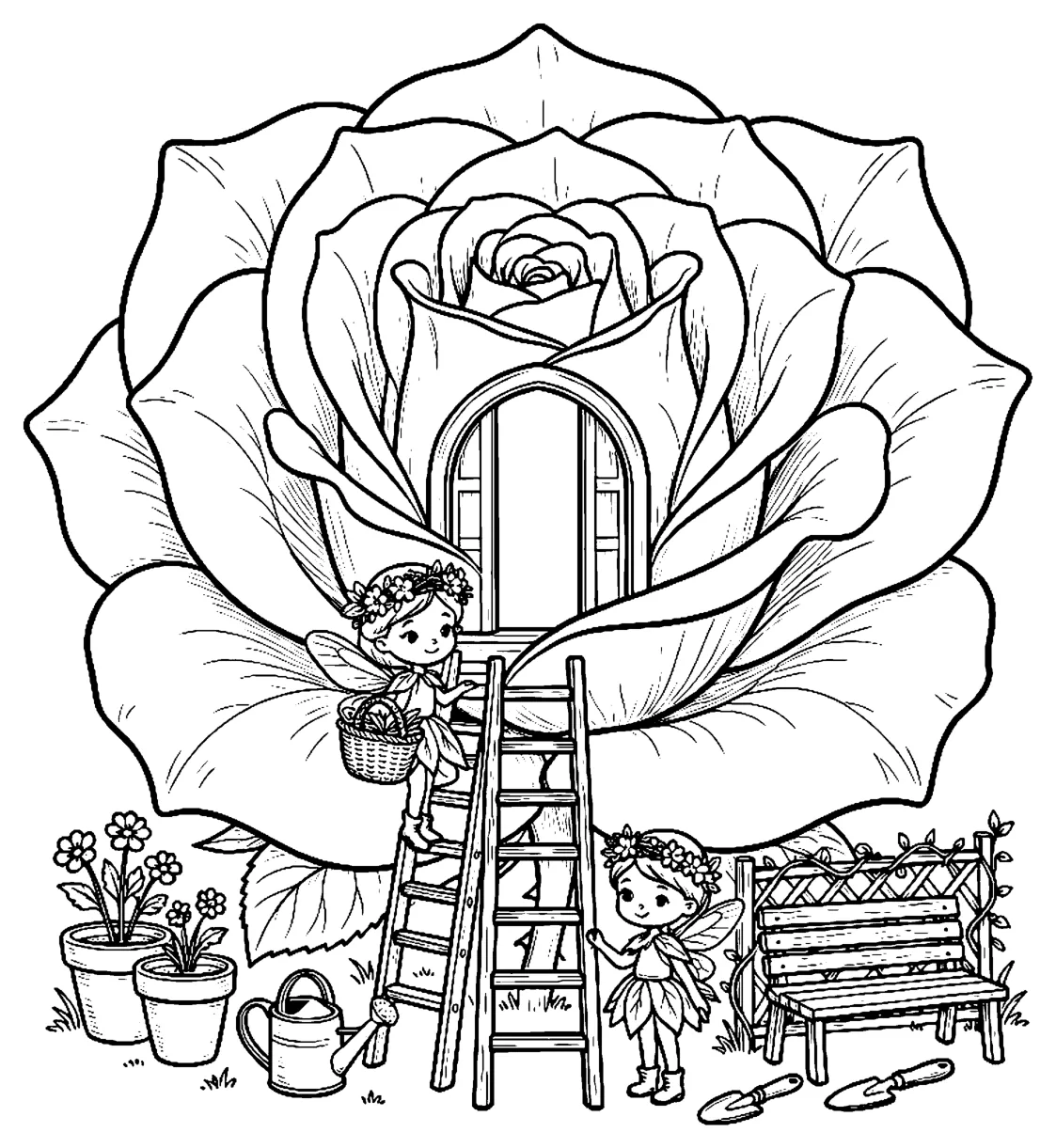
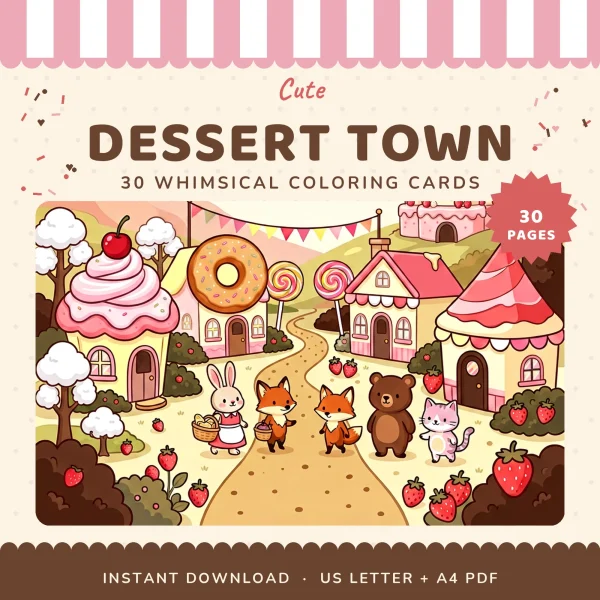
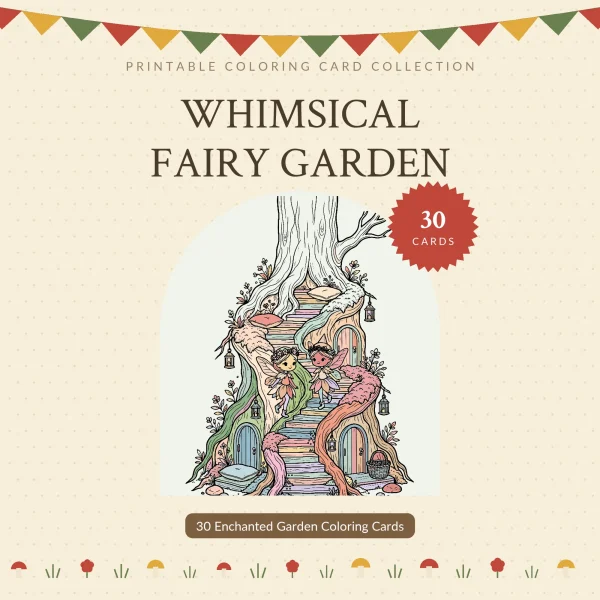
For adults, the finer-line books suit colored pencils, gel pens and fine markers: Fairy Garden, Cozy Witch Shop, Dessert Town and Mushroom Village. Print these on paper matched to the tool, following the table below.
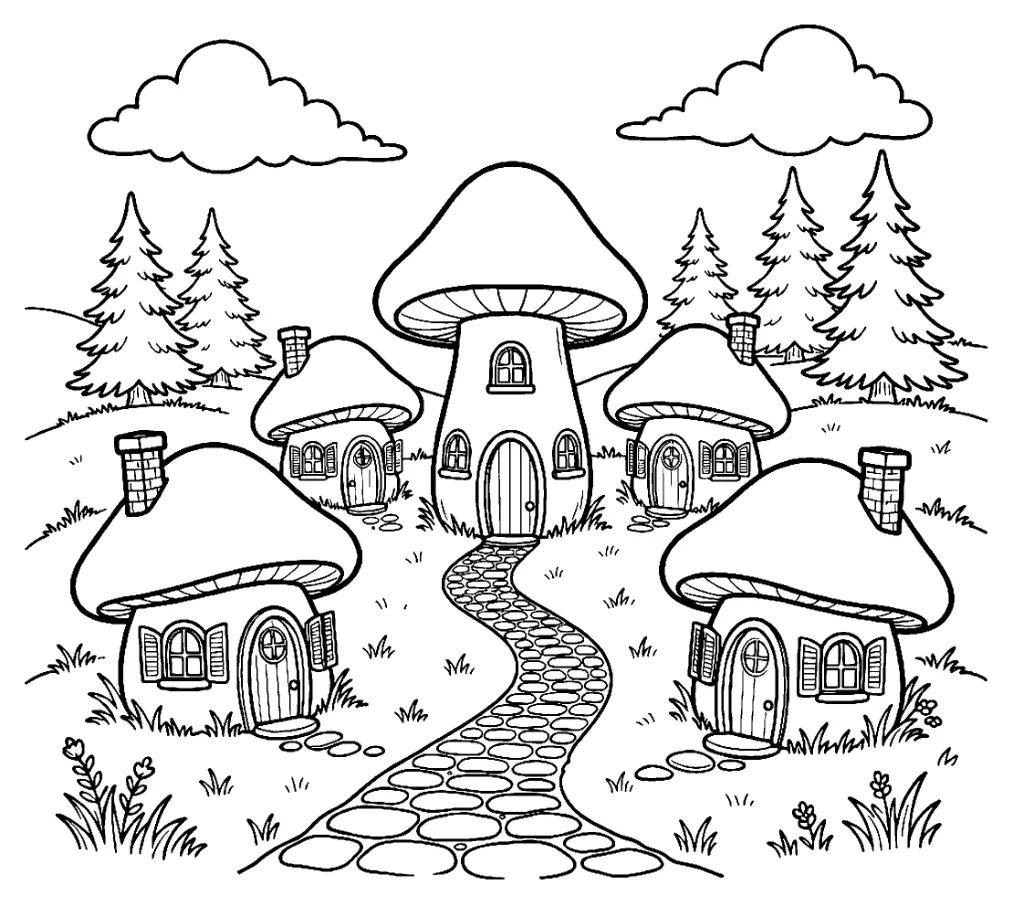
Some pages end up framed on a wall. Cozy Witch Shop, Dessert Town and Mushroom Village each center a square drawing with white space around it, and Mushroom Village prints no title or page number near the art, so a finished page can go straight into a square frame.
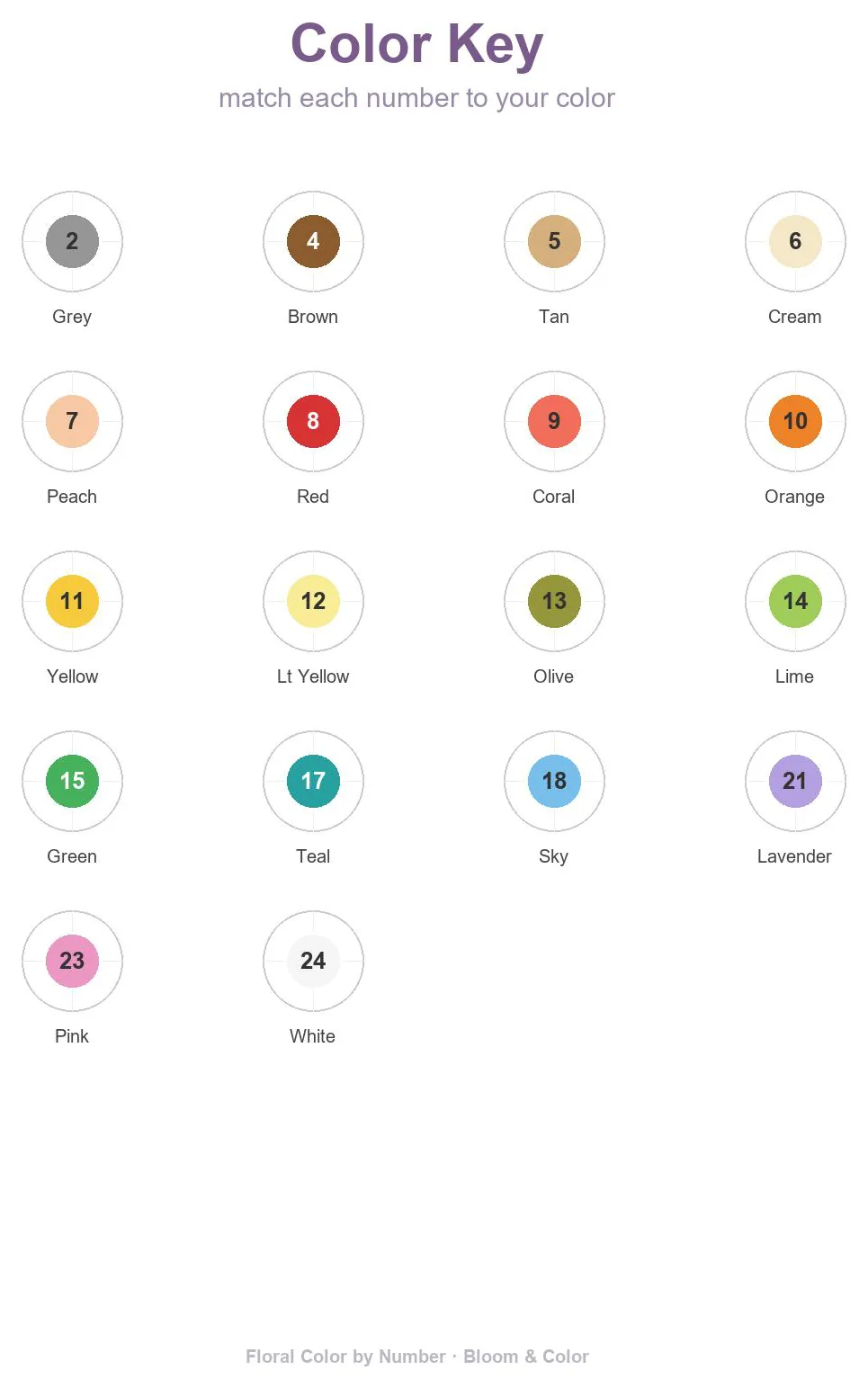
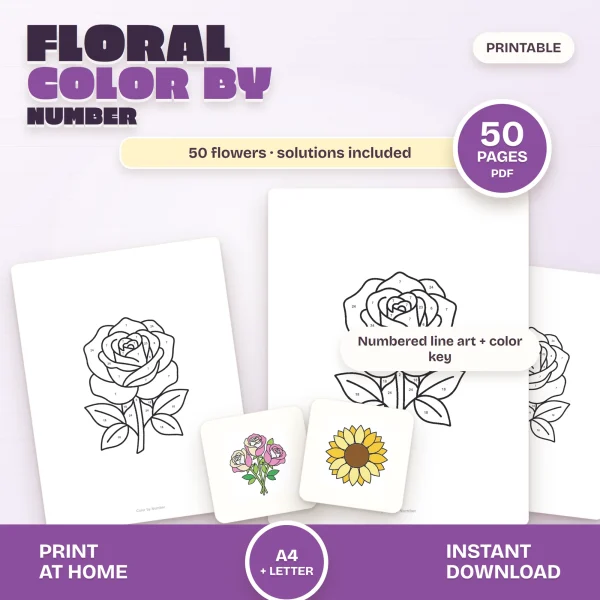
Color by number needs two extra decisions. Print the color key along with the pages: the key in Floral Color by Number lists 18 colors numbered from 2 to 24 with a few skipped, so you match your pencils to it rather than counting along the box.
Hold the solution pages back if you want the surprise. Floral Color by Number keeps all 50 colored solutions on its last six pages, nine to a page, so leave those out of the print run and keep them for checking a tricky area.
Paper for coloring pages: crayons, pencils, markers and paint
Whoever is coloring, the tool in their hand decides the paper. Our paper guide sums it up as plain printer paper for crayons and colored pencils, and 24 to 32 lb paper or light cardstock for markers.
The printing notes inside our coloring books add more specific recommendations for gel pens, alcohol markers and paint.
| Coloring with | Paper to print on | Where it comes from |
|---|---|---|
| Crayons | Everyday printer paper, 20 lb bond (75 gsm) | Our paper guide |
| Colored pencils | Everyday printer paper; 80 to 120 gsm | Paper guide; Mushroom Village printing guide |
| Gel pens and fineliners | 120 to 160 gsm, though the Cozy Witch Shop guide says plain paper works | Mushroom Village and Cozy Witch Shop guides |
| Markers | 24 to 32 lb bond (90 to 120 gsm), or light cardstock, 65 lb cover (176 gsm) | Our paper guide |
| Alcohol markers | Smooth cardstock around 160 to 200 gsm, with a spare sheet behind | Cozy Witch Shop printing guide |
| Paint or watercolor | 32 lb (120 gsm), heavier if your printer takes it | Woodland Animals printing notes |
Paper is sold by weight: in pounds in the US, and in grams per square meter (gsm) in most other countries. The table gives both where our paper guide does.
For crayons and colored pencils, plain paper is enough.
If you’re layering pencil, blending has its own guide: how to blend colored pencils.
Markers are the reason to buy heavier paper. The ink can go straight through a thin sheet and mark whatever is underneath it.
Slip a spare sheet under the page while you color.
Both the Cozy Witch Shop and Mushroom Village printing guides say so, and the Mushroom Village guide goes up to 160 gsm card or heavier for markers.
Once the page is printed, our guide to coloring with markers covers which of our books suit markers and how to fill a shape without streaks.
Paint brings a second complication: the printed outline itself can run. Epson’s technical brief on its inks explains that dye-based ink dissolves again when the paper gets wet and smears, while pigment ink doesn’t.
The same brief notes that many printers pair a water-resistant pigment black with dye-based colors. On a coloring page the outline is black, so the black ink’s water resistance is the one that matters.
If your printer’s documentation doesn’t say which kind it uses, brush a little water across a corner of a test print before you paint a whole page.
Thin paper also buckles under water. Strathmore, which makes watercolor paper, explains that the wet side swells slightly while the dry side doesn’t, and that lighter sheets are more prone to buckling.
Go as heavy as your printer’s tray allows. The manual or the manufacturer’s website lists the limit.
How many copies of a coloring page to print at once
For home, print one page to check it, then only what’ll get colored soon.
The file doesn’t run out, so a favorite can be printed again for a second child or a second try.
Set the number in the Copies box of the print dialog and pair it with a page range when you want several of one picture.
On cardstock, load a few sheets at a time rather than a full tray, as our paper guide recommends for card.
For a classroom or a party, a copy shop can run the whole stack. How to print at a copy shop lists what to ask for at the counter. It also notes that black-and-white copies on plain paper cost far less than color on cardstock.
Several of our books, Back to School and Mushroom Village among them, are pure black outlines with no gray fill, so a black-and-white copy loses nothing.
Printables from this article
Related articles
Printable Coloring Pages
Turkey Disguise Ideas: 18 School Project Ideas & Template
Eighteen ways to disguise a paper turkey for the school project, from a ten-minute snowman to a recycled robot, with materials, ages, time and the usual snags.
Printable Coloring Pages
Coloring Tips: Supplies by Age, Shading and Fixing Mistakes
Which coloring tools and pages suit each age, the order to color a page in, simple shading, fixing mistakes and splitting a busy page across a few sittings.
Printable Coloring Pages
Fall Activities for Kids: Toddlers, Preschoolers & Outdoors
Leaf walks, apple and pumpkin play, counting games and rainy-day pages, sorted by age and by where you'll be, with timing and setup for each.