Coloring With Markers: Pages, Paper and Avoiding Streaks
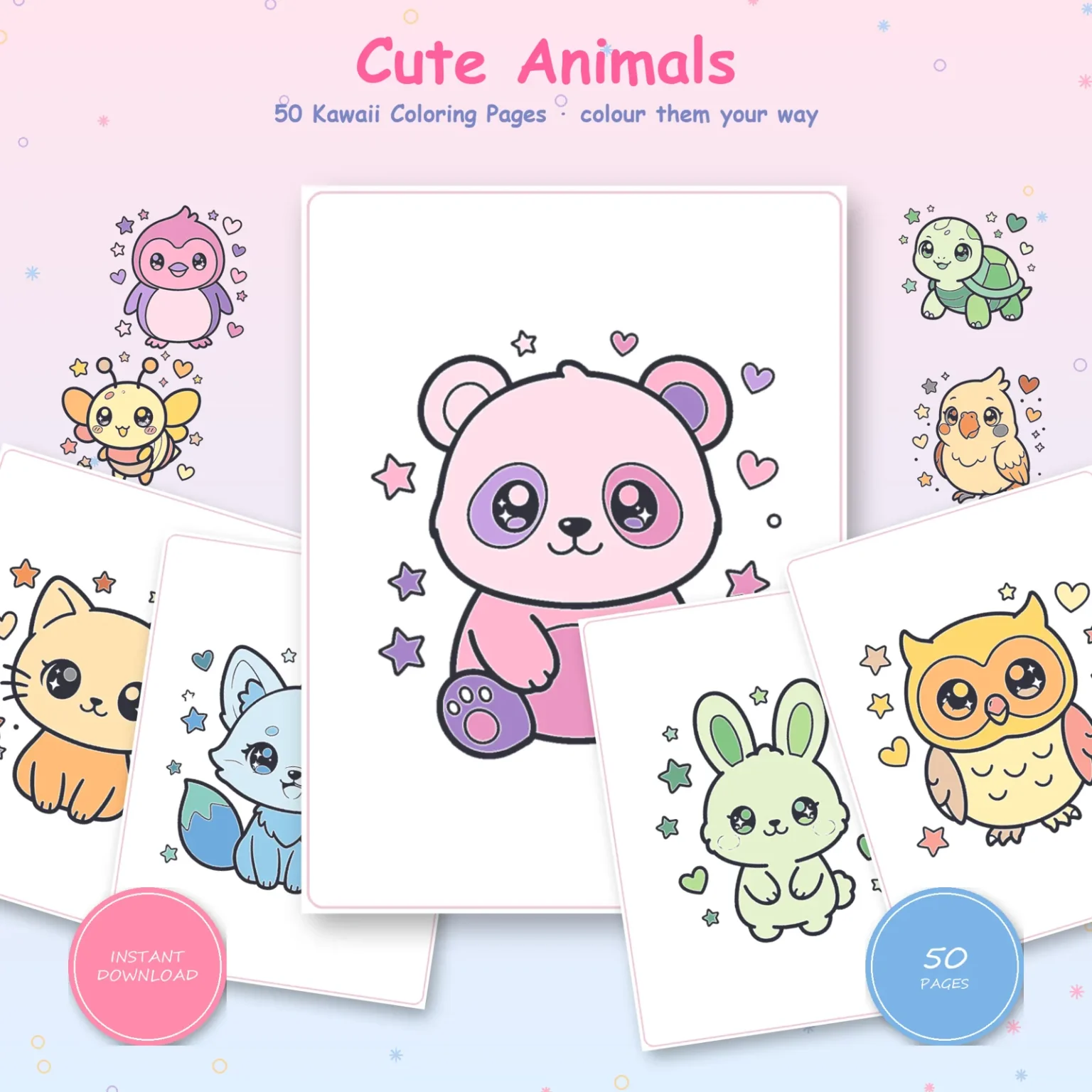
Coloring with markers goes smoothly on a page with bold outlines, printed on paper heavy enough for your kind of marker, tested on that same sheet first, and filled while the ink is still wet.
When streaks, bleed-through or color past a line show up, one of those steps was almost always skipped.
Every measurement in this guide was taken from Doodlora Studio’s own coloring books, the files we can open at full size and measure.
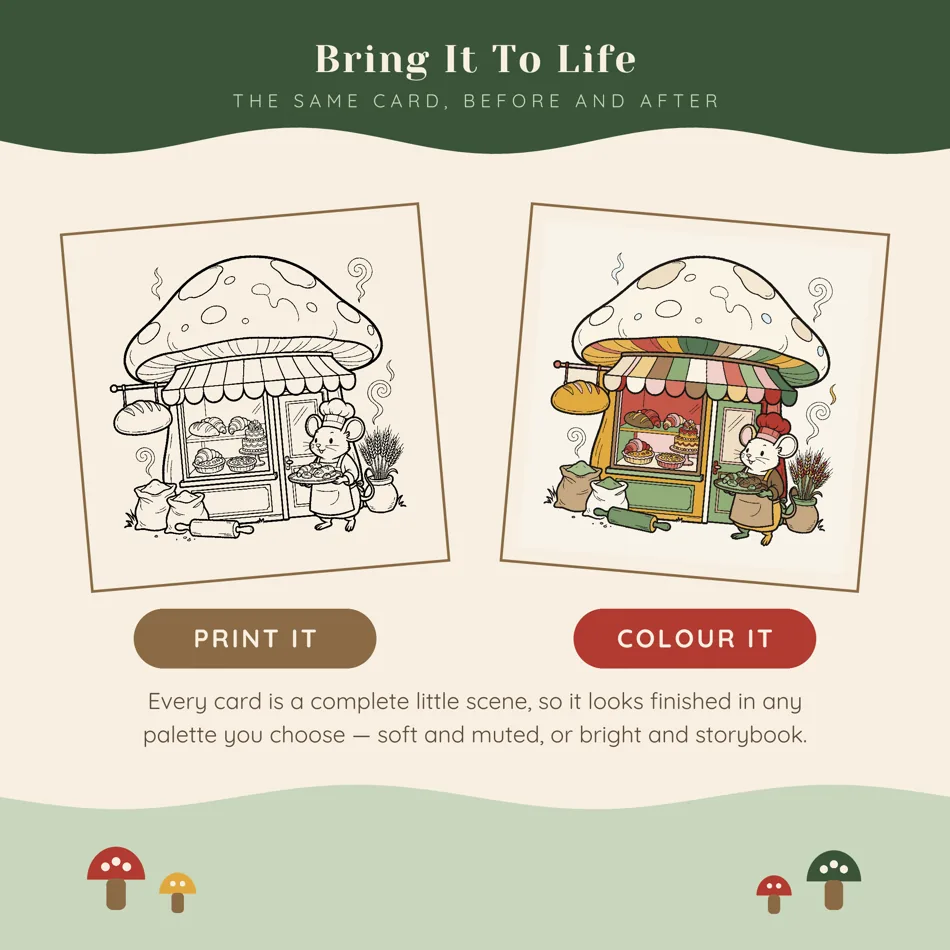
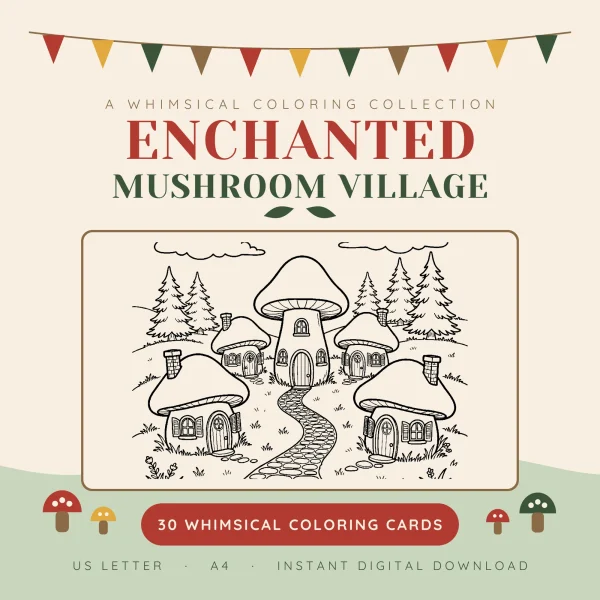
The outlines in our Kawaii Animals book are about 1/8 inch (3 mm) wide, while the typical line on our Mushroom Village cards is under 1/32 inch, about 0.3 mm.
That difference decides how much room a marker tip has before it crosses into the next shape.
Which coloring pages work best with markers
Pages with thick outlines and big closed shapes are the easiest to color with markers, because a wet tip needs room on both sides of its stroke.
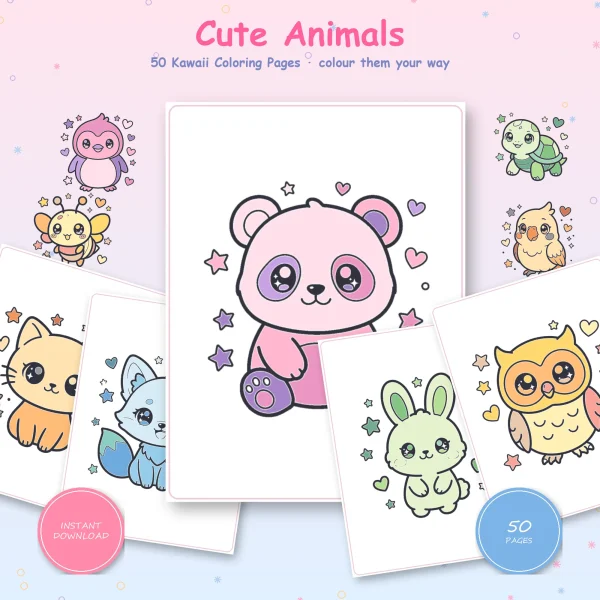
On five Kawaii Animals pages we measured, the outlines ran from about 2.4 to 3 mm, roughly 1/10 to 1/8 inch, and each page had between 21 and 42 closed shapes.
A typical shape there fits a circle about 1/4 inch (5 to 8 mm) across, so a bullet or brush tip sits inside it with space to spare.
The book’s own How to color page lists crayons, colored pencils, markers and gel pens, and the measurements back that up.
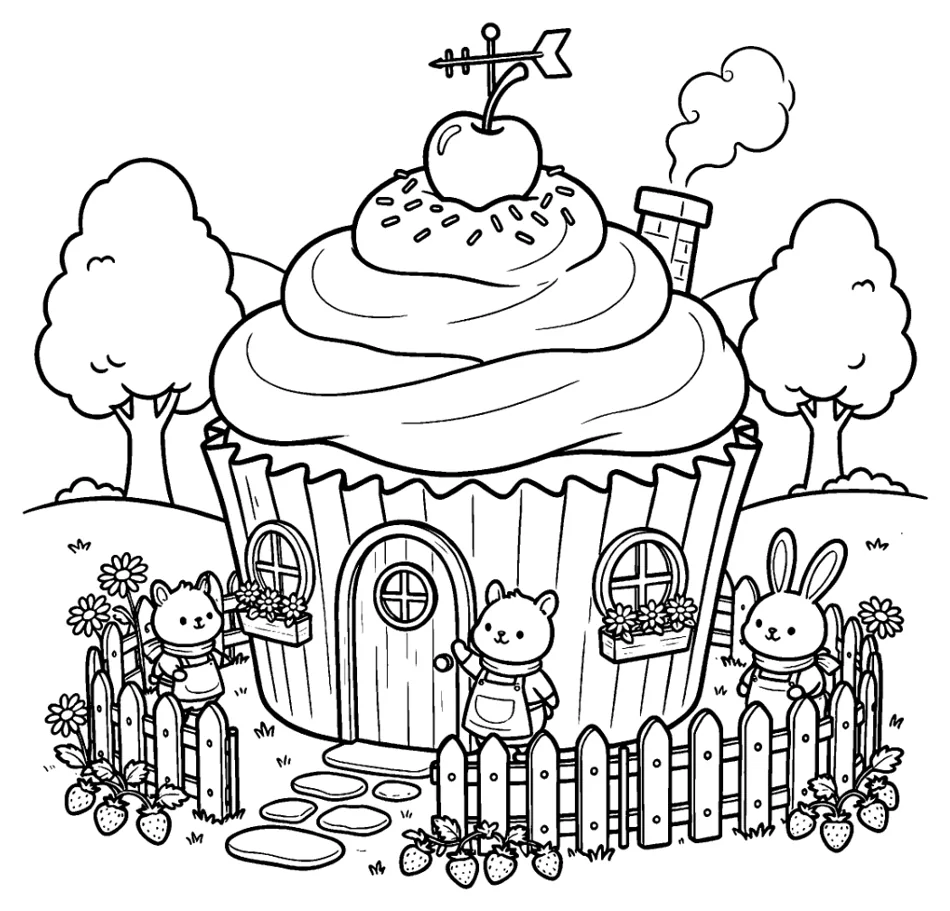
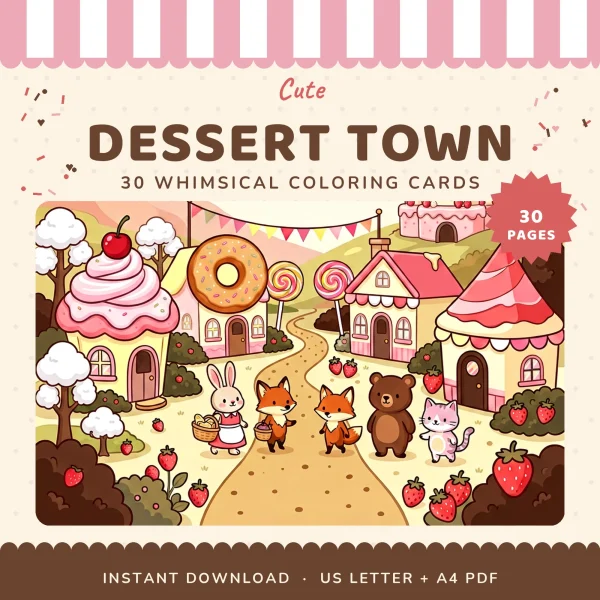
Our Dessert Town and Mushroom Village cards are drawn the other way. Most of their lines measure under 1/25 inch (1 mm), and a single page holds anywhere from about 200 to 900 closed shapes, down to single fence slats and window-box flowers.
The closing page of Dessert Town names pencils, gel pens and fineliners as the tools that suit its line weights.
It still gives paper advice for markers, so they aren’t ruled out, but the tools it recommends for those lines are the fine ones.
Some books change partway through. In Woodland Animals, the single-animal pages at the front have shapes about 1/4 inch across, and the crowded forest illustrations near the back are closer to 1/8 inch.
With a book like that, start at the front and save the busy scenes until you know how your markers behave.
If a page you love is mostly fine lines, use markers for the big areas, such as a sky, a path or a mushroom roof, and finish the small shapes with a fine pen or colored pencil.
Paper for markers: what our printing guides say and why they differ
Once you’ve picked the page, the paper decides whether the ink stays on it or soaks through to whatever is underneath.
The six books that come with printing instructions ask for different paper weights, and the split follows the kind of marker each one has in mind.
| Book | Paper its printing notes ask for | Marker it’s written for |
|---|---|---|
| Kawaii Ocean Babies | 90 to 120 gsm (24 to 32 lb bond) | Markers, with a spare sheet underneath |
| Woodland Animals | 120 gsm (32 lb) or heavier | Markers or paint |
| Dessert Town | 120 gsm or card | Markers |
| Back to School | 60 to 100 lb cardstock | Markers in children’s hands |
| Mushroom Village | 160 gsm card (about 60 lb cover) or heavier, spare sheet underneath | Markers and alcohol pens |
| Cozy Witch Shop | 160 to 200 gsm smooth white cardstock, spare sheet behind | Alcohol markers |
The lighter numbers, 90 to 120 gsm, come with kids’ books like Ocean Babies and Woodland, written for the everyday markers children use. Back to School is a kids’ book too, but it’s the one that goes straight to cardstock.
Every guide that mentions alcohol markers jumps to 160 gsm card and adds a spare sheet behind the page.
Alcohol ink is thin and soaks into paper fibers fast. Heavier card slows it down, but it doesn’t reliably stop it. That’s why the sheet underneath matters as much as the weight.
Four of the six say to print single-sided, and none suggests printing on both sides. Dessert Town puts it plainly: single sided, so nothing shows through from the back.
Pounds and grams don’t convert one to one, because bond, cover and index paper are weighed differently. Our chart of paper weights in pounds and gsm lines them up.
Before you buy 60 lb cover card (160 gsm), check the heaviest paper your printer’s tray accepts. If the same book will also get crayons, pencils or paint, the paper table in printing coloring pages at home puts all of those tools side by side.
Test your markers on the printed page first
The right paper is still only a starting point, because no guide knows your printer’s black ink or the markers in your box. Test the two together on the sheet you’ll color.
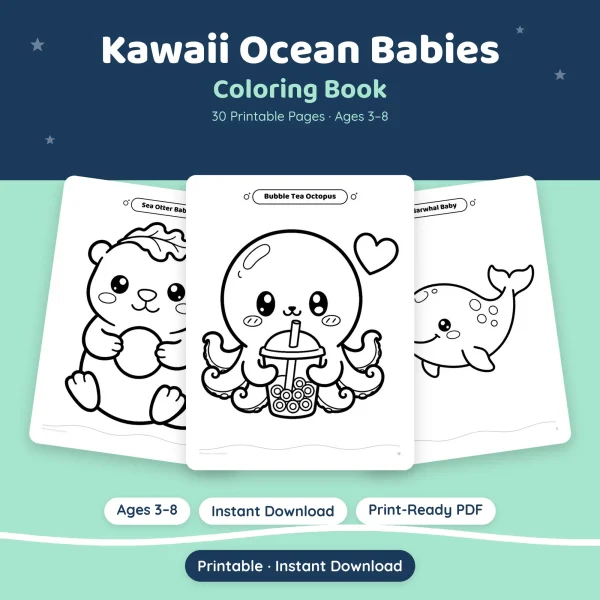
Two of our kids’ books end with a page that works well for this. Kawaii Ocean Babies and Woodland Animals each close with an animal chart: ten small drawings, each above an empty circle.
The Ocean Babies chart says, “Color the circle with your favorite color!”
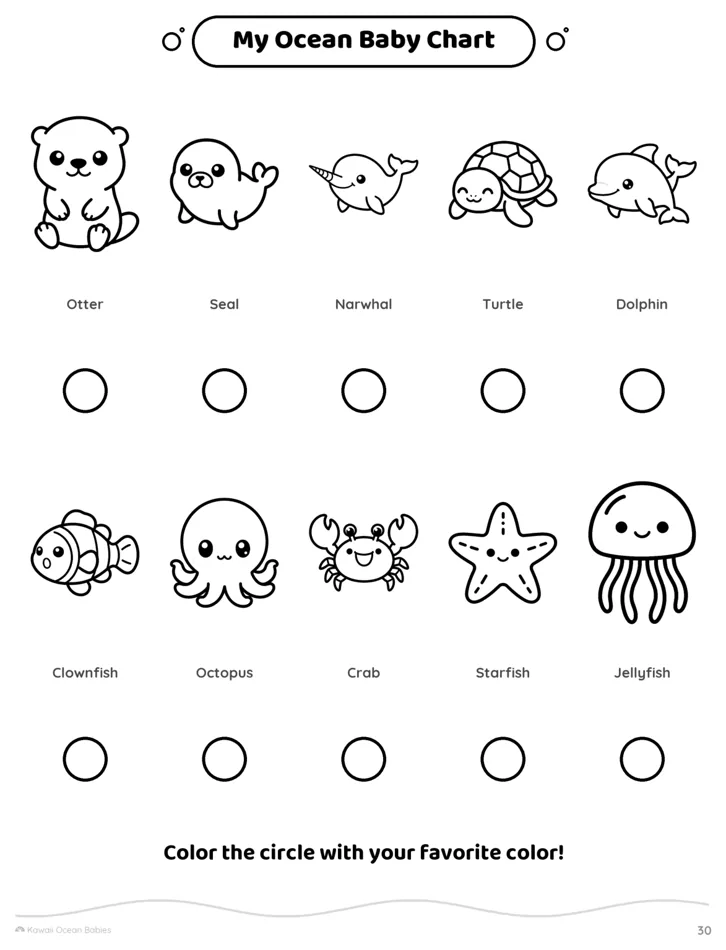
Print that chart on the same paper as the page you plan to color. Each circle is a closed shape with a printed outline, which is exactly the situation you’re testing.
Color one circle with a single pass and the next with three passes. Then check three things. Did the black outline stay sharp? Did the color creep past it? Does anything show on the back?
A child picking favorite colors gets to do what the page asks, and you find out which markers behave on that paper before they touch the real animal. The full book is Kawaii Ocean Babies.
If your book doesn’t have a chart, use a star or heart from the border of a spare print, or the corner of a scene you don’t mind losing.
Cozy Witch Shop’s printing note asks for one test page first, to check both the paper and the margins. The margin check is only trustworthy if that page prints at 100% scale, with Fit switched off.
Keep the tested sheet with your paper.
If you change the paper, the printer setting or the marker, test again, and change only one of those at a time so you know which one made the difference.
Kawaii Animals, the bold-outline book this guide keeps returning to, names no paper weight at all. Its how-to page says only “white paper or cardstock,” so let your tested sheet decide before you print all 50 animals.
How to color with markers without streaks
Streaks appear where one stroke dried before the next one overlapped it. The fix is to keep the edge of your color wet: work in small sections, move the marker one way, and stop once the area is covered.
The tested circles told you how your paper takes ink, so the same habits now go onto the real page, starting with the biggest shape.
Filling large areas evenly
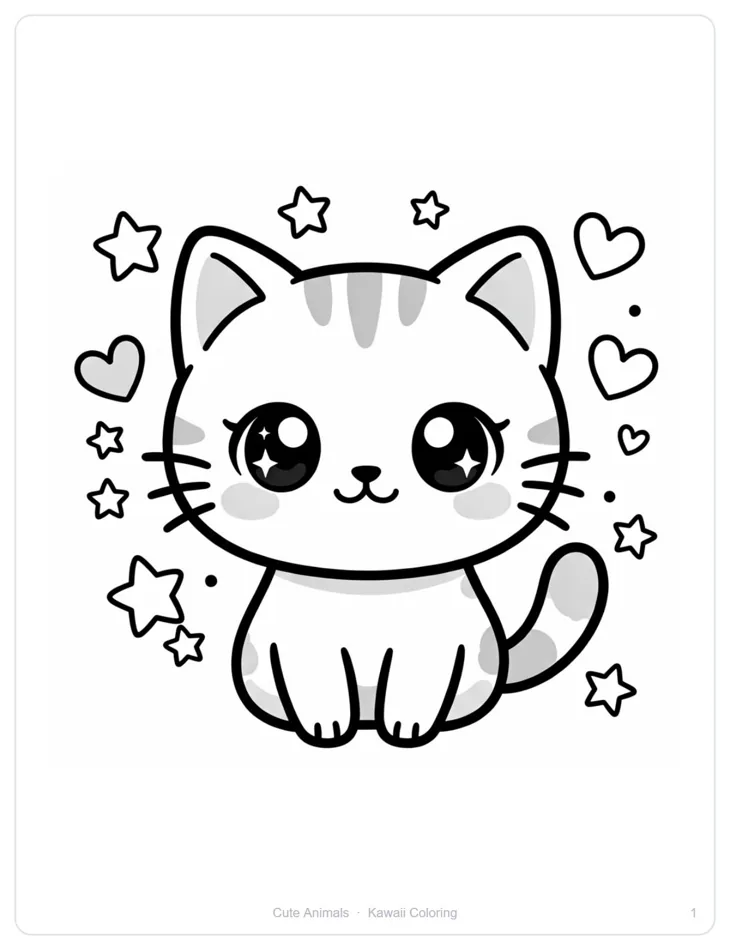
Pick one shape, such as the body of the Kawaii Animals kitten shown above, and fill a section small enough to finish before the first strokes dry.
Lay each stroke so it overlaps the last one while that one is still wet, and the two run together into one flat color.
Keep the strokes going the same way inside a section, along the long side of the shape if it has one. Turn the page rather than twisting your wrist.
Use the broad or chisel side of the tip here. A fine tip on a big area means more strokes, and every extra stroke is another edge that can dry.
Stop when the white is gone. Going back over a patch that has dried adds a second layer, and because marker ink is translucent, the overlap shows up darker.
Coloring up to the outline and into small spaces
Stop a hair short of the black line and let the ink spread the last little bit on its own.
How much room that leaves depends on the page. On a Kawaii Animals outline about 1/8 inch wide, color that creeps a millimeter into the line simply disappears into the black.
On a typical Mushroom Village line, about 0.01 inch (0.3 mm) wide, the same creep can cross into the next shape.
So switch to the fine tip near the line and for anything smaller than your broad tip: eyes, noses and the stars and hearts around each Kawaii Animals character.
In tight corners, short dabs work better than long strokes, because the ink keeps traveling after the tip lifts.
Color the big shapes first and the tiny ones last, and keep your hand off anything still wet. Turning the sheet so you come at a corner from inside the shape is easier than reaching across a fresh fill.
Choosing a few colors, shadows and white space
Three colors are plenty for a first page: a main color, a darker one for small details and shadows, and an accent for the stars or hearts.
Choose them on your test circles rather than from the marker caps. The cap gives a rough idea, but the circle shows the color’s actual appearance on your paper.
Leave some white. The paper is the lightest color you have, and an uncolored spot on a cheek, an eye or a roof reads as shine.
Watch for gray that’s already printed. Several Kawaii Animals pages print cheeks, inner ears, spots or stripes in light gray, and the kitten that opens the book has the most.
Marker ink is see-through enough that a light color over that gray lets it show. That works as a ready-made shadow if you want one; if you don’t, pick a color dark enough to cover it.
For a shadow of your own, add a second pass of the main color along the underside of a round body, or use the darker color. Keep it on the same side everywhere on the page.
Marker problems on coloring pages and how to fix them
Most marker trouble on a printed page comes from too much ink in one spot, whether from pressing, from going back over dry color, or from paper too thin for the marker.
| What you see | Usual cause | What to do |
|---|---|---|
| Color on the back of the page or on the sheet below | Thin paper, or alcohol ink | Replace the spare sheet before the next page, and move up to 32 lb paper (120 gsm) or card |
| Streaks across a fill | Strokes dried before the next one overlapped | Work smaller sections and keep the edge wet |
| Color past the outline | Tip held against the line, or a line thinner than the tip | Let it dry, then keep it as a shadow or print the page again |
| A darker band where strokes cross | A second pass over a dried area | Use it as a shadow; more ink won’t lighten it |
| Smudged black outline | A fresh print, or the marker lifting the printed black | Let new prints dry and check on a test circle first |
| Fuzzy or pilled paper | Too many passes on one spot | Stop layering there and use heavier, smoother paper next time |
Don’t scrub a mistake with more ink, because once a patch has spread, every extra pass makes it bigger.
A stained spare sheet can also print color onto the back of a fresh page, so swap it out between pages.
When a sheet won’t take markers, or a page turns out to be mostly fine lines, finish it in pencil instead. Pencil goes on in light layers and finishes with hard burnishing, the way blending colored pencils lays it out, and plain printer paper is enough for it.
Printables from this article
Related articles
Printable Coloring Pages
Turkey Disguise Ideas: 18 School Project Ideas & Template
Eighteen ways to disguise a paper turkey for the school project, from a ten-minute snowman to a recycled robot, with materials, ages, time and the usual snags.
Printable Coloring Pages
Coloring Tips: Supplies by Age, Shading and Fixing Mistakes
Which coloring tools and pages suit each age, the order to color a page in, simple shading, fixing mistakes and splitting a busy page across a few sittings.
Printable Coloring Pages
Fall Activities for Kids: Toddlers, Preschoolers & Outdoors
Leaf walks, apple and pumpkin play, counting games and rainy-day pages, sorted by age and by where you'll be, with timing and setup for each.