What Is Clipart? Meaning, Types and File Formats
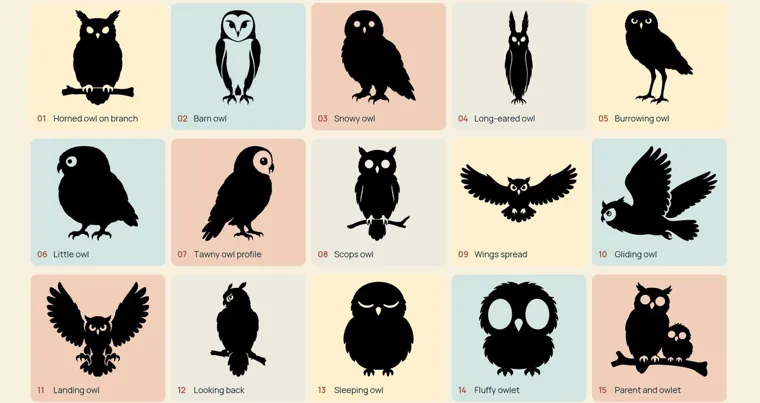
Clipart is ready-made artwork that you drop into something you’re making, such as a worksheet, a party invitation, a sign or a vinyl decal, instead of drawing the picture yourself. It’s almost always an illustration rather than a photo. Today it comes as a digital file, either a PNG built from pixels or an SVG built from lines and curves. You’ll see it spelled clipart, clip art and clip-art, and all three mean the same thing.
The style and the file you need depend on the job. A coloring sheet, a sticker and a stencil each call for a different kind, and a cutting machine adds its own rules. The license decides where the finished piece can go, so that comes last.
Where the word clipart comes from
Before computers, clipart really was clipped. Print studios sold booklets and sheets of ready drawings, and a designer cut a picture out by hand, then glued it to a board with the text of the page. Wikipedia’s history of clip art gives the older trade names as printer’s cuts, stock cuts and electrotype cuts. Much of that art was line art, plain black drawings that reproduced cleanly.
Desktop publishing moved the scissors onto the screen. After 1986, people making newsletters and brochures on home computers needed pictures in electronic form, and clipart collections followed on floppy disks and later CD-ROMs. Word processors, Microsoft’s included, began building clipart into their programs.
If you’re hunting for that library in Word today, it’s gone. Microsoft ended its online Clip Art library on December 1, 2014, and Office now points you to Bing image search instead. Those results come from all over the web, and each picture keeps its own owner and terms. Finding an image inside Word doesn’t make it free to use.
Types of clipart: color art, line art, outlines and silhouettes
Shops sort clipart by how the drawing is built, and four styles cover most of what you’ll find. Each one prints and cuts differently, so it helps to know which you’re looking at before you buy or download.
Color clipart and line art
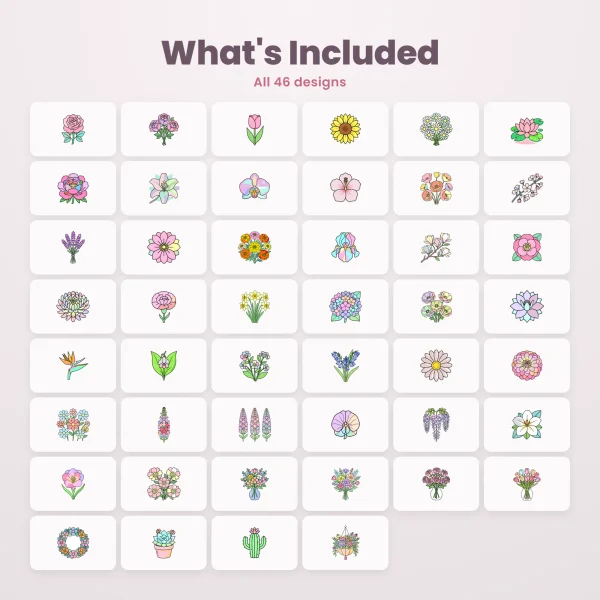
Color clipart is a finished illustration that’s ready to place. Our Pastel Floral set is an example: 46 flowers and arrangements in soft pinks, lilacs and greens, each held together by a black outline.
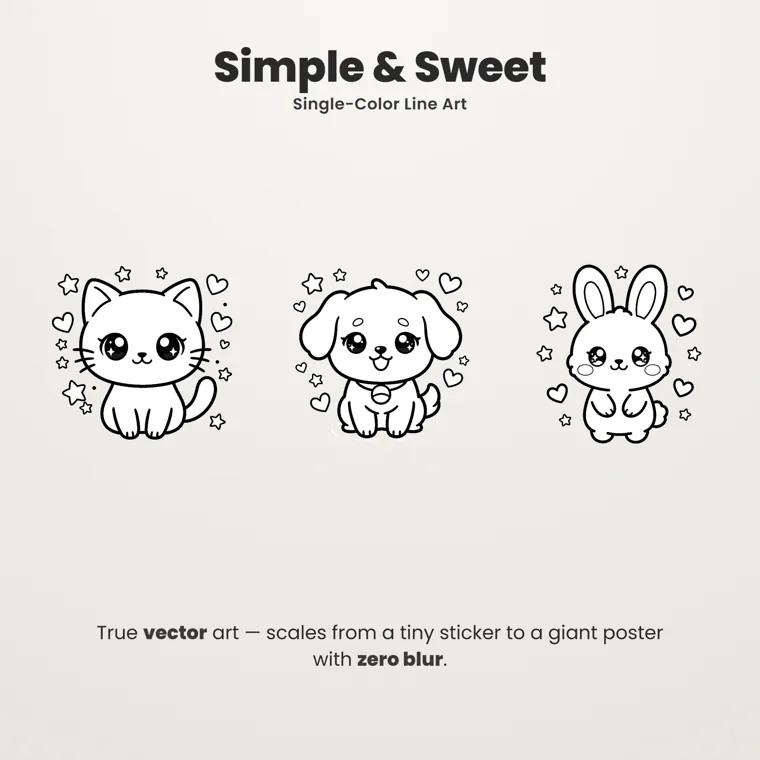
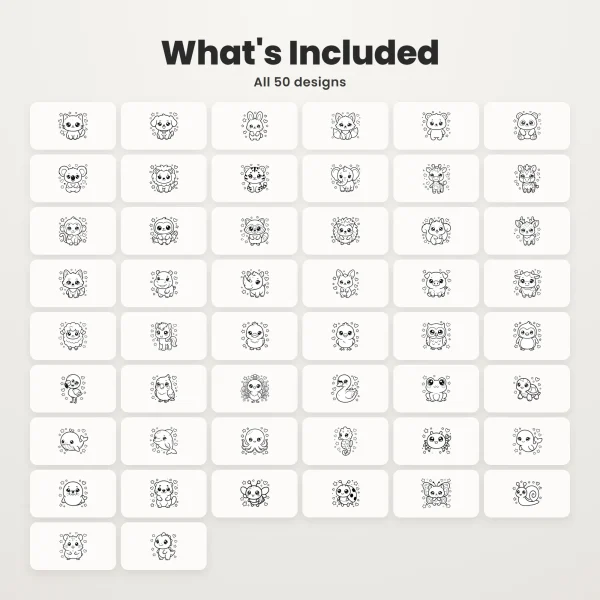
Line art drops the color. Wikipedia describes it as distinct straight or curved lines on a plain background, usually in a single color. The Cute Animal Line Art Clipart draws 50 baby animals as black outlines with white fills, so a printed page works as a coloring sheet.
Outline vs silhouette
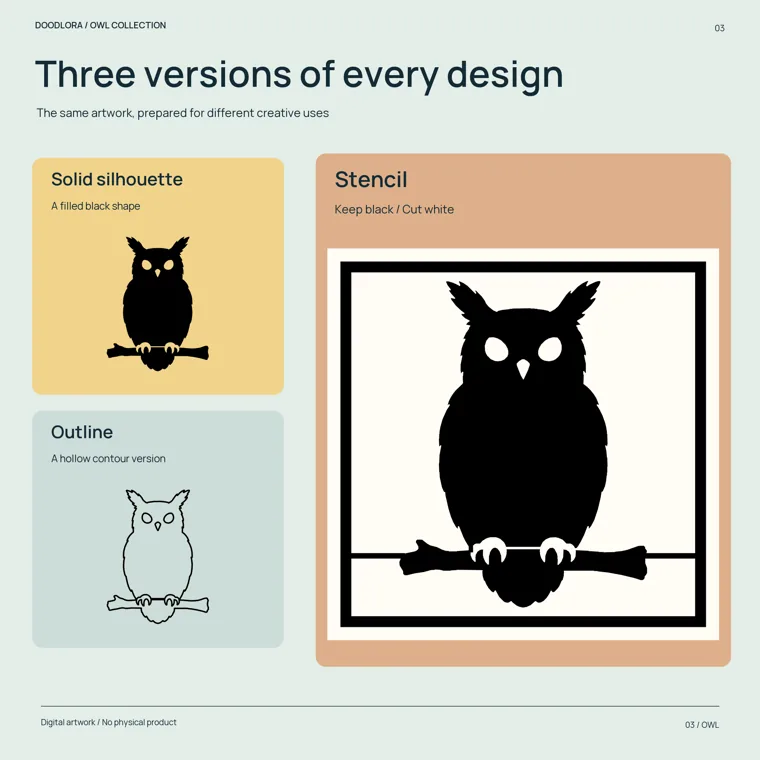
An outline and a silhouette start from the same edge. A silhouette fills the whole shape with one color, usually black, so the inside shows no detail. An outline draws only that edge as a line and leaves the middle open. Silhouettes began as portraits cut from black card, and a solid shape like that still makes a natural decal, paper cut or stencil.
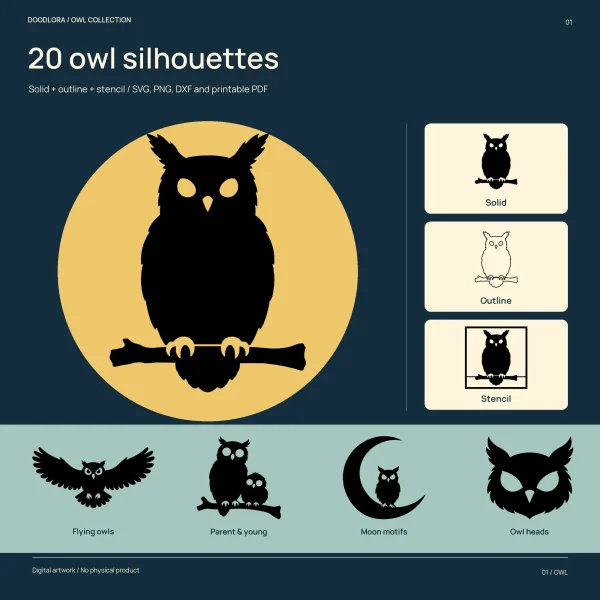
Our owl set shows the difference on one drawing. Each of its 20 owls comes as a solid silhouette, an outline and a stencil. In the silhouette, only small openings such as the eyes and beak stay clear; in the outline, those same edges become thin rings.
Stencils: silhouettes held together with bridges
A stencil has to survive being lifted off the wall and used again. Any piece that sits inside a hole, like the middle of a letter O, would fall out when you cut it. Wikipedia calls those pieces islands and the fix bridges: narrow strips of material that stay uncut and tie the island to the rest.
That’s what the owl stencils do. Each owl sits inside a black square frame and joins it through thin, straight bridges. The notes in the download say to keep the black owl and frame, cut away the white, and leave the outer square and the bridges intact.
Clipart file formats: PNG, JPG, SVG and DXF
Every clipart file is one of two kinds. A raster file, also called a bitmap, stores the picture as a grid of colored pixels; PNG, JPG and GIF all work this way. A vector file stores it as points, lines and curves instead. SVG is the vector format you’ll meet most often, an open standard from the World Wide Web Consortium.
The difference shows when you enlarge it. A raster picture turns grainy or blurry once you scale it past the size it was made for, because the pixels are fixed when the file is saved. A vector picture is redrawn from its curves, so it stays sharp at any size.
Transparency is the other thing to check. A PNG can carry an alpha channel, which makes the area around the drawing see-through, so a flower sits on a colored card without a white box behind it. A JPG has no transparency, so the drawing arrives on a solid background, usually white.
| Format | Built from | Enlarged | Background | Cutting machine |
|---|---|---|---|---|
| PNG | Pixels | Blurs past its size | Can be transparent | No lines to follow |
| JPG | Pixels | Blurs past its size | Solid, usually white | No lines to follow |
| SVG | Lines and curves | Stays sharp | Usually transparent | Yes, if the paths are cut lines |
| DXF | Lines and curves | Stays sharp | Not applicable | Yes, in software that reads it |
Most of our clipart sets ship both kinds side by side. The Pastel Floral Clipart, the animal line art, the owls and the huskies all include PNGs at 2400 × 2400 pixels with a transparent background, plus an SVG of every design. At 300 pixels per inch, a 2400-pixel PNG covers 8 inches (20.3 cm) across, and how to use clipart works the same sum through for a 5 × 3 inch name card.
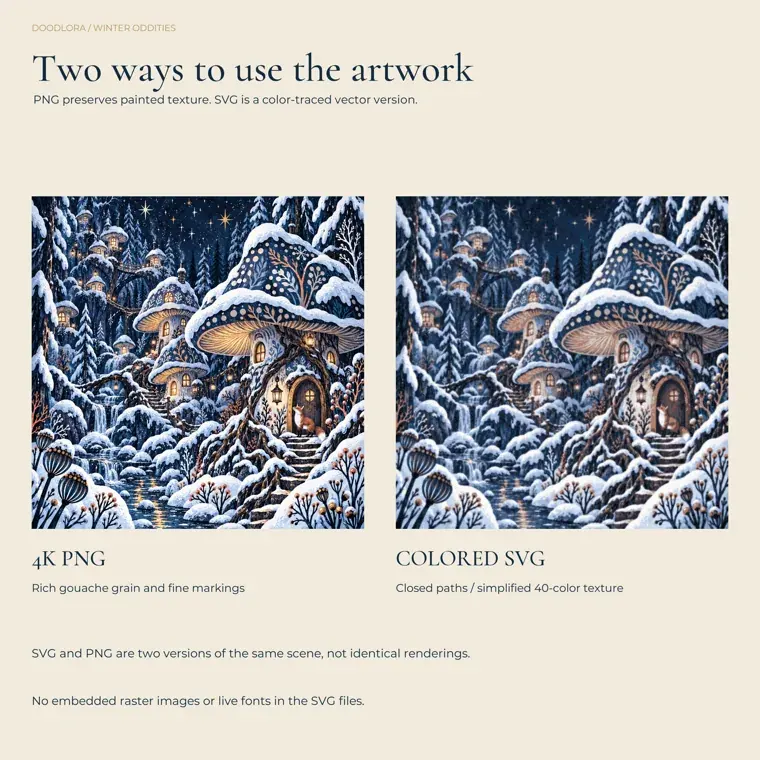
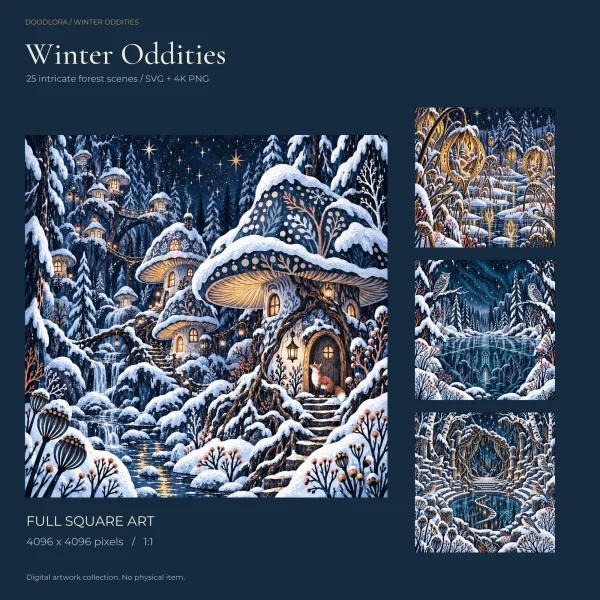
A bigger pixel count doesn’t always mean more detail, though. The PNGs in our Whimsical Winter Forest Scenes measure 4096 pixels square, but they were enlarged from a 1254-pixel original, and the product page says plainly that this isn’t native 4K detail. Going the other way costs something too: turning a painting into vectors flattens it.
DXF is a drawing-exchange format from CAD software. The owl and husky sets add a DXF of each design for programs that prefer it, saved in AutoCAD 2010 format with inches as the unit.
Which clipart files work with a cutting machine
A cutting machine is a kind of plotter. Instead of printing rows of dots, a plotter moves a tool along lines, and in a cutting plotter that tool is a knife for materials such as vinyl or leather. So the machine needs a vector file, an SVG or a DXF. A PNG has no lines for the blade to follow until someone converts it into paths.
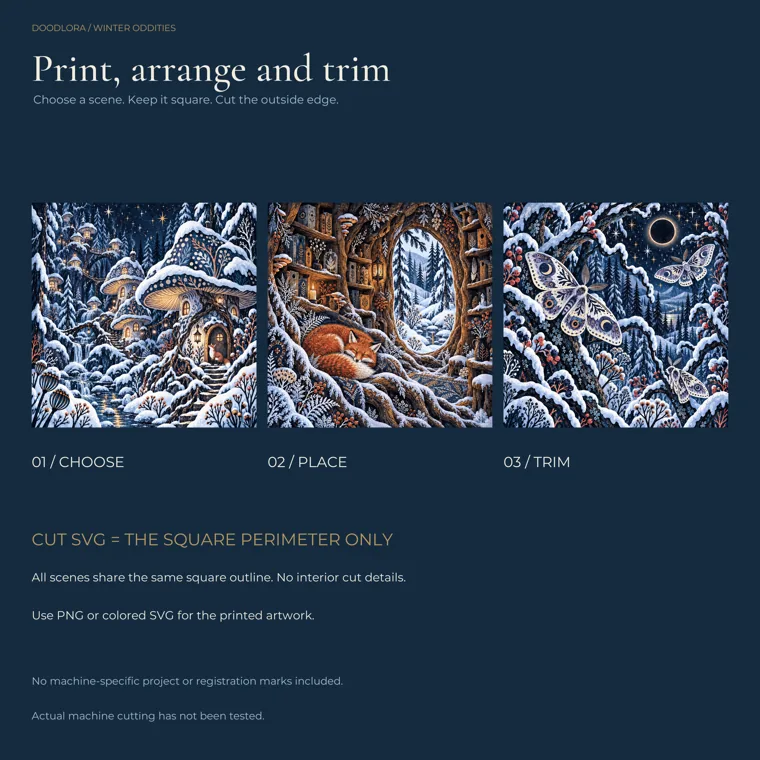
Even an SVG isn’t automatically a cut file. The colored SVGs in the winter forest set are full-bleed paintings in vector form. The set’s separate cut SVGs trace only the outer square of each scene, so a machine would trim a printed picture to shape and nothing more.
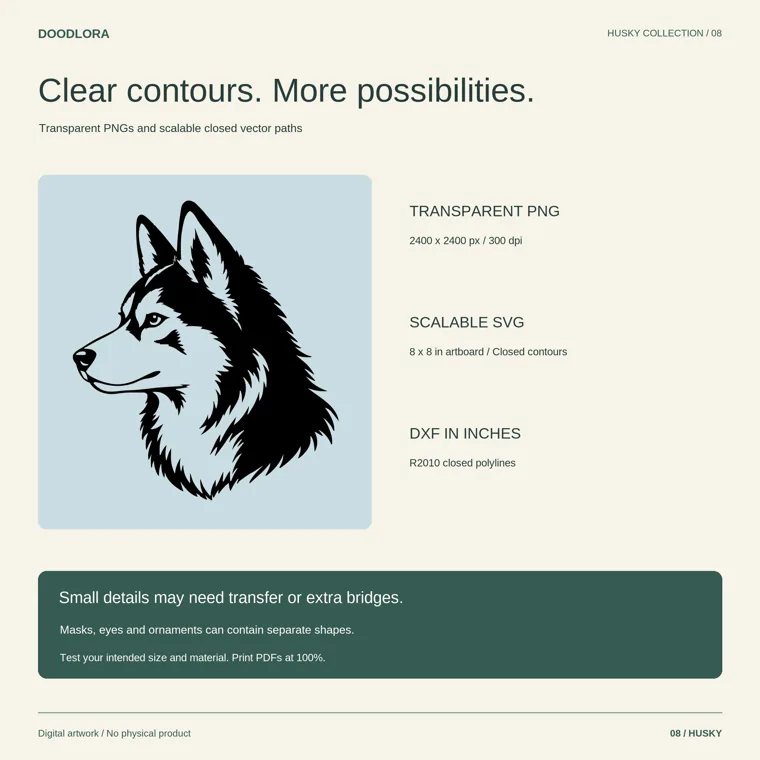
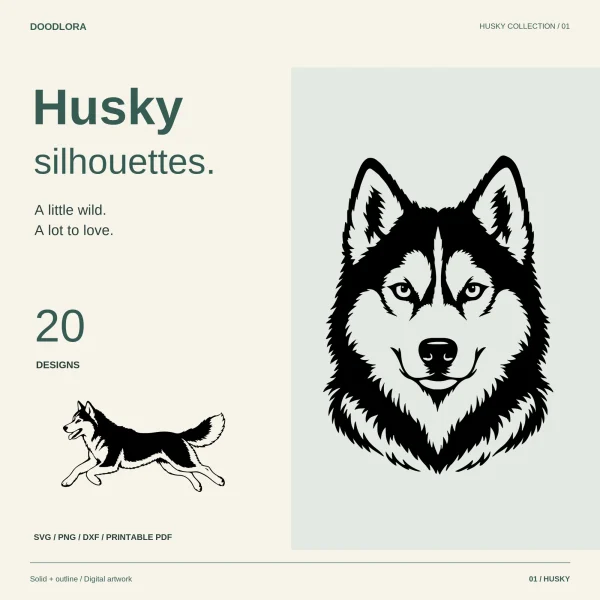
The second catch is loose pieces. The guide in our Husky Dog Silhouettes says some eyes, mask patches and winter ornaments are separate shapes, so not every design comes out as one piece. It suggests transfer tape to hold them in place, or adding bridges. The same guide notes that its SVG and DXF lines are closed shapes, not single strokes, so a blade cuts along both edges of a line.
We haven’t run these files through a cutting machine ourselves. Cut one test piece from scrap at the size you plan to use, as the owl set’s notes ask, before you load a whole sheet.
Picking clipart for what you’re making
Most mix-ups come from matching the wrong file to the job, so start from what you’re making and work back.
| You’re making | Style | File |
|---|---|---|
| A worksheet, flyer or newsletter in Word or Google Docs | Color clipart or line art | PNG with a transparent background |
| Coloring sheets for a class or a party table | Line art | PNG, printed at actual size |
| A poster wider than about 8 inches (20.3 cm) | Any | SVG, since a 2400-pixel PNG runs short |
| New colors on a design | Color clipart | SVG |
| A vinyl decal or a paper cut | Silhouette | SVG or DXF |
| A painted sign or a reusable stencil | Stencil version with bridges | SVG or DXF to cut; PDF to cut by hand |
| T-shirts or stickers to sell | Any | Whatever fits the job, plus a Commercial License |
A teacher adding pictures to a worksheet only needs a PNG. For a stack of coloring pages, set the print dialog to Actual size or 100% so the outlines keep the thickness you saw on screen. Anyone planning to cut can browse the silhouette and stencil sets in our outlines and stencils shop and check each listing for SVG or DXF files.
Clipart licenses: free, royalty-free and what ours allow
Owning a clipart file doesn’t mean you own the picture. Wikipedia lists the three common kinds of rights as royalty-free, rights-managed and public domain, and notes that most clipart for sale comes with a limited royalty-free license. That usually covers personal, educational and nonprofit use, sometimes with limited commercial rights on top. The terms vary from seller to seller, so read each one.
Free clipart has its own traps. Some of the free clipart online is copied from paid collections. An old public domain drawing that someone has redrawn or edited also counts as a new image with its own copyright, which is why old-looking art isn’t automatically free to use. This is general background, not legal advice; when it matters, ask the seller.
Every Doodlora Studio download includes a license PDF, and most products come with the Personal License. It covers you and your household, your own students, and use inside one organization such as one school, library or office. It doesn’t let you sell the files or anything made from them, or share the files outside those uses.
The Commercial License adds the right to sell physical and printed products made with the designs, such as stickers, T-shirts, mugs and cards, with no limit on how many. Neither license lets you sell or share the files themselves or put a design in a logo. The Commercial option appears only where a product page offers it, and some sets, including the owl and husky silhouettes, come with the Personal License only. Both licenses are printed in full on our license page. If you’re still choosing designs, start from the shop home page.
Printables from this article
Related articles
Clipart & SVG Cut Files
Lunar New Year Activities for Kids: Chinese New Year Crafts
Fifteen Lunar New Year activities for kids, from red envelopes and window paper-cuts to a zodiac animal race and dumpling folding, with ages, group sizes, supplies and the step that usually goes wrong.
Clipart & SVG Cut Files
How to Use Clipart: PNG vs SVG, Print Size and Licenses
What's inside a clipart download, when to use the PNG or the SVG, how to size a design by the art you can see, and what the Personal and Commercial licenses allow.