Budget Categories: Fixed, Variable and Easy-to-Miss Costs
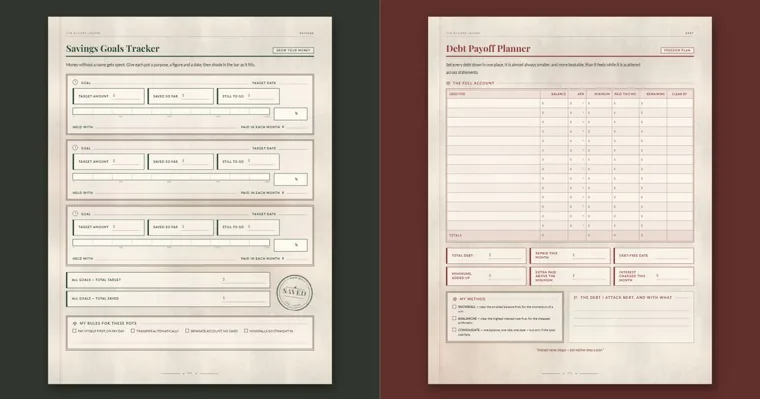
Budget categories are the labels you sort every dollar into, and a first budget works well with about ten to fifteen of them spread across five groups: fixed bills, day-to-day spending, savings, debt payments and the costs that only turn up once or twice a year. Below is a working list with what belongs in each category, how to put a number on it in month one, and the ones first budgets tend to leave out.
This page is about sorting and tracking household money. It doesn’t recommend investments or accounts, and it doesn’t say what share of your income any category should get.
The budget categories most US households need
Start with the list below and cross out what doesn’t apply to you. Each category carries two labels, explained in the next section: whether the amount stays the same from month to month, and whether you could cut it in a bad month.
| Category | Fixed or variable | Essential or optional | What goes in it |
|---|---|---|---|
| Housing | Fixed | Essential | Rent or mortgage, HOA dues, property tax if it isn’t paid through the mortgage |
| Utilities | Variable | Essential | Electricity, gas, water and sewer, trash pickup |
| Phone and internet | Fixed | Essential | Cell plan, home internet |
| Groceries and household supplies | Variable | Essential | Food you cook at home, cleaning products, toiletries, paper goods |
| Transportation | Both | Essential | Car payment, gas, transit fares, parking, tolls |
| Insurance | Fixed | Essential | Auto, renters or homeowners, life, and health premiums that aren’t taken out of your paycheck |
| Health and medical | Variable | Essential | Copays, prescriptions, dental and vision costs, the share of a bill insurance doesn’t pay |
| Childcare and kids | Both | Essential | Daycare, after-school care, school lunches, activity fees, clothes they outgrow |
| Debt payments | Fixed minimums | Essential | Credit card, student loan, car or personal loan payments |
| Savings | Set by you | Essential | Emergency fund, money held for yearly bills, named goals |
| Personal care and clothing | Variable | Mostly optional | Haircuts, clothes, shoes |
| Dining out and takeout | Variable | Optional | Restaurants, delivery, coffee out, lunches bought at work |
| Entertainment and subscriptions | Mostly fixed | Optional | Streaming, apps, gym, hobbies, tickets |
| Gifts and giving | Variable | Optional | Birthdays, holidays, donations |
| Pets | Variable | Essential once you have one | Food, litter, vet visits |
| Miscellaneous | Variable | Either | Small costs that fit nowhere else |
Savings and debt payments are on the list on purpose. When they only get whatever is left at the end of the month, there may be nothing left by then. A retirement contribution or a health premium that comes out of your paycheck before it reaches your account is already outside your take-home pay, so leave it off the list or it gets counted twice.
Two labels for each budget category: fixed or variable, essential or optional
The fixed-or-variable label tells you how hard a category is to predict. Our step-by-step guide on how to make a budget sorts expenses that way and walks through the 50/30/20 split, so neither is repeated here.
The second label, essential or optional, decides what happens in a short month. Essential categories keep a roof overhead, the lights on, food in the house, a way to get to work and the minimum debt payments current. Optional ones are where you trim first. Labeling them before a tight month arrives means the decision is already made when it does.
The two labels don’t line up neatly. A streaming bundle is fixed but optional, while groceries are variable but essential. Groceries also hide an optional slice: snacks and convenience food can shrink while the staples stay.
The essential total does a second job later on. An emergency fund target usually starts from a month of essential spending, not a month of everything, so this label saves you a calculation when you get to savings.
Budget categories for your situation
The core list fits most homes. Which categories need the most care depends on who lives there and how the money arrives.
Single and renting
With one income and one person, the list can stay short. Housing, phone and internet, groceries, transportation, insurance, debt payments, savings and a single fun category often cover it.
Two lines deserve a second look. Renters insurance is easy to forget because it’s small and may be billed once a year. Spending with friends, such as dinners, birthday rounds and weekend trips, tends to scatter across three categories; if that’s where the money keeps going, give it one line of its own so you can see the total.
Families with kids
Kids add categories that are partly predictable and partly not. Daycare or after-school care is often the largest and behaves like a fixed bill. Around it sit smaller costs that come in bursts: supplies in August, field trip money, school pictures, sports fees and new shoes when feet grow.
Give childcare its own line instead of filing it under housing or miscellaneous. For the bursts, one kids category with a set monthly amount is easier to run than predicting each cost. When two adults share the money, agree on who records the kids’ spending, or the same purchase ends up on both lists.
Income that changes month to month
Freelance, tip, commission and seasonal pay change the order of the categories more than the list itself. Rank them: essentials first, then minimum debt payments, then savings, then optional spending. In a lean month, fund down the ranking and stop where the money runs out.
If no one withholds tax from what you earn, put a tax category near the top so that money isn’t spent before the bill arrives. Record each payment as it lands, too, because a monthly total hides who paid late. The monthly income log in our ledger has a box for money still owed to you for exactly that.
How to estimate each budget category in your first month
First-month numbers are guesses, and that’s fine. What matters is that each guess comes from a record rather than memory, and that you correct it after a month of tracking.
- Fixed bills: copy the amount from the latest bill or statement. If a price change is already announced, use the new price.
- Variable categories: add up the last two or three months from bank and card statements and take the average. Round groceries and gas up, not down.
- Once-a-year costs: take last year’s total and spread it across twelve months.
- Costs with no history, such as a first apartment, a new car or a new baby: put in your best estimate, mark it, and make it the first number you check at month end.
Two mistakes inflate first-month numbers. If you pay your credit card in full every month, the card payment isn’t a category; the groceries and gas you charged to it are, so count the purchases or the payment, never both. If you carry a balance, the payment goes under debt payments while new purchases still go in their own categories. Moving money from checking to savings isn’t spending either. It appears once, in the savings category.
Budget categories people forget to include
The costs that break a first budget are rarely the monthly ones. Look back over last year’s statements for these:
- Car registration and inspection, plus the maintenance in between: oil changes, tires, brakes
- Insurance deductibles and copays, and any policy you pay once or twice a year
- Annual memberships and renewals, such as a warehouse club, software or a professional license
- Holiday gifts, birthdays, and a work or family gift exchange
- Back-to-school shopping, field trips and school fundraisers
- Vet visits and pet medication
- Home and appliance repairs
- Tax preparation fees
- Travel, including trips home for the holidays
- Bank fees and free trials that turned into paid subscriptions
There are two ways to cover them. Give each its own savings category and set aside a twelfth of the yearly cost every month, or keep one irregular-costs category and list the pieces it has to cover. Page 4 of our printable budget planner has six boxes for these, including insurance renewals, tax and professional fees, and gifts, birthdays and Christmas.
Gift exchanges are easier to plan for when the price limit is set early. Our page of gift exchange games ends with how to settle the price limit and sign-up before the party.
Savings and debt payments need budget categories too
Money you save and extra debt payments work best as categories with their own numbers, set before the month starts instead of filled from leftovers. Three kinds of line cover most households.
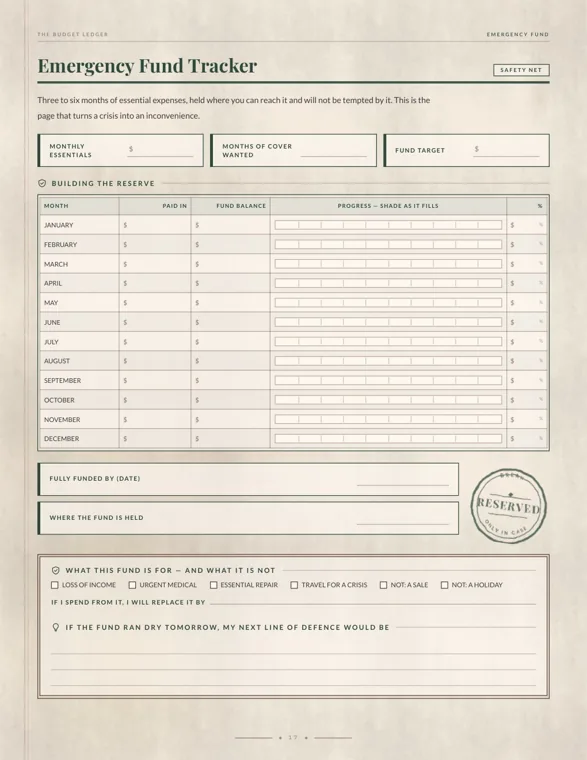
- Emergency fund: our ledger’s emergency fund page frames the target as three to six months of essential expenses, which is where the essential label from earlier gets used.
- Saving for planned costs: a car replacement, a vacation or a wedding each get their own line. If you’re saving for a wedding, our wedding planning checklist starts with setting a total budget and agreeing on who is contributing.
- Debt payments: record the minimum payment as an essential category and any extra payment as a separate line. A tight month can then drop the extra without missing a minimum.
Each of these is a bookkeeping line and nothing more. Where the saved money is kept, and whether any of it is invested, is a separate decision this page doesn’t cover.
Too many or too few budget categories? Signs and fixes
Too few categories shows up as a Miscellaneous line that takes a large share every month, or one category, such as shopping, that mixes household refills with clothes and gifts. Split out whatever keeps appearing in it.
Too many shows up as categories with one or two charges a month, or pairs you can’t tell apart when you write down a receipt, like coffee and dining out. Merge them. A quick test: if a receipt takes more than a few seconds to file, the categories need work.
Keep the names the same for at least three months so the months can be compared, then revise. The quarterly review page in our ledger has a checkbox for revising budget categories, next to reviewing subscriptions and comparing insurance.
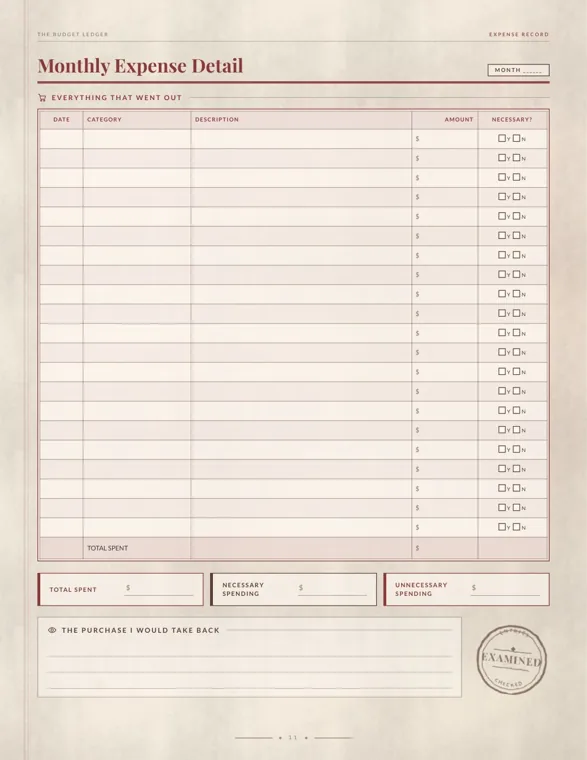
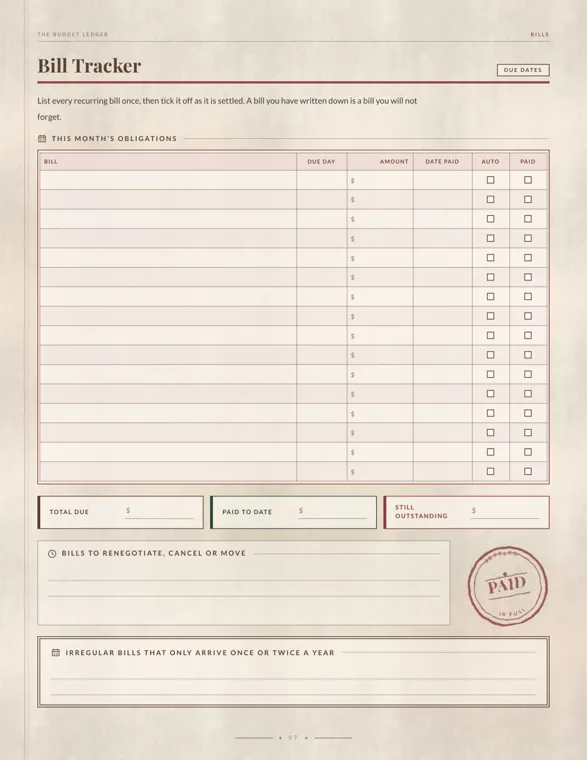
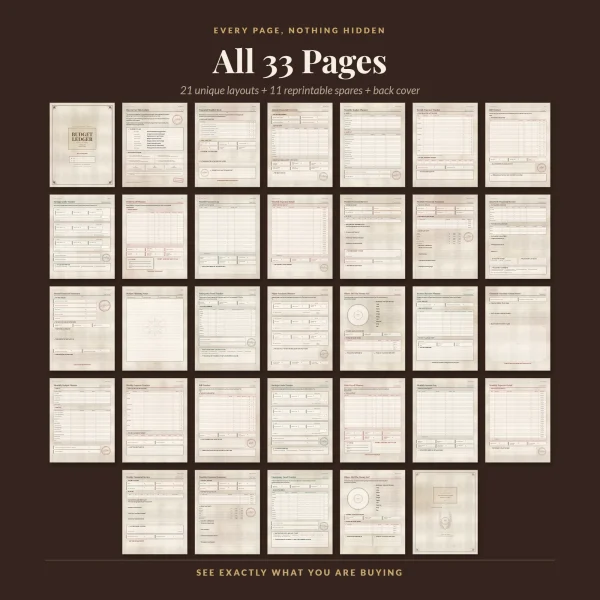
One catch if you use that ledger: its pages don’t share a single category list. The monthly budget planner prints 14 spending categories, the weekly expense tracker uses 9 and the spending wheel uses 10. Insurance, Education, Subscriptions, Debt Repayments and Savings Transfer from the monthly plan have no line on the weekly page, so decide before the first week where those will be logged; the bill tracker is the natural home for most of them.
The monthly planner also has no printed line for childcare, pets or gifts. If any of those is large in your house, use the Other line for the biggest one, or write over a line you’ll never use, such as Education / Learning in a home where no one is studying.
Printables from this article
Related articles
Printable Planners
How to Meal Plan: Meal Planning and Prep for Beginners
A step-by-step weekly meal planning method for beginners, from reading the calendar to the grocery list, safe leftovers, simple meal prep and busy-night backups.
Printable Planners
How to Use a Planner: Daily Plan, Weekly Review & Ideas
A step-by-step way to set up a paper or printable planner, use it for a few minutes a day, review each week and get back on track after skipped days.
Printable Planners
Wedding Planning Checklist: Timeline and Day-Of Checklist
A wedding checklist laid out by month, from the first budget talk to the thank-you notes, with who handles each job and the step that tends to slip at every stage.