 1 / 7
1 / 7
Christmas Party Invitation & Card Suite
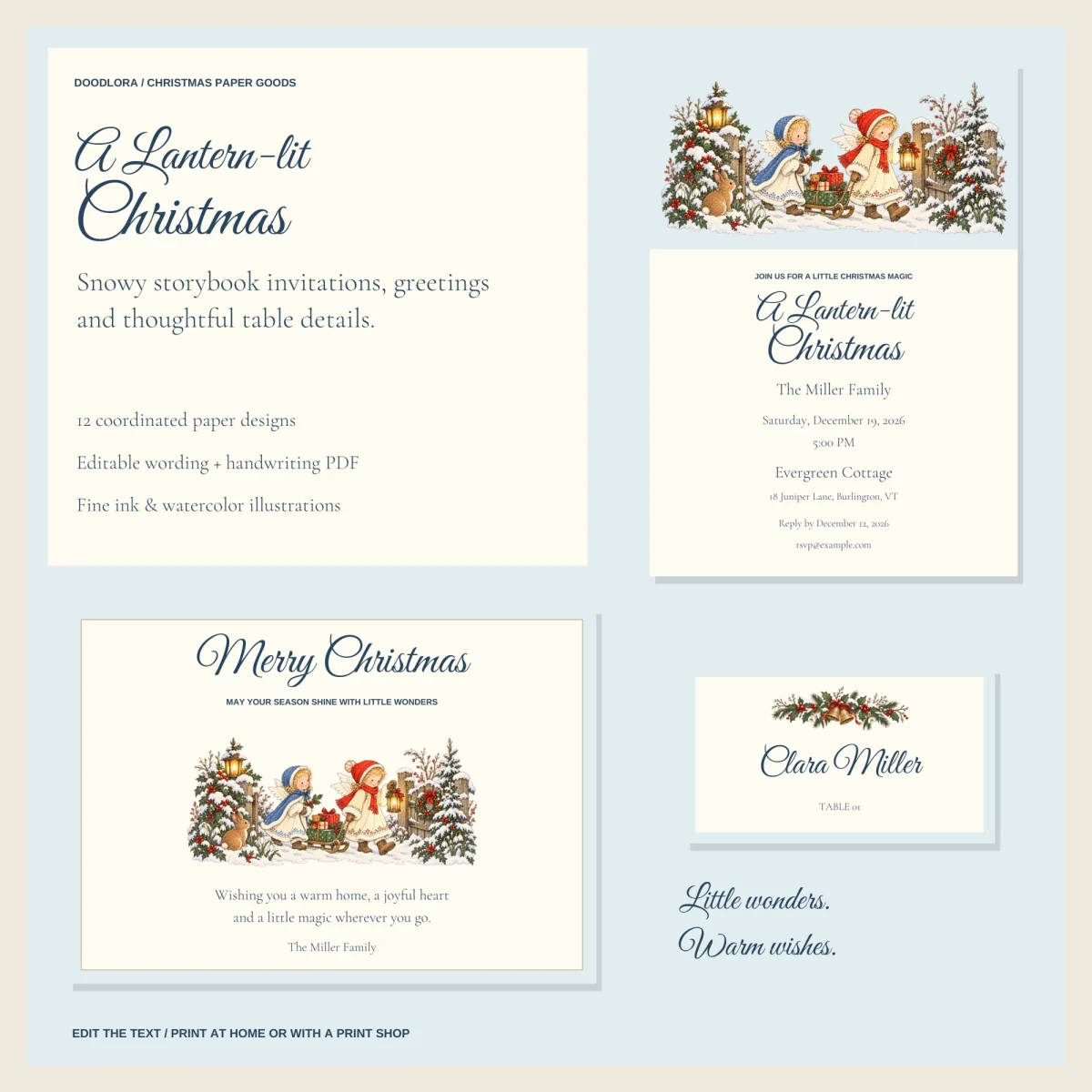
Twelve flat Christmas paper pieces in one snowy storybook look, with two angel children pulling a sled of gifts, a lantern-lit cottage and a holly-and-bells garland. Type your own details into an editor that runs in your browser without going online, or print the blank set and fill it in with a pen.
$3.99
Buy any 3 or more printables and save 20% at checkout.
- Download right after payment — link works for 30 days, up to 5 downloads
- Files arrive as a ZIP with your license PDF inside
- Secure checkout by Stripe · Refund policy
A Christmas party invitation is the lead piece in this set, but it comes with eleven more that carry the same art: a Christmas Eve invitation, a reply card and everything for the table, from the dinner menu to small gift tags. The scenes are snowy and old-fashioned. Two angel children in blue and red capes pull a sled of presents past lanterns and a rabbit, a lit cottage sits in deep snow, and a garland of holly, pine and gold bells crowns the smaller cards.
Two invitations, two events
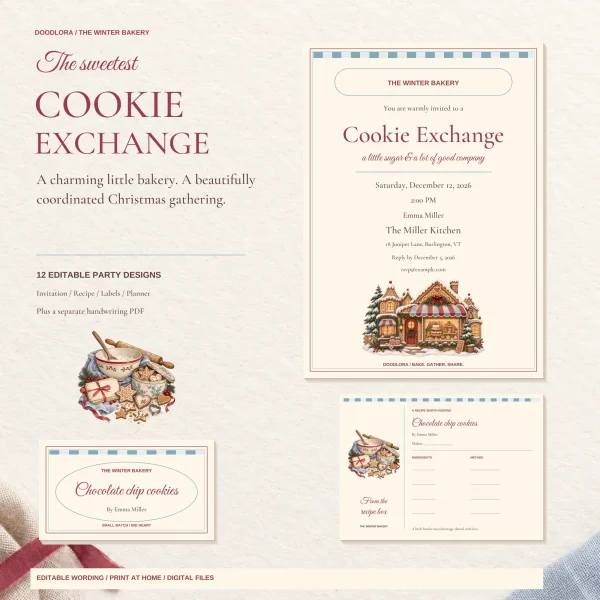
The set has two different invitations. The party invitation has the large script headline “A Lantern-lit Christmas” under the sled scene. The Christmas Eve invitation is framed in a thin gold border, with the cottage at the bottom and “a candlelit dinner & a little wonder” under the title. Use one or both. Each invitation has its own fields, so a December 19 party and a December 24 dinner can sit side by side with different times and details.
The reply card has lines for names, number of guests and dietary needs, plus two check boxes for accept and decline. The gathering details card, a 4 x 6, splits into three panels: when to arrive, what to bring, and how to reach the host.
How the editor works
Open START-HERE.html in a desktop browser, pick a piece from the drop-down list and type over the sample text. The preview updates as you type. Every field takes up to 90 characters, and if a line runs long the editor shrinks it to fit, then shows a warning once the text gets noticeably smaller so you know to shorten it.
Each piece is edited separately. Typing your date on the invitation does not copy it to the welcome sign, so plan to fill in each design you use. The editor does not remember changes when you close it. Click “Save my edits” to download a small file of your wording, then “Load my edits” next time to pick up where you left off.
When a piece is ready, “Print / Save as PDF” makes a PDF the exact size of that piece, so the invitation comes out as a 5 x 7 page and the gift tag as 2 x 3.5. In the print dialog, choose actual size or 100%, turn off headers and footers, and turn on background graphics. “Download this design as SVG” saves a single file with the art and fonts built in, which a print shop can work from.
Writing it by hand instead
The blank PDF keeps every illustration and heading but replaces the details with ruled lines labeled Hosts, Date, Time, Venue and so on. The potluck sign-up and the wishes card are made for pens in both versions. The sign-up has columns for name, dish and allergens, and the wishes card asks guests to finish three prompts, such as “A little wish for the season…”.
Paper and sizes
Invitations and the wishes card are 5 x 7 inches, the reply and thank-you cards 5 x 3.5, the details card 4 x 6, the menu 4 x 9, the place card 3.5 x 2, the welcome sign and potluck sheet 8 x 10, the greeting 7 x 5 and the gift tag 2 x 3.5. Everything is flat and printed on one side. There are no folded cards, envelopes, bleed or crop marks. If your printer cannot take a small paper size, a print shop can place the exact-size PDF on a larger sheet. Print one proof first and check the wording and colors before a full run.
Questions
- Can I change the colors or the big script headline?
- No. Only the text fields can be changed. The artwork, colors, fonts, sizes and layout stay as they are, and the script headline on the party invitation is part of the fixed design.
- Do I need an account or an internet connection to edit?
- No. The editor is a single HTML file that opens in a desktop browser and works offline. The guide notes that editing on a phone has not been tested.