 1 / 7
1 / 7
Cute Alligator SVG: 30 Cartoon Gators, Hatchlings and Swamp Scenes in Color and Mono
Thirty olive-green cartoon gators with cream bellies, from a hatchling in a cracked egg and four big-grin heads to lily pad scenes and three swampy sayings. Each design comes in a color version and a near-black mono version, in SVG, PNG, DXF and EPS.
$4.99
Buy any 3 or more printables and save 20% at checkout.
- Download right after payment — link works for 30 days, up to 5 downloads
- Files arrive as a ZIP with your license PDF inside
- Secure checkout by Stripe · Refund policy
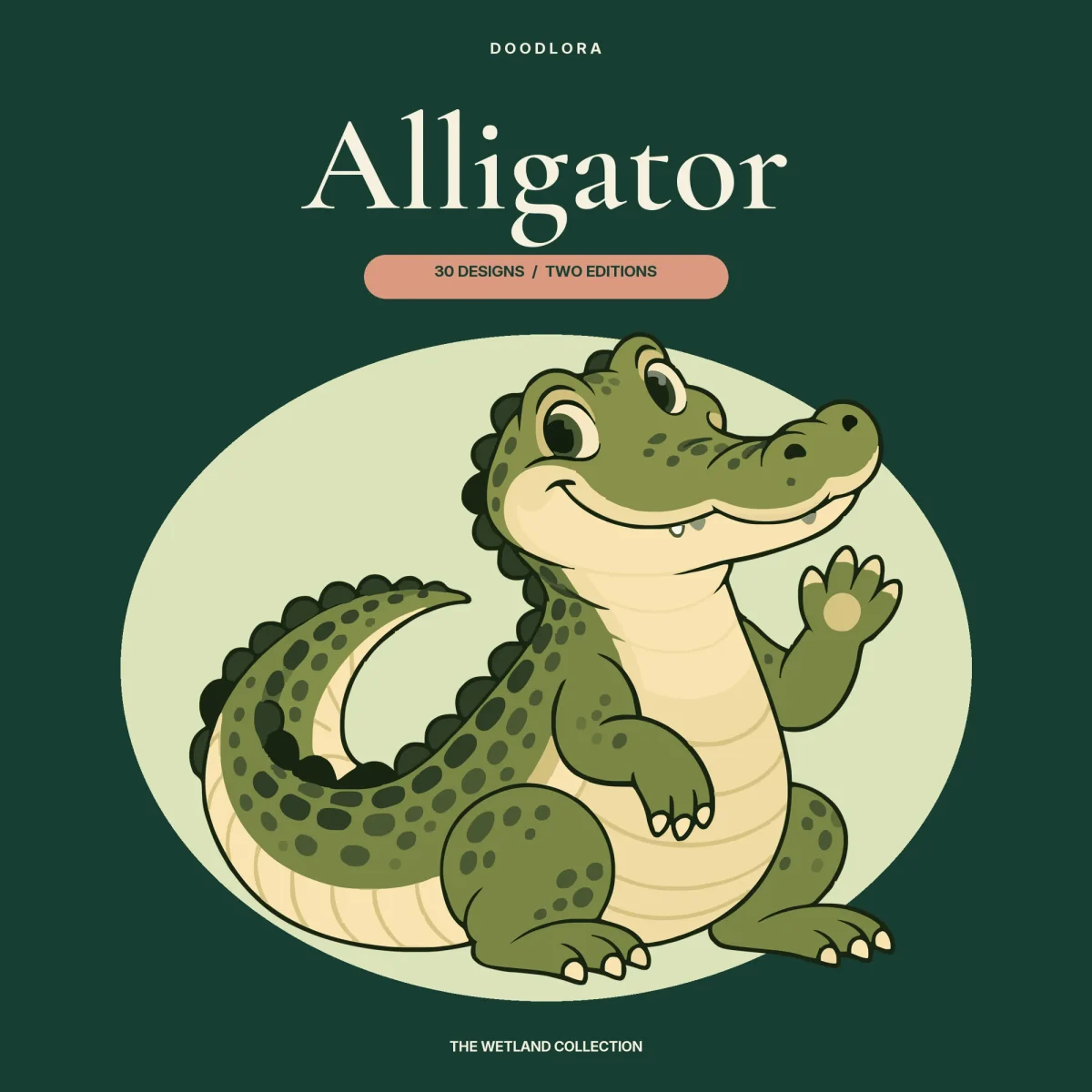
Thirty cartoon gators make up this alligator SVG set, all drawn the same way: olive-green backs covered in darker spots, cream bellies with soft stripes, a row of scalloped ridges from the head down the tail, and a wide snout with a couple of small teeth showing. Most of them grin. Every design comes as a color version and a mono version, and each version is saved as SVG, PNG, DXF and EPS.
What the 30 gators are doing
Design-Index.csv sorts the set into seven groups, numbered 01 to 30.
- Full-body gators (01–08): one sits up and waves a paw, one walks with its nose raised toward a dragonfly, one sits square to the front, one laughs with its mouth wide open, one stretches out low, one trots, one swims seen from above, and one twists around to look back over its shoulder.
- Open-jaw heads (09–12): head-and-neck portraits with pink cheeks and a pink mouth full of little teeth, one in profile, one facing you, one tilting its head and one chomping upward.
- Wild poses (13–18): longer, lower gators patrolling a bank, cruising seen straight from above, crouching, gliding on a diagonal, curled up asleep, and floating with only the back and snout above a line of ripples.
- Babies (19–21): a hatchling peeking out of a cracked, speckled egg, a little gator holding a pink lotus, and one asleep with its chin on its paws.
- Swamp scenes (22–24): a gator leaning over a big lily pad next to a lotus bloom, a gator standing between two clumps of cattails, and a gator curled asleep around a lotus.
- Line art (25–27): dark green drawings with no fill, a gator on a log under fern fronds, a gator lying beside a small turtle perched on a lily pad, and a gator sleeping under a crescent moon and three stars.
- Sayings (28–30): a smiling gator above bold dark green capitals reading “WIDE SMILE WILD SWAMP”, “SLOW DAYS SWAMP WAYS” and “LITTLE GATOR BIG WETLAND”. The lettering has been converted to outlines in every format.
What changes in the mono version
The mono files use a single near-black color. For most of the set that turns the gator into black linework with the spots and ridges filled in. The six wild poses go further: in mono they become mostly solid black shapes, the closest this set gets to an alligator silhouette. They aren’t silhouettes in the color version, where they’re full-color cartoon gators like the rest. The line-art group barely changes, since 25 to 27 are already one color; the mono file just swaps dark green for black.
The color SVGs were vectorized from the artwork, so one area of green is often split into several almost identical shades. If you want to recolor a gator, a select-similar-color tool will save you a lot of clicking.
Canvas, sizes and before you cut
Everything sits on a 12 x 10 inch canvas, wider than it is tall, which suits the long, low poses. The PNGs match it at 3600 x 3000 pixels with a transparent background, and the gator never fills the whole frame. In the DXF files the artwork runs from about 5 to 11 inches wide inside that canvas, so check the real size after you import. The DXFs hold closed contour lines on layers named by color, not filled shapes, and your program may ask you to pick layers or tidy up a contour.
The guide suggests starting full-body and scene designs at around 8 inches wide, and warns that small facial details, the lettering and enclosed bits may need a bigger size or some simplifying. Neither cutting nor importing into a particular program has been tested with these files, so try a small piece of your own material before a full project.