Standard Picture Frame Sizes and How to Frame Prints

Picture frame sizes are named for the picture a frame holds, not for its outside edge. The standard US sizes are 4 × 6, 5 × 7, 8 × 10, 11 × 14, 16 × 20 and 20 × 24 inches, and square frames such as 8 × 8, 10 × 10 and 12 × 12 are widely sold next to them. An 8 × 10 frame takes an 8 × 10 print, and its outside is bigger by the width of the molding on both sides. A mat changes the math: an 11 × 14 frame “matted for 8 × 10” takes an 8 × 10 print behind a window that’s cut a little smaller than the print. The chart comes first, then mats, then how to size a print from its pixels, how A4 and A3 pages fit US frames, and the measuring slips that leave a gap or crop off the best part.
Which frame size fits what you’re framing
Start from the thing you’re framing, because its shape decides more than its size. A frame of the right size but the wrong proportions still means cutting something off or leaving a strip of empty mat.
| What you’re framing | Frame to look for | Watch out for |
|---|---|---|
| A camera print | 4 × 6, or 8 × 12 for a bigger copy | Many phone photographs are 4:3, closer to 6 × 8, so a 4 × 6 print trims part of the picture |
| A printable on US Letter paper | 8.5 × 11 (sold as document or certificate frames), or 11 × 14 with a mat | A design with wide white margins can be trimmed down to 8 × 10 instead |
| An A4 page from a European or UK shop | A4 frame, or 11 × 14 with a mat cut for it | At 11.7 inches tall, A4 won’t fit an 8.5 × 11 frame |
| A square digital print | 8 × 8, 10 × 10 or 12 × 12 | An 8 × 10 frame cuts 2 inches off a 10 × 10 print |
| A poster | 16 × 20, 18 × 24 or 24 × 36 | Too big for a home printer, so it goes to a print shop |
Square prints are where shape matters most. Our watercolor cottage and village sets in the printable wall art section are all square, so the worked example further down uses two of those sets.
Standard picture frame sizes in inches and centimeters
These are the common US frame sizes, with the metric size, the shape and the pixel count a file needs to print sharply at 300 pixels per inch (ppi), the usual target for prints seen up close.
| Frame size (inches) | Centimeters | Shape | Pixels for 300 ppi | Where it usually goes |
|---|---|---|---|---|
| 4 × 6 | 10.2 × 15.2 | 3:2 | 1200 × 1800 | Desk, shelf, photo album |
| 5 × 7 | 12.7 × 17.8 | 7:5 | 1500 × 2100 | Desk, shelf, small wall groups |
| 8 × 10 | 20.3 × 25.4 | 5:4 | 2400 × 3000 | Wall, gallery wall |
| 8.5 × 11 | 21.6 × 27.9 | about 1.29:1 | 2550 × 3300 | Printables, certificates |
| 11 × 14 | 27.9 × 35.6 | about 1.27:1 | 3300 × 4200 | Wall, often with a mat |
| 16 × 20 | 40.6 × 50.8 | 5:4 | 4800 × 6000 | Over a sofa or bed |
| 20 × 24 | 50.8 × 61.0 | 6:5 | 6000 × 7200 | Large wall, often with a mat |
| 8 × 8 | 20.3 × 20.3 | 1:1 | 2400 × 2400 | Shelf, small wall groups |
| 10 × 10 | 25.4 × 25.4 | 1:1 | 3000 × 3000 | Wall, grids of square prints |
| 12 × 12 | 30.5 × 30.5 | 1:1 | 3600 × 3600 | Wall, grids of square prints |
The shape column is the one people skip, and it explains most framing disappointment. These sizes aren’t scaled copies of each other: a 4 × 6 is longer and narrower than an 8 × 10, so a 4 × 6 photo blown up to 8-inch width comes out 8 × 12, and an 8 × 10 print of it cuts 2 inches off the long side. A 5 × 7 enlarged the same way comes out about 8 × 11.2, so it loses a little over an inch. Among the rectangles, only the 5:4 sizes, 8 × 10 and 16 × 20, scale into each other exactly.
How picture frames are measured
The size on the label is the size of the picture that goes in, which is also the size of the glass and the backing board. It isn’t the size of the frame on the wall. A frame with a 1-inch molding adds 1 inch on every side, so an 8 × 10 frame like that hangs at about 10 × 12 inches. Plan wall spacing and gallery walls from those outside measurements.
The back of the frame has a recessed ledge, called the rabbet, and its lip covers a thin strip around the edge of the print. That strip is usually well under a quarter inch (a few millimeters). A full-size 8 × 10 print therefore shows a little less than 8 × 10, so text, signatures or a tower near the edge need some breathing room.
To measure an empty frame you already own, open the back and measure the opening the glass sits in, not the front window. The front window is smaller because of the lip. Write the two dimensions down with the width first, so there’s no confusion about orientation when you print or order a mat.
Frames with a mat: frame size, picture size and window size
A matted frame comes with three different numbers, and mixing them up is the most common framing mistake. The frame size is the outer size of the mat and glass. The “matted for” size is the print the mat is cut to hold. The window is the hole you actually see the picture through.
Reading a mat label
These are the pairings you’ll see most often on shelf labels:
- 5 × 7 frame matted for 4 × 6
- 8 × 10 frame matted for 5 × 7
- 11 × 14 frame matted for 8 × 10
- 16 × 20 frame matted for 11 × 14
The window is usually cut about half an inch smaller than the print in each direction, so a mat “for 8 × 10” often measures close to 7.5 × 9.5 inches. That quarter inch on each side is what holds the print in place behind the mat. Cuts vary between brands, so measure the window on the mat you’ve got before you print.
Print to the “matted for” size, not the window size. A print cut to the window size slips behind the mat and shows a gap.
Mats for square prints
A square print in a rectangular frame needs a square window, for example an 11 × 14 mat with a window a little under 8 × 8. Standard pre-cut mats rarely come that way, so this usually means a custom-cut mat from a professional frame shop or a mat cutter at home. The payoff is that you keep every edge of the picture.
Do you need an acid-free mat?
Older wood-pulp mats are acidic and can leave brown “mat burn” marks creeping in from the window edge over the years. That matters for an original painting or a family document where long-term preservation is the point. For a print you made at home and might swap next season, an ordinary mat is fine. Most new mats are sold as acid-free anyway.
How to frame prints: match the file to the frame first
Most framing trouble with printables starts before anything comes out of the printer. Five checks, in this order, avoid it.
- Find the pixel size. On Windows, right-click the file and open Properties, then Details, where the dimensions are listed. On a Mac, open it in Preview and choose Tools, then Show Inspector. You want the two numbers, such as 4096 × 4096.
- Divide by 300. That’s the largest size the file prints sharply at 300 ppi. A 3000-pixel side gives 10 inches. Going bigger is possible, but the print gets softer as the resolution drops, so test one before ordering a large print.
- Compare the shapes. If the file is square and the frame is 8 × 10, make the decision now: crop it or mat it. Cropping cuts into the picture, and a mat keeps it whole.
- Print at actual size. Choose “Actual size” or 100% scale in the print dialog. “Fit to page” quietly shrinks or stretches the picture, and then it no longer matches the frame. Our guide to printing at home walks through the printer settings and the paper choices for home printing.
- Test the fit before trimming. Lay the print under the glass or the mat first, mark where it needs to be cut, then trim it. An inexpensive paper trimmer gives a straighter edge than scissors.
Example: square watercolor prints in standard frames
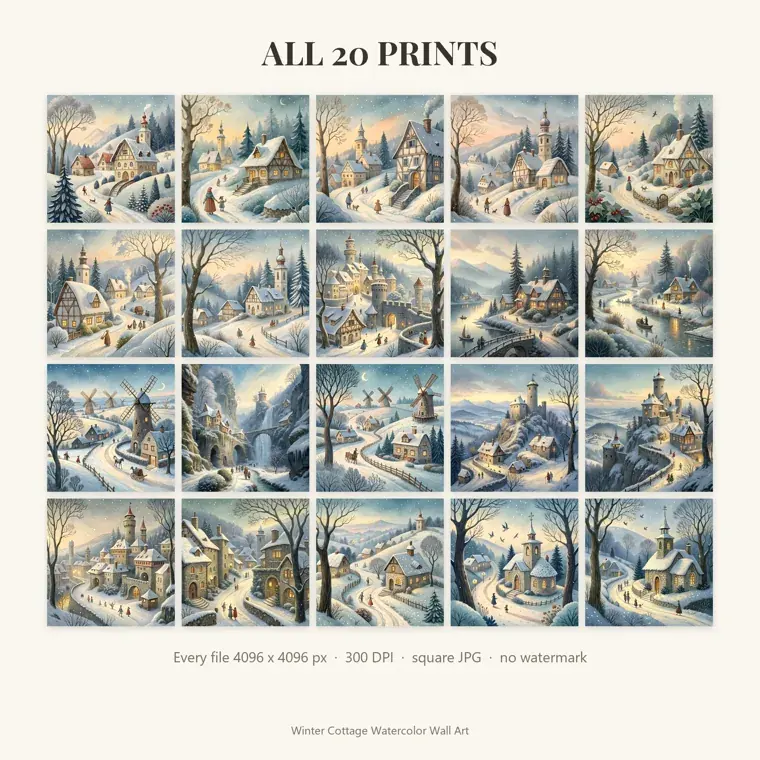
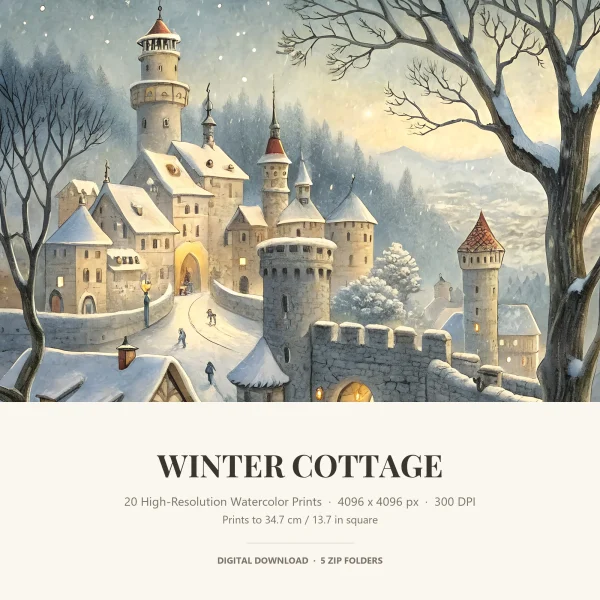
Our watercolor cottage sets are all square, so they’re a good test of step 3. Every picture in the Winter Cottage set is a 4096 × 4096 pixel JPG, enough for about 13.6 inches (34.7 cm) per side at 300 ppi. That covers 8 × 8, 10 × 10 and 12 × 12 square frames, and a 12 × 12 print still gets about 340 pixels per inch.
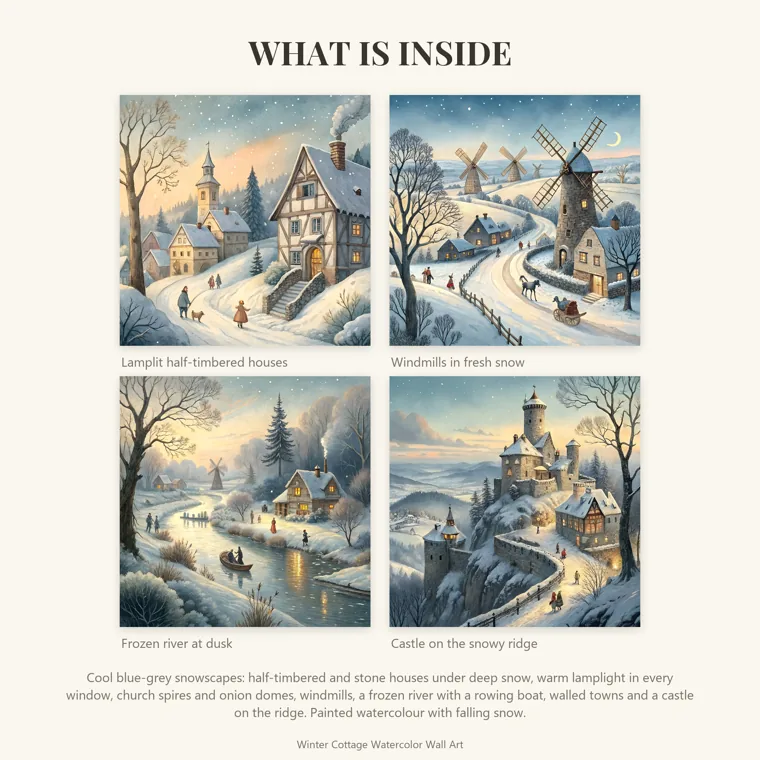
Putting one of these in an 8 × 10 frame means printing it at 10 × 10 and cutting 1 inch off two opposite sides. That’s fine for a busy scene and bad for one where a tower or a windmill reaches the edge.
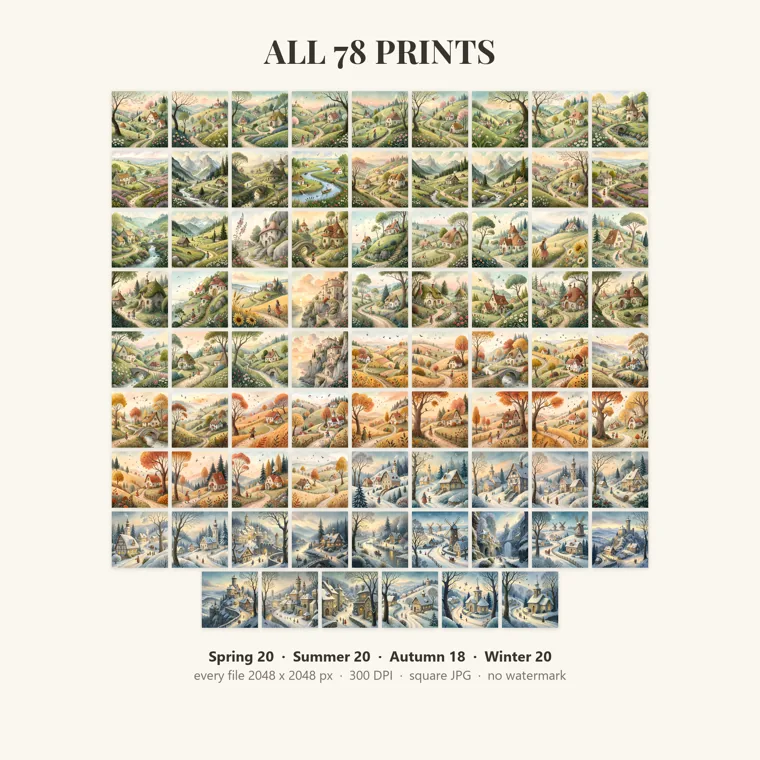
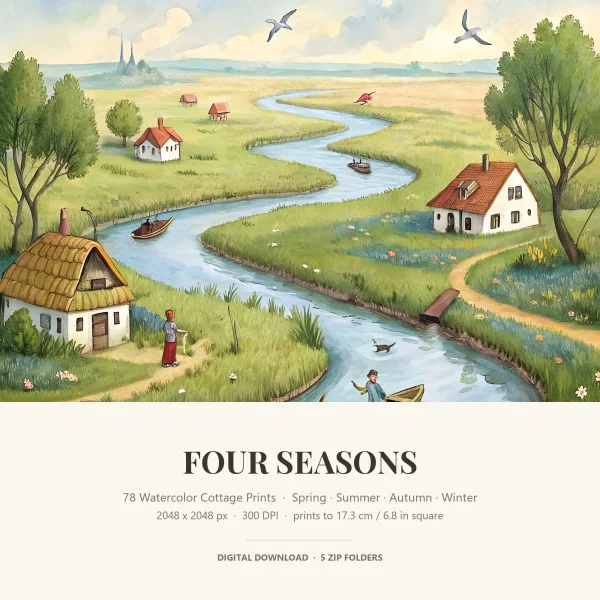
The Four Seasons set works the other way. It holds 78 square pictures (20 spring, 20 summer, 18 autumn and 20 winter), and each file is 2048 × 2048 pixels, so it prints to about 6.8 inches (17.3 cm) square at 300 ppi. That suits 5 × 5 or 6 × 6 frames on a shelf or desk. An 8 × 8 print from it still gets 256 pixels per inch, a little soft up close, so we’d keep these small and change the picture each season.
Our spring, summer and autumn cottage sets use the same 4096-pixel square files as the winter set, so the 12 × 12 ceiling applies to them too.
A4, A3 and US frame sizes compared
A-series paper and US frames don’t share a shape, which is why an A4 print never quite fits a US frame. Every A size, from A5 to A3, has the same proportions, roughly 1.41:1. US Letter and the 8 × 10 and 11 × 14 frames sit nearer 1.25 to 1.29, so they’re shorter and wider for their size.
| A size | Inches (mm) | Nearest US frame | What happens |
|---|---|---|---|
| A5 | 5.8 × 8.3 (148 × 210 mm) | 8 × 10 with a mat | Too long for a 6 × 8 frame |
| A4 | 8.3 × 11.7 (210 × 297 mm) | 11 × 14 with a mat, or an A4 frame | About 0.7 inch too tall for 8.5 × 11 |
| A3 | 11.7 × 16.5 (297 × 420 mm) | 16 × 20 with a mat, or an A3 frame | Too wide for 11 × 17, too long for 12 × 16 |
If you bought an A4 printable and only have Letter paper, the printer’s “fit to page” setting shrinks it by about 6% or a little more so the height fits, which leaves wider white margins at the sides. Trimmed, it fits an 8.5 × 11 frame, or an 8 × 10 if the design has room to lose.
A-size frames are easy to order online. For a whole set of A4 prints, that’s usually simpler than cutting custom mats.
How big can you print pictures at home?
Most home inkjet printers take US Letter paper, so the largest home print is 8.5 × 11 inches, a little less if the printer can’t print borderless. That’s enough for an 8 × 10, an 8 × 8 square or two 5 × 7 prints on one sheet. Many printers also feed 4 × 6 and 5 × 7 photo paper directly.
Wide-format photo printers go up to 13 × 19 inch sheets (sold as A3+ or Super B), which covers 11 × 14 and 12 × 12. Anything bigger, 16 × 20 and up, goes to a print shop or an online photo lab. Upload the original file at full size and order the exact frame size, so the lab doesn’t crop it to its own default shape.
For square prints, home printing tops out at 8 × 8 on Letter paper. A 10 × 10 or 12 × 12 print from our 4096-pixel files needs a shop, or a wide-format printer.
Measuring mistakes that leave a gap or crop the picture
Most framing problems trace back to one of these, and each is easy to catch with a tape measure before you buy.
Measuring the outside of the frame
The outside size includes the molding, so an old frame measured from the front gets bought too small. Measure the glass or the opening at the back. Use the outside size only when you’re planning the wall.
Trusting the DPI number in the file
The DPI or PPI tag stored in an image file doesn’t limit how large it prints. Only the pixel count does. A 4096-pixel file tagged 72 dpi prints just as large and sharp as the same file tagged 300 dpi, because the printer resizes it to whatever you set. We’d call it the most misleading piece of information in the file properties.
Printing for the window instead of the mat
A print made to the window size falls behind the mat. Print to the “matted for” size, which overlaps the window by about a quarter inch on each side, and keep important details away from that edge.
A last check for any frame: put the print in, close the back and look at all four edges before you hang it. A sliver of white on one side usually means the print was trimmed crooked, and that’s easier to fix before the nail goes in.
Printables from this article
Related articles
Printable Party Games
How to Plan a Baby Shower: Timeline, Food & 2-Hour Schedule
A baby shower plan from the first talk with the parents-to-be to the last gift: timing, guest list, budget, venue, a two-hour schedule, safe food and backup plans.
Printable Party Games
How to Plan a Bridal Shower: Timeline, Budget and Schedule
A host's plan for a bridal shower, from the first talk with the bride and co-hosts to the guest list, invitations, a timed party schedule, the gift opening and what to do when something slips.
Printable Flashcards
Pattern Activities for Preschool: AB to Growing Patterns
Fourteen pattern activities for preschoolers, ordered from first AB rhythms to growing number patterns, with what to prepare, how long each takes and where kids get stuck.