 1 / 4
Modern Wedding Invitations: Name-Led Line Art Ring Design with RSVP, Details and Thank You Cards and a QR Code Space on the RSVP, in White and Beige
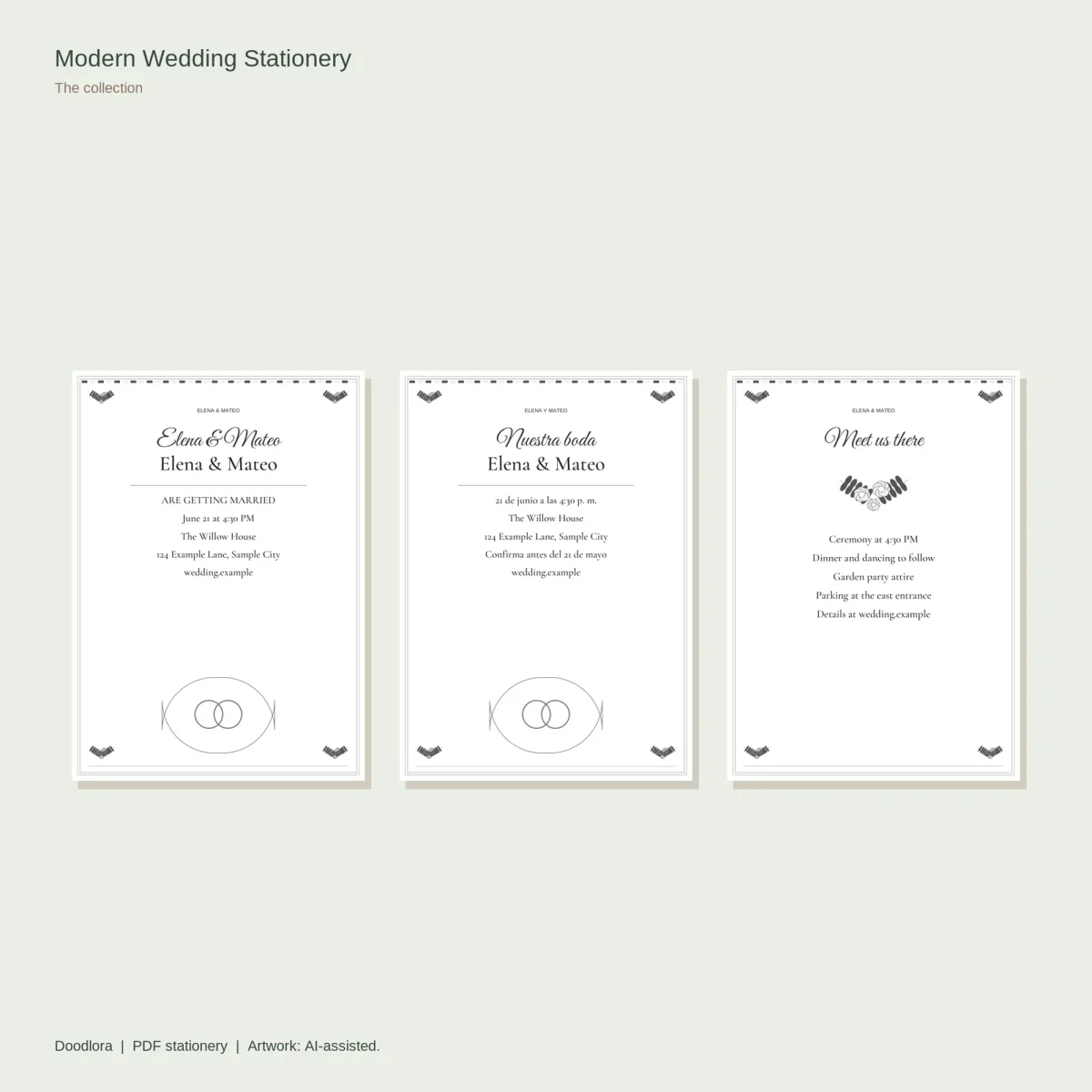
The couple's names open this invitation twice, once in flowing script and again in a large serif, with two interlocking rings drawn in thin line inside an oval frame below. The reply card swaps the usual write-in lines for a square where your own RSVP QR code goes, and every card comes in crisp white or soft beige, in English and Spanish.
$3.99
Buy any 3 or more printables and save 20% at checkout.
- Download right after payment — link works for 30 days, up to 5 downloads
- Files arrive as a ZIP with your license PDF inside
- Secure checkout by Stripe · Refund policy
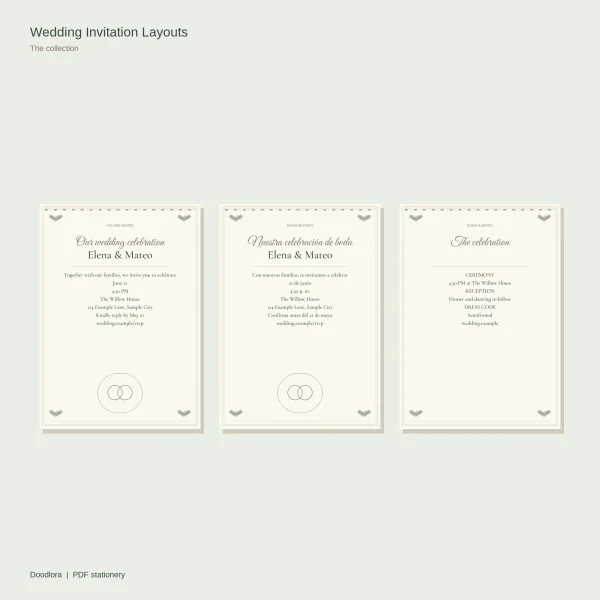
Names come first on this invitation. A small capitals line names the couple, then “Elena & Mateo” appears in large script and again directly below in a serif face, before a thin rule and “ARE GETTING MARRIED” with the date, venue and address. Near the foot sits the one drawn element: two interlocking rings in a single thin line, framed by a thin oval with a short upright stroke at each side.
White or beige
| White | Beige | |
|---|---|---|
| Card | Pure white | Soft beige |
| Lettering | Near-black | Warm taupe |
| Rings, rules, corner sprigs | Gray and black | Taupe |
| Flowers on the back page, details and thank-you | A stylized spray of gray leaves and white roses | A full-color bouquet of cream and blush roses |
The Spanish cards follow the same layout, though the Spanish invitation puts “Nuestra boda” in the script line and keeps the names in serif beneath it.
The QR reply card
The 3.5 x 5 in reply card is built for answering online. Under “Your reply” (“Tu respuesta”) it gives the reply-by date and an RSVP web address, then a square of about 1.2 in marked YOUR QR CODE. There are no name or guest lines to fill in by hand.
To use it:
- Create a QR code that opens your RSVP form or wedding website.
- In a design program that can edit PDF pages, place it over the square, and replace the sample web address above it with yours.
- Cover the reminder lines around it as well: “Add your own RSVP code” above, “Replace and test your RSVP code” below, and on the English card a tiny note along the bottom edge.
- Print one card at actual size and scan it with a couple of phones before printing the rest.
The other pieces
- Back page (5 x 7): “Meet us there”, with the ceremony time, dinner and dancing, garden party attire, a parking note and a details web address.
- Details card (4 x 6): reception, hotel shuttle time, dress code and a note asking guests to share dietary needs.
- Folded thank-you (8.5 x 5.5 in spread, 4.25 x 5.5 in folded): the rings and the names in script on the back, “Thank You” over the flowers on the front, and inside a short printed message beside a panel left blank except for “A note from the heart”.
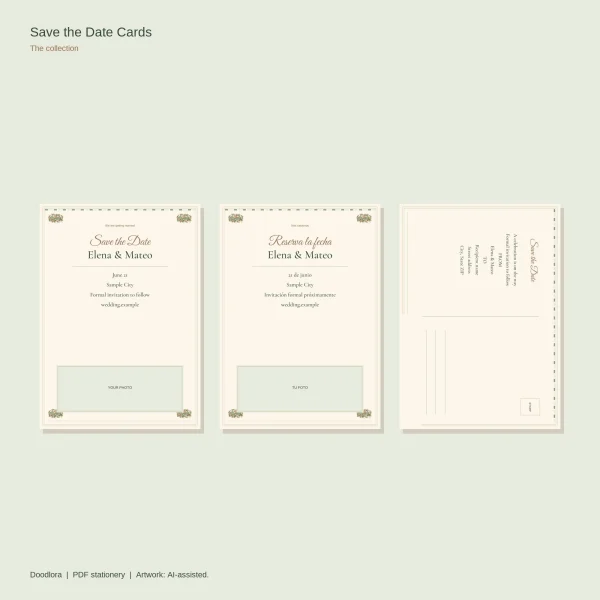
- Picture version of the invitation (5 x 7): the rings give way to a wide YOUR PHOTO strip about 3.9 x 1.4 in, filled the same way as the QR square.
- 4 x 6 invitation and a phone image for sending by text or email.
The English 5 x 7 invitation leaves the reply date to the reply card, while the Spanish one prints “Confirma antes del 21 de mayo”. All names, places and wedding.example addresses are sample text. Print the Letter or A4 file at 100% and cut on the crop marks.
Questions
- Is there a working QR code on the reply card?
- No. The square reads YOUR QR CODE (TU CÓDIGO QR on the Spanish card) and is a placeholder. You make a code that points to your own RSVP page and place it there before printing.
- Which cards have the QR space?
- Only the reply card, in both colors and both languages. The details card and the thank-you card have no QR or picture space.