 1 / 8
1 / 8
Butterfly Tattoo Designs: 20 Fine and Bold Line Outlines with Mirrored Versions
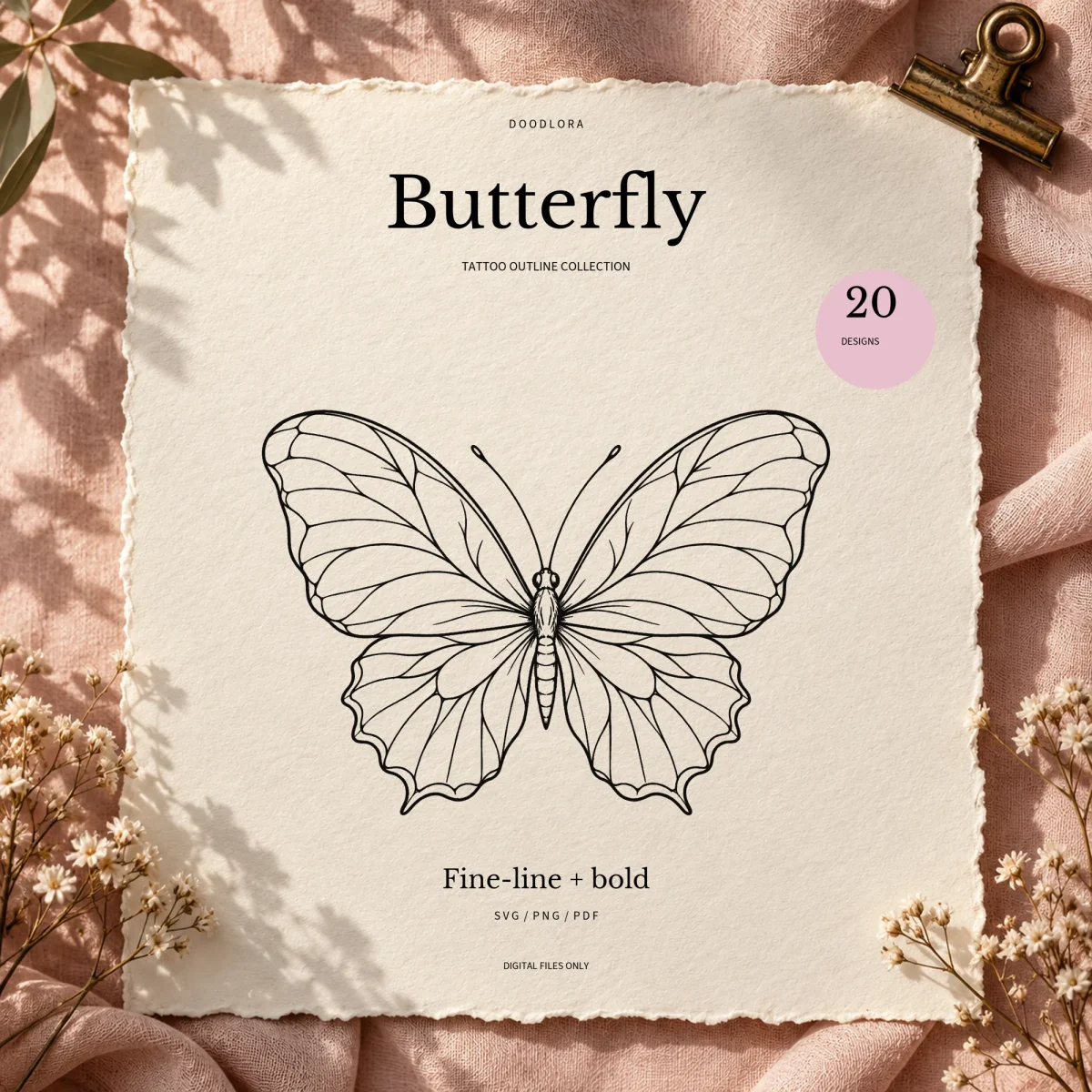
Twenty butterfly tattoo outlines that run from a detailed swallowtail and a stippled wing to cosmos, wild rose and lavender pieces, one-line butterflies and three tiny minimal ones. Every design comes in a fine and a bold line weight, facing forward and mirrored, with PDF pages that print it at 1, 2 and 4 inches.
$3.99
Buy any 3 or more printables and save 20% at checkout.
- Download right after payment — link works for 30 days, up to 5 downloads
- Files arrive as a ZIP with your license PDF inside
- Secure checkout by Stripe · Refund policy
Clean black outlines with no shading make up these 20 butterfly tattoo designs, ready to print, trace or bring to your artist while you settle on a design for yourself. Every one comes in two line weights and in two directions, and the PDFs lay each design out at three sizes, so you can judge a small butterfly tattoo against a larger piece before deciding.
Twenty designs, from detailed to one line
The first seven are single butterflies with plenty of linework. Design 01 spreads wide, scalloped wings filled with fine veins. Number 02 is a swallowtail with heavy black edge bands and long tails, 03 shades its wing edges with stippled dots, and 04 builds both wings from straight, faceted lines. Then come three side views: 05 rises with its wings up, 06 rests with its legs showing, and 07 turns in flight with one wing nearer than the other.
Groups and flowers fill the middle of the set:
- 08 three small butterflies climbing on a diagonal
- 09 three butterflies on a curved path with trailing swirls
- 10 a pair, one large and one smaller above it
- 11 a small butterfly over a single cosmos on a long stem
- 12 a butterfly beside an open wild rose and its leaves
- 13 a tiny butterfly at the tip of a lavender sprig
- 14 one wing pair on the left, the other half turned into a cosmos with buds and leafy sprays
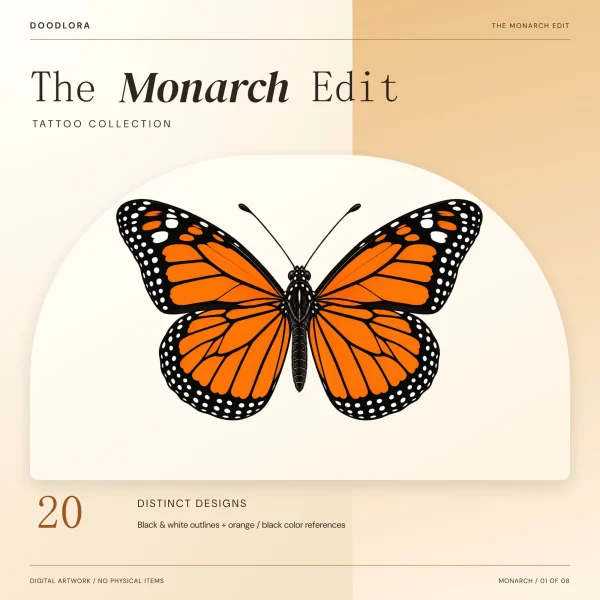
Two designs are drawn as if with one looping line, 15 front-on and 16 from the side. Design 17 is a monarch with spotted wing borders. The last three are the petites, a round wing (18), a pointed wing (19) and a side view (20), each with only a handful of lines.
Fine line or bold line
The two weights trace the same drawing. The bold version thickens every contour, which puts about a fifth to two-thirds more black on the page depending on the design. The fine version keeps the lighter look of a fine-line tattoo. Since each PDF page prints both rows side by side at the same three sizes, you can compare them on paper before picking.
Forward and mirrored
The mirrored files are exact left-to-right flips of the forward ones, in every format. They are there for transfer paper that needs a reversed print. The guide says to follow the paper maker’s instructions and to test on ordinary paper first.
How the PDF pages are laid out
Every page holds one design. The fine line row sits on top and the bold row below it, each printed at 1, 2 and 4 inches across the longest edge. A 2-inch line at the bottom lets you check with a ruler that your printer kept Actual Size or 100%. Size covers the whole composition, so at 1 inch the lavender sprig in 13 is only about a quarter inch wide. The guide points to the three petites for the smallest sizes, since fine detail gets harder to see as a design shrinks.
For a size the pages don’t offer, use the SVG or PNG. Both sit on an 8 x 8 inch canvas with the longest edge of the art about 7.6 inches. Each SVG is one black filled shape that follows the ink edges, not a centerline stroke you can change the width of. There is no DXF in this set, and the guide makes no promise about how any design behaves on transfer paper or skin.
Questions
- How is the 1, 2 or 4 inch size measured?
- Across the longest edge of the whole design, flowers and every butterfly in a group included. In the trio, each of the three butterflies is much smaller than the size printed under it.
- Should I use the mirror file or flip it myself?
- Do one or the other, never both. The guide says to pick the mirror PDF or mirror once in your printing software if your transfer paper calls for a reversed print. In the mirror PDFs only the artwork is flipped, so the labels still read normally.