 1 / 5
Digital Wedding Invitations for Phone and Email, with Save the Date, Details and RSVP Screens plus a Printable 5×7 Invite
A wedding invitation made to be sent from your own phone or inbox: tall images for the invitation, save the date, details and reply screens, a wide email banner and a short video clip, plus a 5 x 7 version for guests who should get paper. You send the files yourself; nothing here hosts the invitation or collects replies.
$3.99
Buy any 3 or more printables and save 20% at checkout.
- Download right after payment — link works for 30 days, up to 5 downloads
- Files arrive as a ZIP with your license PDF inside
- Secure checkout by Stripe · Refund policy
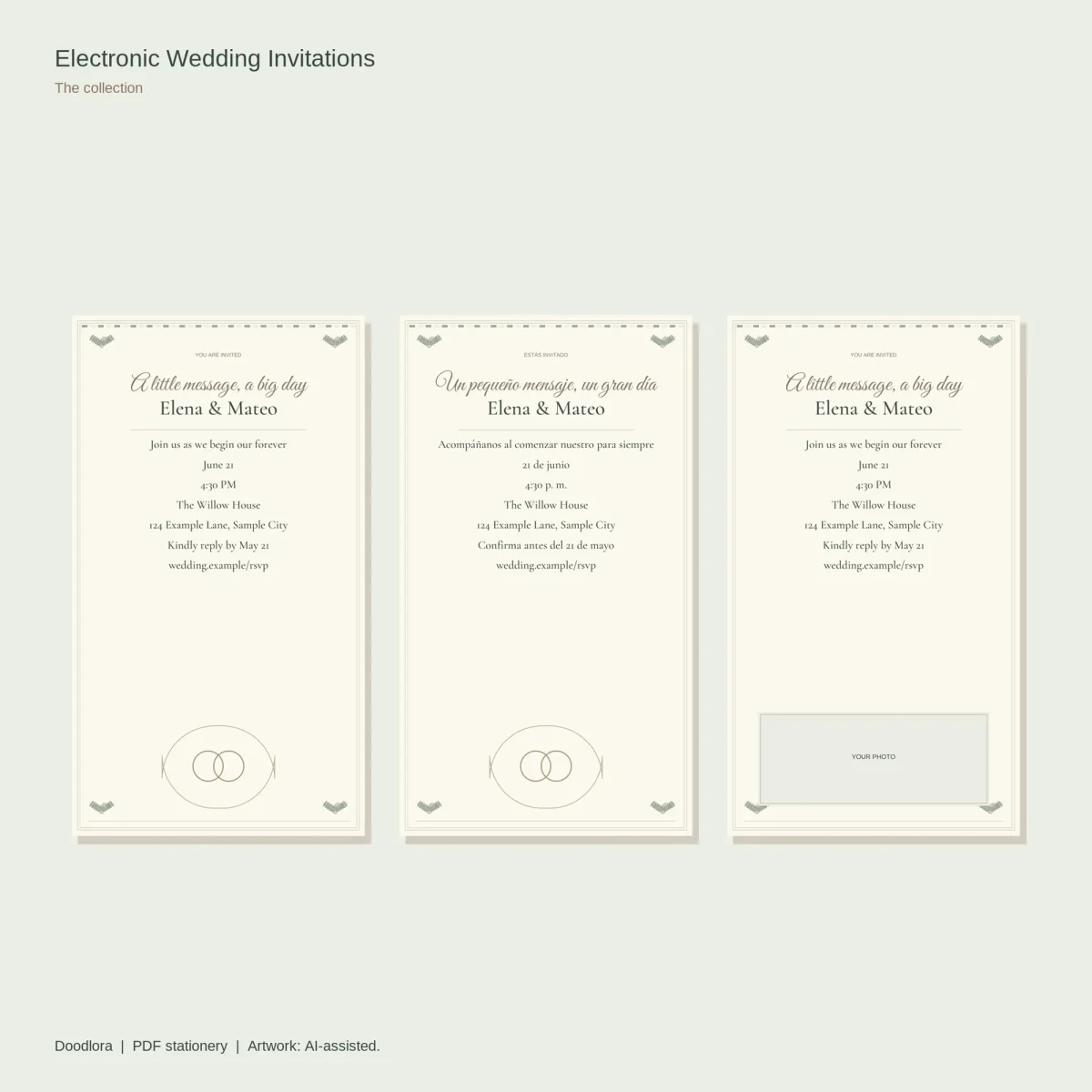
What you buy here is a set of picture files, not an online invitation service. You get the invitation as tall phone images, a wide email banner and a six-second video, all in a quiet ivory design with two thin tan line-drawn rings in an oval and small sage sprigs in the corners, and you send them through the apps you already use.
The five phone screens
| Screen | Heading | What it says |
|---|---|---|
| Invitation | A little message, a big day | Join us as we begin our forever, date, time, venue, reply-by date |
| Invitation with photo | same | Same text, with a Your photo frame where the rings sit |
| Save the date | Save the Date | We are getting married, Formal invitation to follow, date and place |
| Details | The details | Ceremony time, venue, semiformal dress code, a line for a wedding website QR code |
| Reply | Kindly reply | Reply-by date, reply web address, Include guest names and dietary needs |
Each screen has a Spanish twin (Un pequeño mensaje, un gran día; Reserva la fecha; Los detalles; Confirma tu asistencia). The email banner reads Our wedding day with the couple’s names, the date and a web address, and the video slowly zooms in on the English invitation with no sound.
Putting your own details in
All the images show sample text: Elena & Mateo, June 21, The Willow House and wedding.example. The matching pages in Native-Size.pdf (pages 1 to 12) are the source for the phone screens and banner. Open them in a PDF-capable design editor, change the wording and add your photo to the frame version, then export each page as an image. The video plays the sample invitation and cannot be changed in a PDF editor, so it works as-is only if you are happy to send the sample wording; otherwise, leave it out.
For guests who need paper
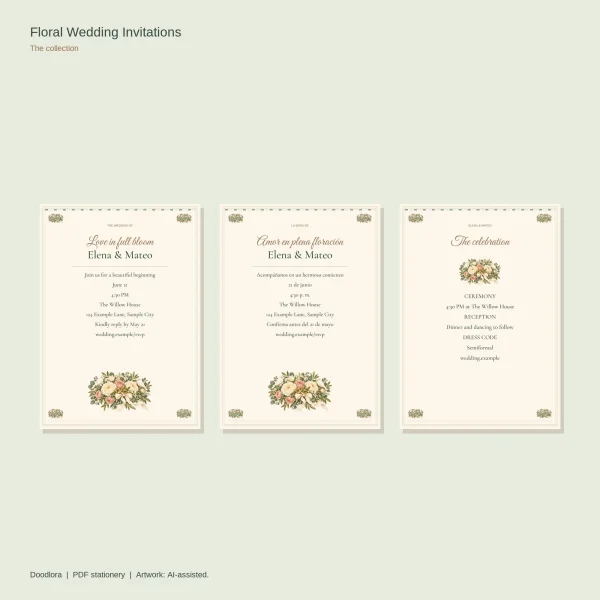
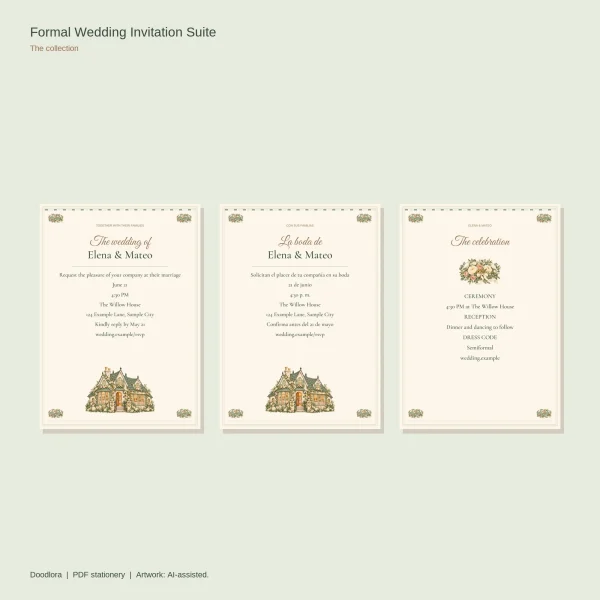
A 5 x 7 printed invitation carries the same wording as the phone screen, and a second 5 x 7 card, The celebration, adds a rose bouquet, ceremony time, Dinner and dancing to follow and the dress code. The invitation also comes at 4 x 6, in 7 x 5 and 6 x 4 landscape, and with a photo frame. The email banner is on the print sheets as well, two to a page. Keep the print scale at 100% rather than Fit to Page.
Questions
- Can guests reply through the invitation?
- No. The Kindly reply screen is an image that tells guests where and by when to answer, with the sample address wedding.example/rsvp and the line Include guest names and dietary needs. Put your own reply link, email or phone number in that spot; replies then arrive wherever that leads, and you keep track of them yourself.
- How do I send it?
- Save the finished JPG to your phone and attach it to a text or group chat message, or to an email. The 1200 x 628 banner is the piece to place at the top of an email message. Guests receive an ordinary image file; no app or account is needed to view it.