 1 / 6
Content Creator Planner: 51 Undated Pages with 12 Monthly Pages, Weekly Content Schedules, a Content Idea Bank, Post Workflows, a Multi Channel Tracker and Brand Contact Pages
A planner for people who publish on more than one channel, covering the whole loop from catching an idea to scoring it, producing it, posting it and checking the numbers. The back pages keep brand contacts and paid deals apart from the creative work.
$4.99
Buy any 3 or more printables and save 20% at checkout.
- Download right after payment — link works for 30 days, up to 5 downloads
- Files arrive as a ZIP with your license PDF inside
- Secure checkout by Stripe · Refund policy
Built for anyone running a blog, a video channel, a newsletter or a podcast, often all at once, this content creator planner has 51 undated pages. No platform is named on any page. The channel rows read Blog, Video, Email, Podcast and Social, and most other tables leave a blank “Channel” column for you to fill.
Ideas before schedules
A good share of the book sits before anything gets made. The Content Idea Bank logs each idea with its channel, its format and a box to tick once you use it, and leaves a strip at the bottom for “sparks to revisit”. Idea Capture by Channel sorts loose ideas into blog, video, email and podcast boxes, plus one for questions your audience keeps asking. When there are too many to make, the Topic Scorecard rates each topic for fit, effort and appeal and adds up a total. The Idea Ranking Sheet then marks which ones to make next and which to park for later.
Making one piece
Content Production Flow breaks a piece into a short script outline (hook, main point, example, call to action), then two checklists, one for shooting and editing and one for publishing. Single Post Workflow is the lighter version for one post: script lines, a film-and-edit checklist, a caption draft and final checks. The checklist lines are blank, so you write your own steps once and reuse them.
The week and the month
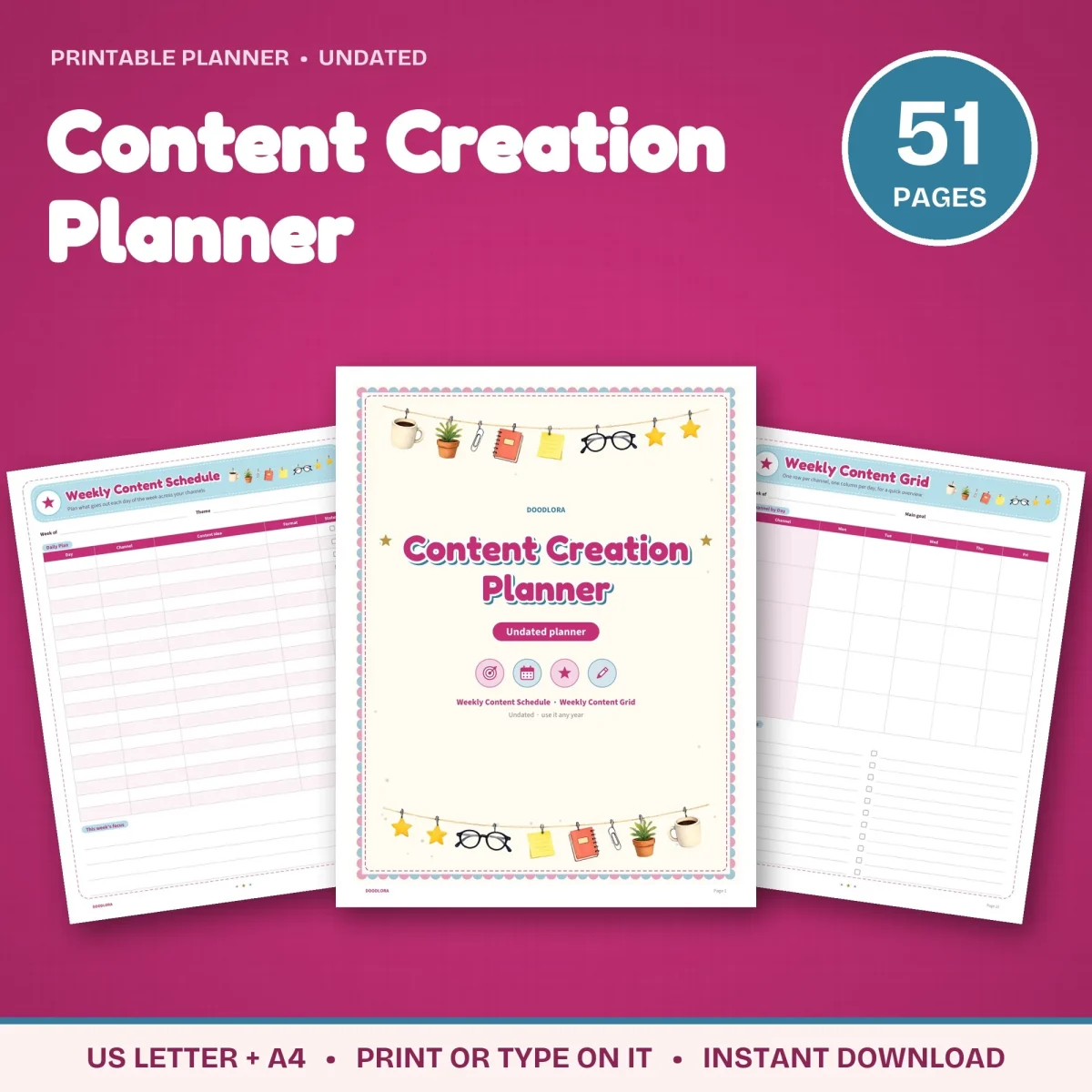
The four Weekly Content Schedule pages give each day a row with its channel, idea, format and a status box. The Weekly Content Grid squeezes the same week into a chart of five channels against Monday to Friday, with a publish checklist underneath. The day pages split into a Daily Creation Checklist with Create and Publish lists, and Daily Content Tasks, which notes time spent, wins and what moves to tomorrow.
Once things are live, the Multi Channel Tracker lists each title by channel and date with a “live” box. At the end of the month, the Content Review compares posts, reach and engagement for each channel. The Numbers Recap sets last month, this month and a target side by side for posts, reach, engagement, subscribers and sales.
Brand work
The Brand Contact List keeps a brand, a contact person, an email, a status and follow-up notes in each row. The Partnership Tracker follows a deal through deliverable, rate and a paid box, with room for pitch ideas.
The 12 monthly calendars come in a Sunday-start and a Monday-start file. In the fillable copies, 49 of the 51 pages take typing, 3,642 boxes in all.