 1 / 4
School Bus Clipart: Bus Views, a Blank Name Frame, Bookmark and Door Sign, Back-to-School Icons and 9 Sayings
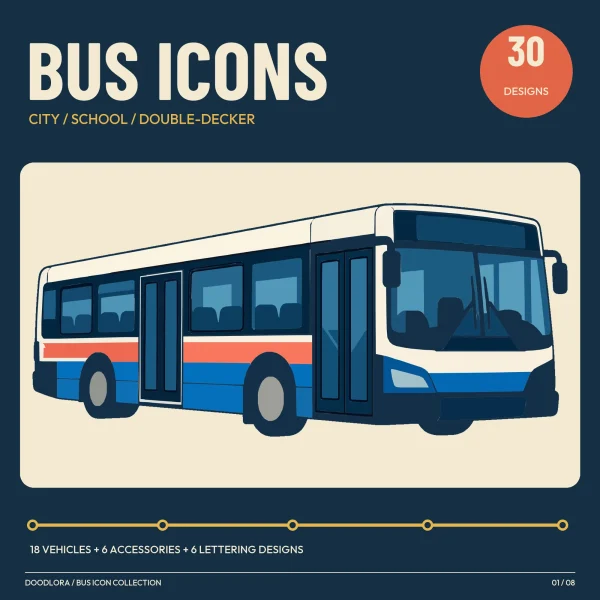
Chunky flat-color school buses in mustard yellow with thick navy outlines, from a full side view to a head-on front and a rear with its emergency door, plus three buses left blank for a name, six classroom icons and nine round, octagon and square badges with a tiny bus across the middle.
$3.99
Buy any 3 or more printables and save 20% at checkout.
- Download right after payment — link works for 30 days, up to 5 downloads
- Files arrive as a ZIP with your license PDF inside
- Secure checkout by Stripe · Refund policy
These buses are built like icons: bold mustard yellow bodies, rounded corners, a heavy navy outline and a few cream and pale-blue fills for lights and glass. Each bus in the layered files comes down to about six flat colors, which keeps it manageable to cut in a few colors of vinyl or card.
The buses
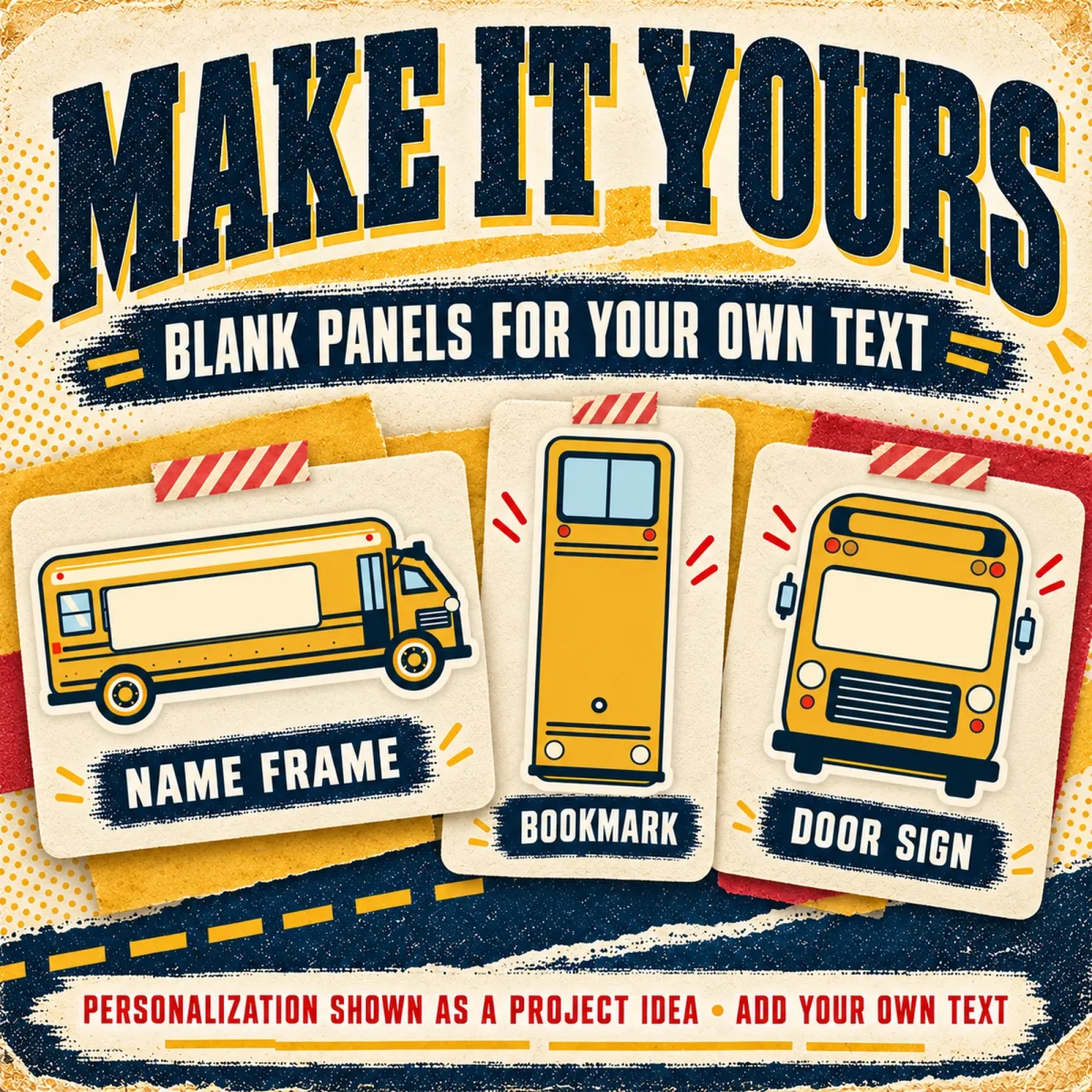
01 is the long side view, 02 the front with SCHOOL BUS across the top, and 10 the back, showing the emergency door and taillights. The short bus appears twice (04, and 05 with dot eyes), 06 is the same short bus with its door folded open, and 03 is a stylized angled view. Three more buses are blank templates: 07 is the side view with a long empty panel along the windows for a child’s name, 08 is a tall narrow bus shaped like a bookmark, and 09 is the front view with a blank cream windshield that works as a classroom door sign.
Icons and sayings
The six accessories are a traffic light, a decorative STOP sign on a post (craft art, not a traffic sign), a pencil, a backpack, a red apple and a dashed route arrow. The sayings sit inside badges shaped like octagons, circles and squares, each split by a thin line with a tiny bus riding along it. Back to School, School Days, Ready to Roll, Hello School, Learn and Grow and Adventure Ahead are about the start of school; Thank You Bus Driver, Best Bus Driver and You Make a Difference are written for the person behind the wheel.
Layered and single-color files
In the layered SVG files each color sits in its own named group, and the DXF files put each color on its own layer, so you can pick which colors of material to cut and stack. Add your own registration marks if you need them. The single-color files turn every design into a black outline drawing, with windows and wheels drawn as lines, while the sayings keep solid black lettering. Some details are small, so look at the design at the final size and simplify it before cutting if needed, then try a small piece of your material first.
Questions
- How do I add a name to the frame, bookmark or door sign?
- Designs 07 and 09 have an empty cream panel where the windows or windshield would be. Type the name as a separate text object on top in your design software. The bookmark (08) has a small circle near the bottom you can punch for a ribbon.
- What sizes does the guide suggest?
- About 7 to 10 inches wide for the buses, 8 to 10 inches for the saying badges and 3 to 4 inches for the small icons. Resize all layers of a design together so the colors stay lined up.